Sharp MX-B201D Specifikace Strana 96: Lamp indicator Display
 1
 2
 3
 4
 5
 6
 7
 8
 9
 10
 11
 12
 13
 14
 15
 16
 17
 18
 19
 20
 21
 22
 23
 24
 25
 26
 27
 28
 29
 30
 31
 32
 33
 34
 35
 36
 37
 38
 39
 40
 41
 42
 43
 44
 45
 46
 47
 48
 49
 50
 51
 52
 53
 54
 55
 56
 57
 58
 59
 60
 61
 62
 63
 64
 65
 66
 67
 68
 69
 70
 71
 72
 73
 74
 75
 76
 77
 78
 79
 80
 81
 82
 83
 84
 85
 86
 87
 88
 89
 90
 91
 92
 93
 94
 95
 96
 97
 98
 99
 100
 101
 102
 103
 104
 105
 106
 107
 108
 109
 110
 111
 112
 113
 114
 115
 116
 117
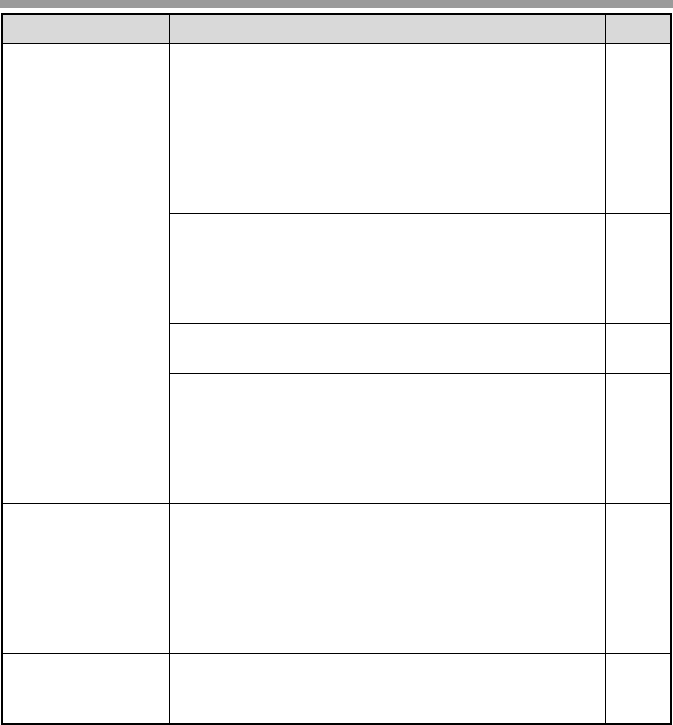
TROUBLESHOOTING AND MAINTENANCE
95
The printed
image is skewed
or it runs off the
paper.
The paper loaded in the tray is not the same size
as that specified in the printer driver.
→
Check if the "Paper Size" options suit the size of
the paper loaded in the tray.
→
If the "Fit To Paper Size" setting is activated, make
sure that the paper size selected from the drop-
down list is the same as the size of the loaded
paper.
–
The orientation of document setting is not
correct.
→
Click the "Main" tab in the printer driver setup
screen, and verify if the "Image Orientation" option
is set to your requirements.
–
Paper is not loaded properly.
→
Make sure the paper is properly loaded.
12
You did not correctly specify the margins for the
application in use.
→
Check the layout of the document margins and the
paper size settings for the application you are
using. Also check if the print settings are specified
correctly to suit the paper size.
–
The printed
image is darker
or lighter than
expected.
The setting for the print density is not
appropriate.
→
You can adjust the print density on the printer
driver. Click the "Advanced" tab in the printer
driver setup screen, and click the "Compatibility"
button. Select the "Print Density Level" from 1
(light) to 5 (dark).
–
Error indicators is
lit or blinking.
See "DISPLAY MESSAGES" to check the meaning
of the error indicator and error message in the
display, and take appropriate action.
87
Problem
Cause and solution
Page
Soubor PDF · ·
Otázky k Sharp MX-B201D
K tomuto návodu zatím nejsou žádné otázky. Položte první.
Související produkty a manuály pro Tisk a skenování Sharp MX-B201D
- Tisk a skenování Sharp MX-M350U Průvodce nastavením
 (91 stránek)
- Tisk a skenování Sharp AR-208S Uživatelský manuál
 (104 stránek)
- Tisk a skenování Sharp M450U Průvodce nastavením
(93 stránek)
- Tisk a skenování Sharp MX-6200N Uživatelský manuál
 (12 stránek)
- Tisk a skenování Sharp AR-FX5 Uživatelský manuál
(6 stránek)
- Tisk a skenování Sharp MX-B201D Uživatelský manuál
(4 stránky)
- Tisk a skenování Sharp AR-M351U Uživatelský manuál
(12 stránek)
- Tisk a skenování Sharp AR-M455 Operation Specifikace
(183 stránek)
- Tisk a skenování Sharp MX-C300PL Uživatelský manuál

 (108 stránek)
- Tisk a skenování Sharp AJ-5030 Uživatelský manuál
(148 stránek)
- Tisk a skenování Sharp DX-B450P Instalační manuál
(28 stránek)
- Tisk a skenování Sharp MX-M350 Specifikace
(110 stránek)
- Tisk a skenování Sharp SF-2014 Uživatelský manuál
(6 stránek)
- Tisk a skenování Sharp AR-M450 Uživatelský manuál
(8 stránek)
- Tisk a skenování Sharp AR-M455 Operation Uživatelský manuál
(18 stránek)
- Tisk a skenování Sharp Z-845 Uživatelská příručka
(44 stránek)
- Tisk a skenování Sharp AR-RB1 Uživatelský manuál
(4 stránky)
- Tisk a skenování Sharp AL-2020 Uživatelský manuál
(42 stránek)
- Tisk a skenování Sharp MX-2700G Uživatelský manuál
(12 stránek)
- Tisk a skenování Sharp AR-M351U Uživatelský manuál
(7 stránek)