Sharp MX-B201D Specifikace Strana 12: LOADING PAPER
 1
 2
 3
 4
 5
 6
 7
 8
 9
 10
 11
 12
 13
 14
 15
 16
 17
 18
 19
 20
 21
 22
 23
 24
 25
 26
 27
 28
 29
 30
 31
 32
 33
 34
 35
 36
 37
 38
 39
 40
 41
 42
 43
 44
 45
 46
 47
 48
 49
 50
 51
 52
 53
 54
 55
 56
 57
 58
 59
 60
 61
 62
 63
 64
 65
 66
 67
 68
 69
 70
 71
 72
 73
 74
 75
 76
 77
 78
 79
 80
 81
 82
 83
 84
 85
 86
 87
 88
 89
 90
 91
 92
 93
 94
 95
 96
 97
 98
 99
 100
 101
 102
 103
 104
 105
 106
 107
 108
 109
 110
 111
 112
 113
 114
 115
 116
 117
11
2
Chapter 2
LOADING PAPER
The tray location indicator will blink when there is no paper in the selected paper
tray, or when the selected paper tray is not closed or is improperly closed.
PAPER
For best results, use only SHARP recommended paper.
*
1
The number of sheets of paper that can be loaded varies depending on the weight of
the paper.
*
2
Do not use non-standard envelopes or envelopes that have metal clasps, plastic
snappers, strings, windows, linings, self-adhesive strips, patches or synthetic materials.
Do not use envelopes that are filled with air or envelopes that have labels or stamps
attached. These will damage the machine.
*
3
When using paper heavier than 104 g/m
2
, use paper that is A4 or smaller.
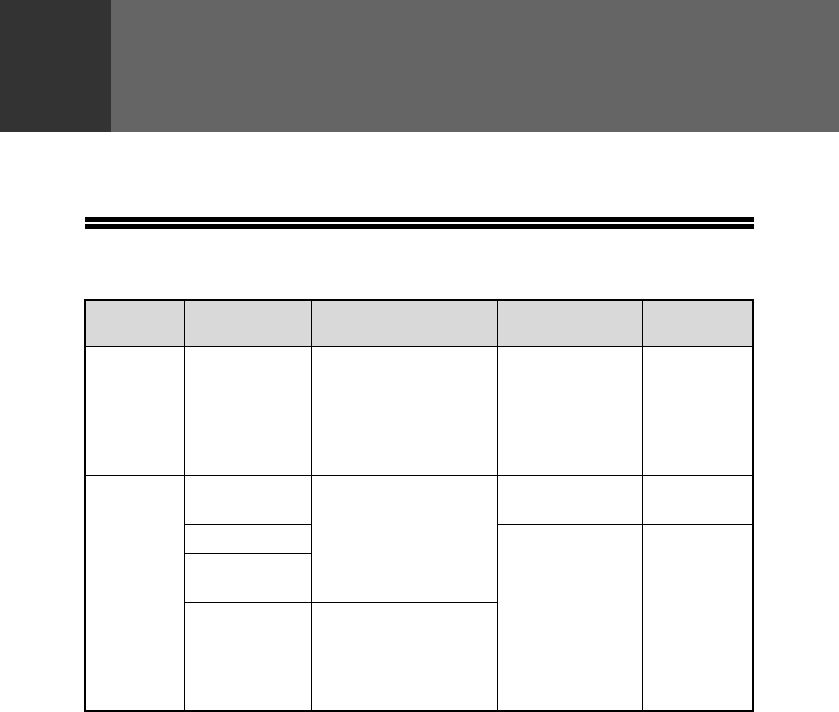
Paper tray
type
Paper type
Size
Weight
Capacity
Paper tray
Standard paper
Recycled paper
A5, B5, A4
56 g/m
2
to
80 gm
2
250 sheets *
1
(The paper
should not
exceed the
line on the
tray)
Bypass tray Standard paper
Recycled paper
A6 to A4
56 g/m
2
to
80 gm
2
50 sheets *
1
Thick paper
106 g/m
2
to
128 g/m
2
*
3
Load one
sheet at a
time in the
bypass tray.
Transparency
film/Labels
Envelopes *
2
Monarch
Commercial 9
Commercial 10
DL
C5
Soubor PDF · ·
Otázky k Sharp MX-B201D
K tomuto návodu zatím nejsou žádné otázky. Položte první.
Související produkty a manuály pro Tisk a skenování Sharp MX-B201D
- Tisk a skenování Sharp MX-M350U Průvodce nastavením
 (91 stránek)
- Tisk a skenování Sharp AR-208S Uživatelský manuál
 (104 stránek)
- Tisk a skenování Sharp M450U Průvodce nastavením
(93 stránek)
- Tisk a skenování Sharp MX-6200N Uživatelský manuál
 (12 stránek)
- Tisk a skenování Sharp AR-FX5 Uživatelský manuál
(6 stránek)
- Tisk a skenování Sharp MX-B201D Uživatelský manuál
(4 stránky)
- Tisk a skenování Sharp AR-M351U Uživatelský manuál
(12 stránek)
- Tisk a skenování Sharp AR-M455 Operation Specifikace
(183 stránek)
- Tisk a skenování Sharp MX-C300PL Uživatelský manuál

 (108 stránek)
- Tisk a skenování Sharp AJ-5030 Uživatelský manuál
(148 stránek)
- Tisk a skenování Sharp DX-B450P Instalační manuál
(28 stránek)
- Tisk a skenování Sharp MX-M350 Specifikace
(110 stránek)
- Tisk a skenování Sharp SF-2014 Uživatelský manuál
(6 stránek)
- Tisk a skenování Sharp AR-M450 Uživatelský manuál
(8 stránek)
- Tisk a skenování Sharp AR-M455 Operation Uživatelský manuál
(18 stránek)
- Tisk a skenování Sharp Z-845 Uživatelská příručka
(44 stránek)
- Tisk a skenování Sharp AR-RB1 Uživatelský manuál
(4 stránky)
- Tisk a skenování Sharp AL-2020 Uživatelský manuál
(42 stránek)
- Tisk a skenování Sharp MX-2700G Uživatelský manuál
(12 stránek)
- Tisk a skenování Sharp AR-M351U Uživatelský manuál
(7 stránek)