Sharp MX-2700G Uživatelský manuál
Procházejte online nebo si stáhněte Uživatelský manuál pro Tisk a skenování Sharp MX-2700G. MX-2700G - Three Start Electronics Uživatelská příručka
- Strana / 12
- Tabulka s obsahem
- KNIHY

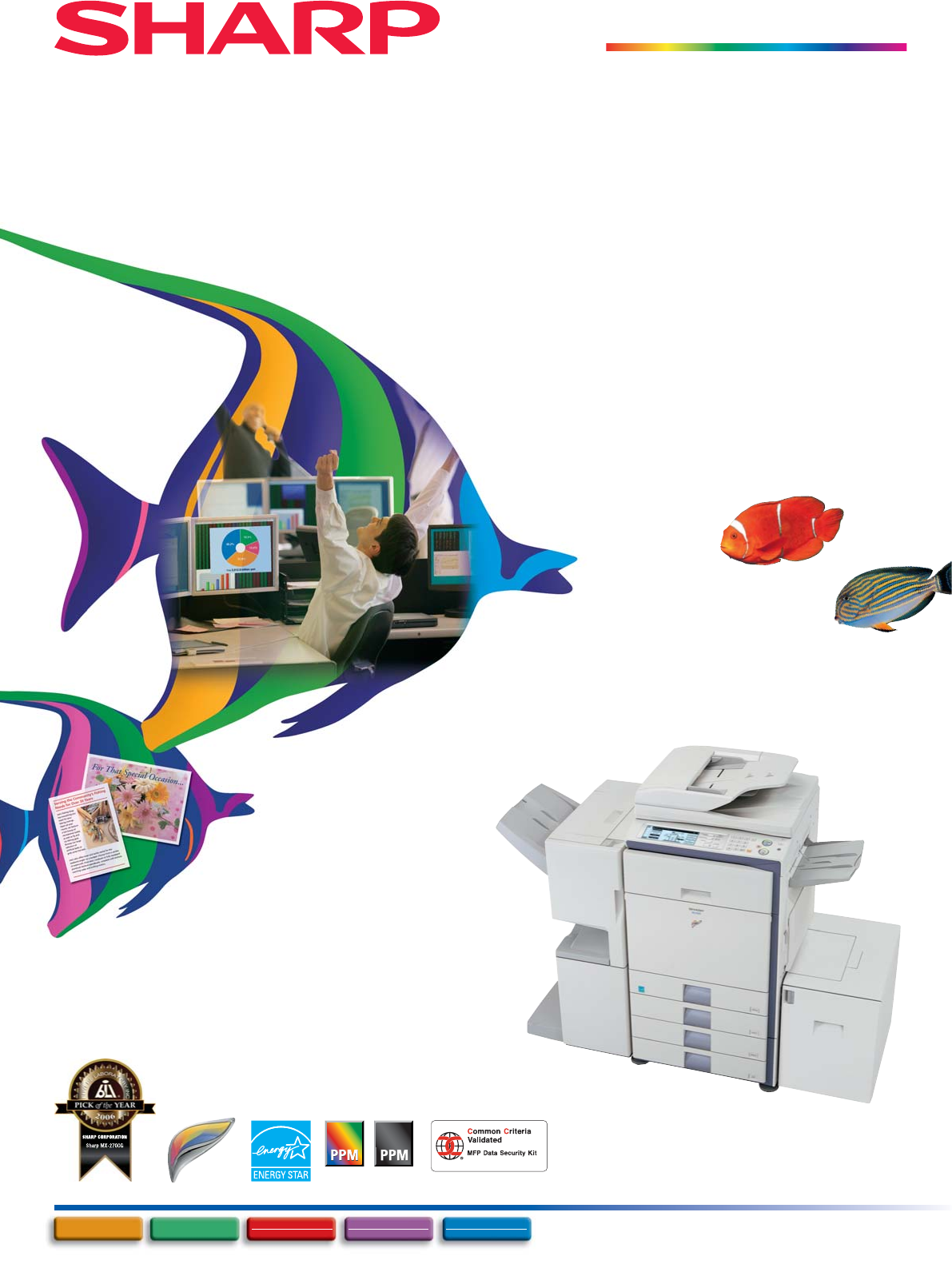
Shrnutí obsahu
MX-2700GDigital Full Colour Multifunctional System27272727MX-FRX1 VERSION M.10The validation obtained by this product concerning information security
9Web-based PAU 4.0Printer Status MonitorWeb-based device managementEnvironmentally AdvancedEasy OperationENVIRONMENT & USER-FRIENDLYEnvironmentall
10The MX-FRX1 and MX-AMX2/3 cannot be attached at the same time.Some options may not be available in some areas.orMX-DEX2Stand with 2 x 500-Sheet Pape
MX-2700GMX-2700GDigital Full Colour Multifunctional System(tentative)SPECIFICATIONS• Design and specifications are subject to change without prior not
1MX-2700GDigital Full Colour Multifunctional SystemFull-Colour MFP Performance for Enhanced Office WorkflowThe Leading Edge in Environmental Performan
2Summary of Significant Accounting and Reporting Policies(a) Basis of presenting consolidated financial statements Sharp Corporation (the "Com
327272727A Variety of Job Finishing OptionsSaddle stitching Stapling Hole punchingPRODUCTIVENETWORK-READY MacintoshEthernet(10Base-T/100Base-TX)PrintC
4SUPERB PRINT QUALITYVERSATILECopyCopyPrintPrintCopyCopyPrintPrintCopyCopyPrintPrintCopyCopyCopCopyCopyPrintPrintPrintCopyCopyPrintPrintPrintCopCopyCo
5Sharpdesk for Total Document ManagementCopyCopyPrint**Print**Scan*Scan*Fax/Internet Fax*Fax/Internet Fax*PC-Fax*PC-Fax*PC-Internet Fax*PC-Internet Fa
6CopyCopyPrint**Print**Scan*Scan*Fax/Internet Fax*Fax/Internet Fax*PC-Fax*PC-Fax*PC-Internet Fax*PC-Internet Fax*ReuseSendTo e-mail or FTP* Fax or Int
7G314.4 KbpsSuper G333.6 Kbps(conceptual diagram)Transmission timePreparation timeFinishing timeTime Comparison between Super G3 and G3Internet FaxYou
8Set PIN on your PC. Confidentialprintouts won’t beread by others.Data is sent from PC.User enters PIN oncontrol panel.*****CONFIDENTIALUser authentic
Další dokumenty pro Tisk a skenování Sharp MX-2700G


Související produkty a manuály pro Tisk a skenování Sharp MX-2700G
 (28 stránky)
(92 stránky)
(8 stránky)
(240 stránky)
(8 stránky)
(127 stránky)
(217 stránky)
(108 stránky)
(191 stránky)
(38 stránky)
(28 stránky)
(92 stránky)
(8 stránky)
(240 stránky)
(8 stránky)
(127 stránky)
(217 stránky)
(108 stránky)
(191 stránky)
(38 stránky)
© 2020, manymanuals.cz. Všechna práva vyhrazena. | 0.038 s |
 Manymanuals.com
 Manymanuals.de
 Manymanuals.fr
 Manymanuals.it
 Manymanuals.pl
 Manymanuals.cz
 Manymanuals.es
 Manymanuals-pt.com
Komentáře k této Příručce