Sharp AL-2021 Specifikace Strana 77: TROUBLESHOOTING THE UNIT
 1
 2
 3
 4
 5
 6
 7
 8
 9
 10
 11
 12
 13
 14
 15
 16
 17
 18
 19
 20
 21
 22
 23
 24
 25
 26
 27
 28
 29
 30
 31
 32
 33
 34
 35
 36
 37
 38
 39
 40
 41
 42
 43
 44
 45
 46
 47
 48
 49
 50
 51
 52
 53
 54
 55
 56
 57
 58
 59
 60
 61
 62
 63
 64
 65
 66
 67
 68
 69
 70
 71
 72
 73
 74
 75
 76
 77
 78
 79
 80
 81
 82
 83
 84
 85
 86
 87
 88
 89
 90
 91
9
77
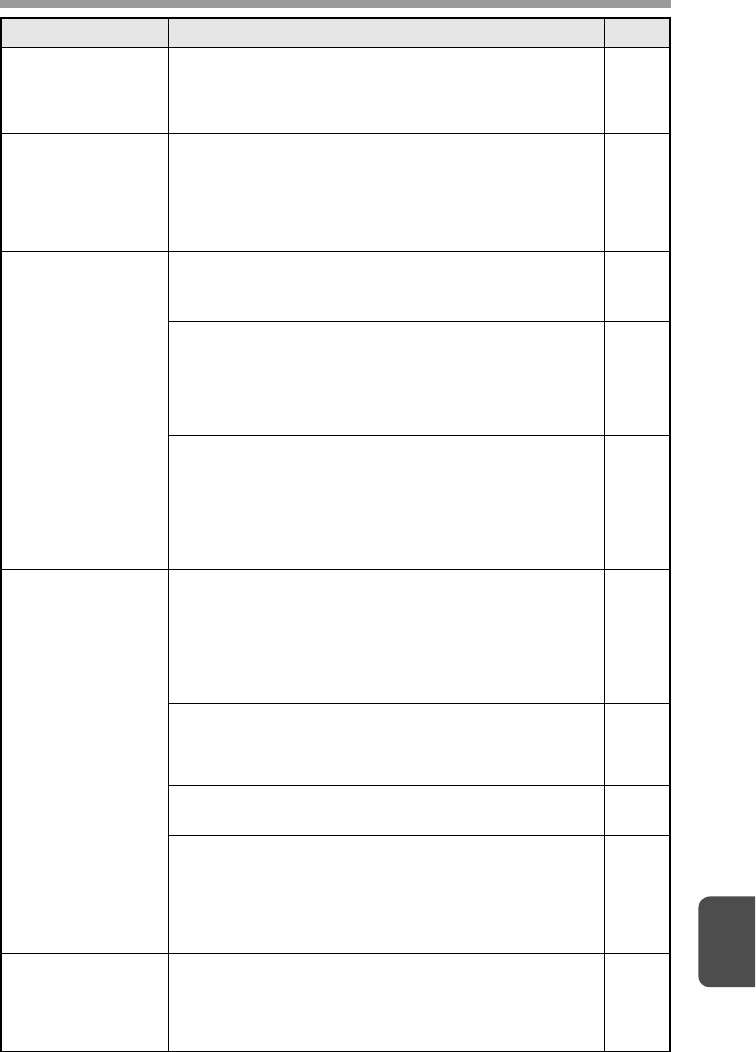
Printing is slow.
Simultaneous use of two or more application software
programs.
→
Start printing after quitting all unused application
software programs.
–
The printed image
is light and
uneven.
The paper is loaded so that printing takes place on the
rear side of the paper.
→
Some paper types have a front and rear side. If the
paper is loaded so that printing takes place on the rear
side, toner will not adhere well to the paper and a good
image will not be obtained.
10
The printed image
is dirty.
You are using paper that is outside the specified size
and weight range.
→
Use copy paper within the specified range.
9
Paper curled or damp.
→
Do not use curled or crimped paper. Replace with dry
copy paper. During periods when the machine is not
used for a long time, remove the paper from the tray
and store it in a dark place in a bag to prevent moisture
absorption.
–
You did not set sufficient margins in the paper settings
of your application.
→
The top and bottom of the paper may be dirty if the
margins are set outside of the specified print quality
area.
→
Set the margins in the software application within the
specified print quality area.
–
The printed image
is skewed or it
runs off the paper.
The paper loaded in the tray is not the same size as
that specified in the printer driver.
→
Check if the "Paper Size" options suit the size of the
paper loaded in the tray.
→
If the "Fit To Paper Size" setting is activated, make sure
that the paper size selected from the drop-down list is
the same as the size of the loaded paper.
–
The orientation of document setting is not correct.
→
Click the "Main" tab in the printer driver setup screen,
and verify if the "Image Orientation" option is set to
your requirements.
–
Paper is not loaded properly.
→
Make sure the paper is properly loaded.
10
You did not correctly specify the margins for the
application in use.
→
Check the layout of the document margins and the
paper size settings for the application you are using.
Also check if the print settings are specified correctly to
suit the paper size.
–
The printed image
is darker or lighter
than expected.
The setting for the print density is not appropriate.
→
You can adjust the print density on the printer driver.
Click the "Advanced" tab in the printer driver setup
screen, and click the "Compatibility" button. Select the
"Print Density Level" from 1 (light) to 5 (dark).
–
Problem
Cause and solution
Page
Soubor PDF · ·
Otázky k Sharp AL-2021
K tomuto návodu zatím nejsou žádné otázky. Položte první.
Související produkty a manuály pro Multifunkční zařízení Sharp AL-2021
- Multifunkční zařízení Sharp MX-B402 Uživatelský manuál
 (50 stránek)
- Multifunkční zařízení Sharp FO-155 Specifikace

 (165 stránek)
- Multifunkční zařízení Sharp MX-4140N Instalační manuál
(19 stránek)
- Multifunkční zařízení Sharp JW-50FL Uživatelský manuál
(201 stránek)
- Multifunkční zařízení Sharp MX-4140N Uživatelský manuál
(12 stránek)
- Multifunkční zařízení Sharp CPD-3830 Uživatelský manuál
(12 stránek)
- Multifunkční zařízení Sharp CD600 - B/W - Fax Uživatelský manuál
(23 stránek)
- Multifunkční zařízení Sharp AR-810 Manuál s instrukcemi
(178 stránek)
- Multifunkční zařízení Sharp AL-1566 Specifikace
(116 stránek)
- Multifunkční zařízení Sharp AM-400 Specifikace
(162 stránek)
- Multifunkční zařízení Sharp AL-2051 Specifikace
(173 stránek)
- Multifunkční zařízení Sharp MX-5111N Uživatelský manuál
(12 stránek)
- Multifunkční zařízení Sharp AL-2021 Uživatelský manuál
(91 stránek)
- Multifunkční zařízení Sharp MX-C250 Instalační manuál
(20 stránek)
- Multifunkční zařízení Sharp AM-300 Specifikace
(167 stránek)
- Multifunkční zařízení Sharp AL-2060 Specifikace
(112 stránek)
- Multifunkční zařízení Sharp AL-1555 Series Uživatelský manuál
 (37 stránek)
- Multifunkční zařízení Sharp AL-2050 Specifikace
(116 stránek)
- Multifunkční zařízení Sharp AL-1552 Uživatelský manuál
(81 stránek)
- Multifunkční zařízení Sharp AR-168N Uživatelský manuál
 (108 stránek)