Sharp MX-4101N Specifikace Strana 69: SOFTWARE REQUIREMENTS
 1
 2
 3
 4
 5
 6
 7
 8
 9
 10
 11
 12
 13
 14
 15
 16
 17
 18
 19
 20
 21
 22
 23
 24
 25
 26
 27
 28
 29
 30
 31
 32
 33
 34
 35
 36
 37
 38
 39
 40
 41
 42
 43
 44
 45
 46
 47
 48
 49
 50
 51
 52
 53
 54
 55
 56
 57
 58
 59
 60
 61
 62
 63
 64
 65
 66
 67
 68
 69
 70
 71
 72
 73
 74
 75
 76
6
VERIFYING SYSTEM REQUIREMENTS
SOFTWARE REQUIREMENTS
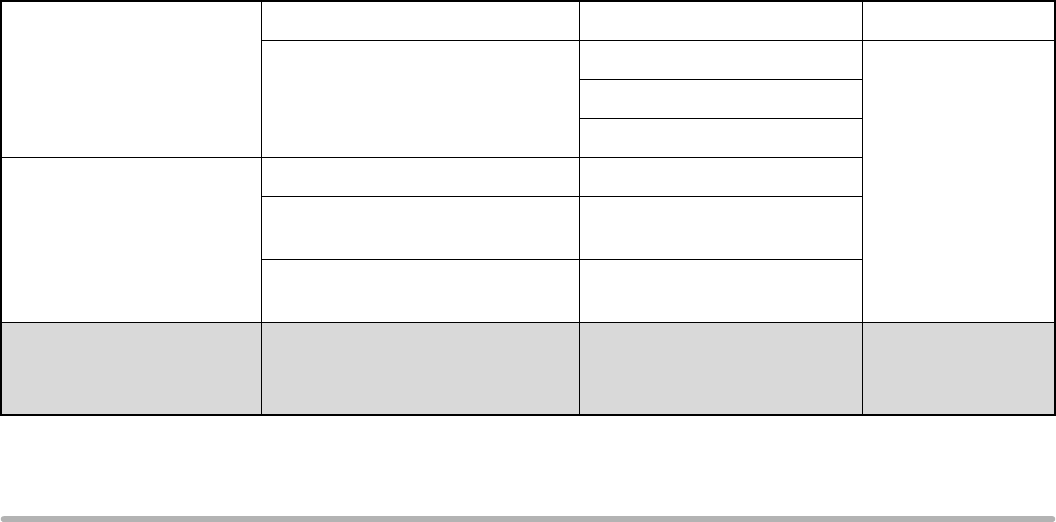
The following requirements must be met to use the software described in this manual.
*1 For the types of computers and operating systems that can run the software, see "SYSTEM REQUIREMENTS" (page 5).
*2 To use the PC-Fax driver, Internet Explorer 4.0 or later must be installed on your computer.
*3 When the Internet fax expansion kit is installed, the PC-Fax driver can be updated using the "PRINTER UTILITIES"
CD-ROM to enable the driver to be used as a PC-I-Fax driver. In this case, the driver can be used without the
facsimile expansion kit.
Operating
system
environment*
1
Software
Required expansion kits
Type of connection*
1
Windows
PCL6 printer driver,
PCL5c printer driver
Can be used in the standard
configuration.
Network/ USB
PS printer driver,
PPD driver
PS3 expansion kit
PC-Fax driver*
2
Facsimile expansion kit*
3
Scanner driver
Can be used in the standard
configuration.
Network only (cannot be
used with a USB connection)
Printer Status Monitor
Printer Administration Utility
Macintosh
Macintosh PPD file
PS3 expansion kit
Soubor PDF · ·
Otázky k Sharp MX-4101N
K tomuto návodu zatím nejsou žádné otázky. Položte první.
Související produkty a manuály pro Multifunkční zařízení Sharp MX-4101N
- Multifunkční zařízení Sharp JW-20FLT Uživatelský manuál
 (197 stránek)
- Multifunkční zařízení Sharp MX-C381 Specifikace
(148 stránek)
- Multifunkční zařízení Sharp MX-M260 Uživatelský manuál
 (160 stránek)
- Multifunkční zařízení Sharp MX-4101N Specifikace
(12 stránek)
- Multifunkční zařízení Sharp MX-M564N Uživatelský manuál
(8 stránek)
- Multifunkční zařízení Sharp MX-M564N Uživatelský manuál
(8 stránek)
- Multifunkční zařízení Sharp CPD-3830 Uživatelský manuál
(1 stránka)
- Multifunkční zařízení Sharp MX-2010U Uživatelský manuál
(12 stránek)
- Multifunkční zařízení Sharp MX-B381 Uživatelský manuál
(12 stránek)
- Multifunkční zařízení Sharp MX-7500N Uživatelský manuál
(30 stránek)
- Multifunkční zařízení Sharp AL-2021 Specifikace
(91 stránek)
- Multifunkční zařízení Sharp MX-B402 Uživatelský manuál
(50 stránek)
- Multifunkční zařízení Sharp FO-155 Specifikace

 (165 stránek)
- Multifunkční zařízení Sharp MX-4140N Instalační manuál
(19 stránek)
- Multifunkční zařízení Sharp JW-50FL Uživatelský manuál
(201 stránek)
- Multifunkční zařízení Sharp MX-4140N Uživatelský manuál
(12 stránek)
- Multifunkční zařízení Sharp CPD-3830 Uživatelský manuál
(12 stránek)
- Multifunkční zařízení Sharp CD600 - B/W - Fax Uživatelský manuál
(23 stránek)
- Multifunkční zařízení Sharp AR-810 Manuál s instrukcemi
(178 stránek)
- Multifunkční zařízení Sharp AL-1566 Specifikace
(116 stránek)