Sharp MX-M260 Specifikace Strana 115: NETWORK SETTINGS
 1
 2
 3
 4
 5
 6
 7
 8
 9
 10
 11
 12
 13
 14
 15
 16
 17
 18
 19
 20
 21
 22
 23
 24
 25
 26
 27
 28
 29
 30
 31
 32
 33
 34
 35
 36
 37
 38
 39
 40
 41
 42
 43
 44
 45
 46
 47
 48
 49
 50
 51
 52
 53
 54
 55
 56
 57
 58
 59
 60
 61
 62
 63
 64
 65
 66
 67
 68
 69
 70
 71
 72
 73
 74
 75
 76
 77
 78
 79
 80
 81
 82
 83
 84
 85
 86
 87
 88
 89
 90
 91
 92
 93
 94
 95
 96
 97
 98
 99
 100
 101
 102
 103
 104
 105
 106
 107
 108
 109
 110
 111
 112
 113
 114
 115
 116
 117
 118
 119
 120
 121
 122
 123
 124
 125
 126
 127
 128
 129
 130
 131
 132
 133
 134
 135
 136
 137
 138
 139
 140
 141
 142
 143
 144
 145
 146
 147
 148
 149
 150
 151
 152
 153
 154
 155
 156
 157
 158
 159
 160
113
SYSTEM SETTINGS (ADMINISTRATOR)
6
PORT SWITCHING METHOD
(When the PRINTER EXPANSION KIT is installed)
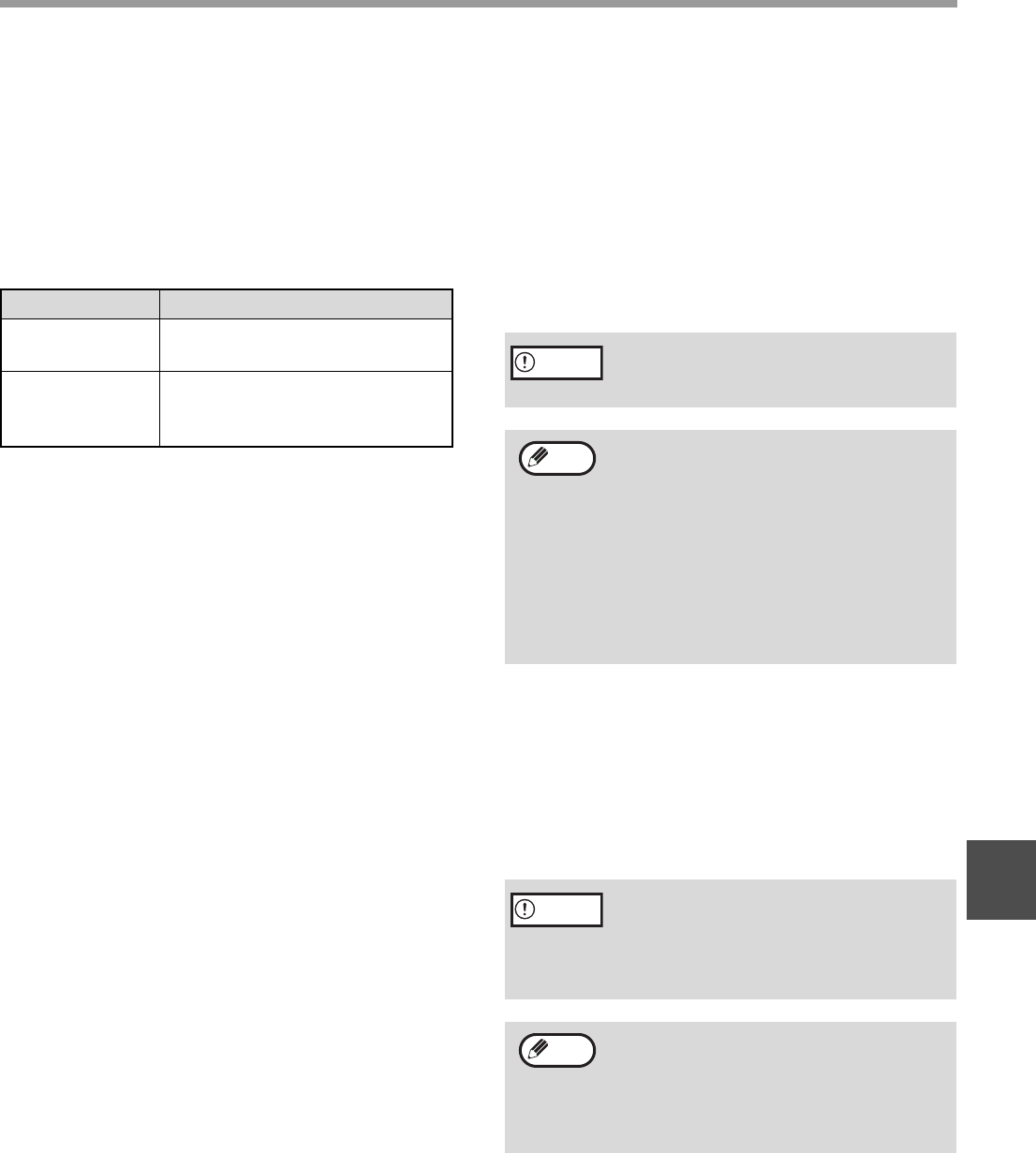
This program is used to set the method for switching
printer ports.
The machine can use the following three printer ports:
• USB port
• Network port
The factory default setting is "SWITCH AT END OF
JOB".
ENABLE USB PORT
(When the PRINTER EXPANSION KIT is installed)
This program is used to enable or disable printing via
the USB port.
This program is initially enabled (factory default
setting).
ENABLE NETWORK PORT
(When the PRINTER EXPANSION KIT is installed)
This program is used to enable or disable printing via
the network port.
This program is initially enabled (factory default
setting).
NETWORK SETTINGS
(When the PRINTER EXPANSION KIT is installed)
The NETWORK SETTINGS are used when the
machine is used as a network printer. The "NETWORK
SETTINGS" consist of the following programs:
●
IP ADDRESS SETTING
●
ENABLE TCP/IP
●
ENABLE NetWare
●
ENABLE EtherTalk
●
ENABLE NetBEUI
●
RESET THE NIC
IP ADDRESS SETTING
This program is used to set the IP address (IP
address, Subnet Mask, and Gateway) of the machine
when TCP/IP protocol is used on the network.
When "DHCP" is selected, the machine will obtain an IP
address automatically. This is the factory default setting.
When the machine is used on a TCP/IP network, be
sure to enable the "ENABLE TCP/IP" program.
ENABLE TCP/IP
This program must be enabled to use the machine on
a TCP/IP network. "IP ADDRESS SETTING" must
also be configured.
This program is initially enabled (factory default setting).
ENABLE NetWare
This program must be enabled to use the machine on
a network that uses NetWare protocol.
This program is initially enabled (factory default setting).
Selections
Description
SWITCH AT
END OF JOB
Automatic printer port selection
at the end of each print job.
SWITCH AFTER
I/O TIMEOUT
Automatic printer port selection if
the time set in "I/O TIMEOUT"
elapses.
Consult your network administrator
before configuring the NETWORK
SETTINGS.
• After changing the settings, you must turn
off the machine’s power switch, wait
briefly, and then turn the switch back on in
order to make the changes take effect.
• Some programs in the following are
marked by "*1". This indicates that a
message will appear at the end of the
setting procedure asking you to confirm
execution of the new setting. If needed,
you can cancel the new setting by
touching the [NO] key.
When DHCP is used, the IP address
assigned to the machine may
automatically be changed on
occasion. If this happens, printing
will not be possible.
This setting is only effective in a network
environment that uses Ipv4 TCP/IP protocol.
To set an IP address on a Ipv6 TCP/IP
network, use the Web pages. In an IPv6
environment, the machine can use LPD or
IPP protocol.
Caution
Note
Caution
Note
Soubor PDF · ·
Otázky k Sharp MX-M260
K tomuto návodu zatím nejsou žádné otázky. Položte první.
Související produkty a manuály pro Multifunkční zařízení Sharp MX-M260
- Multifunkční zařízení Sharp MX-M362N Specifikace
 (56 stránek)
- Multifunkční zařízení Sharp MX-LCX3 Specifikace
(76 stránek)
- Multifunkční zařízení Sharp AR-FR11 Uživatelský manuál
(6 stránek)
- Multifunkční zařízení Sharp MX-M363U Průvodce nastavením
(112 stránek)
- Multifunkční zařízení Sharp DX-C401FX Uživatelský manuál
(12 stránek)
- Multifunkční zařízení Sharp MX-5000N Uživatelský manuál
(2 stránky)
- Multifunkční zařízení Sharp AL-2040CS Uživatelský manuál
 (82 stránek)
- Multifunkční zařízení Sharp AR-C250 Specifikace
(161 stránek)
- Multifunkční zařízení Sharp MX-2301N Specifikace
(116 stránek)
- Multifunkční zařízení Sharp MX-4101N Specifikace
(76 stránek)
- Multifunkční zařízení Sharp JW-20FLT Uživatelský manuál
(197 stránek)
- Multifunkční zařízení Sharp MX-C381 Specifikace
(148 stránek)
- Multifunkční zařízení Sharp MX-M260 Uživatelský manuál
(160 stránek)
- Multifunkční zařízení Sharp MX-4101N Specifikace
(12 stránek)
- Multifunkční zařízení Sharp MX-M564N Uživatelský manuál
(8 stránek)
- Multifunkční zařízení Sharp MX-M564N Uživatelský manuál
(8 stránek)
- Multifunkční zařízení Sharp CPD-3830 Uživatelský manuál
(1 stránka)
- Multifunkční zařízení Sharp MX-2010U Uživatelský manuál
(12 stránek)
- Multifunkční zařízení Sharp MX-B381 Uživatelský manuál
(12 stránek)
- Multifunkční zařízení Sharp MX-7500N Uživatelský manuál
(30 stránek)