Sharp MX-2301N Uživatelský manuál Strana 14
- Strana / 24
- Tabulka s obsahem
- KNIHY

- MX-2301N 1
- Introduction 2
- Contents 3
- Market Analysis 4
- Product Overview 7
- & MX-2600N 8
- Target Market 9
- Key Selling Points 10
- Flexible Paper Handling 11
- Image Quality 12
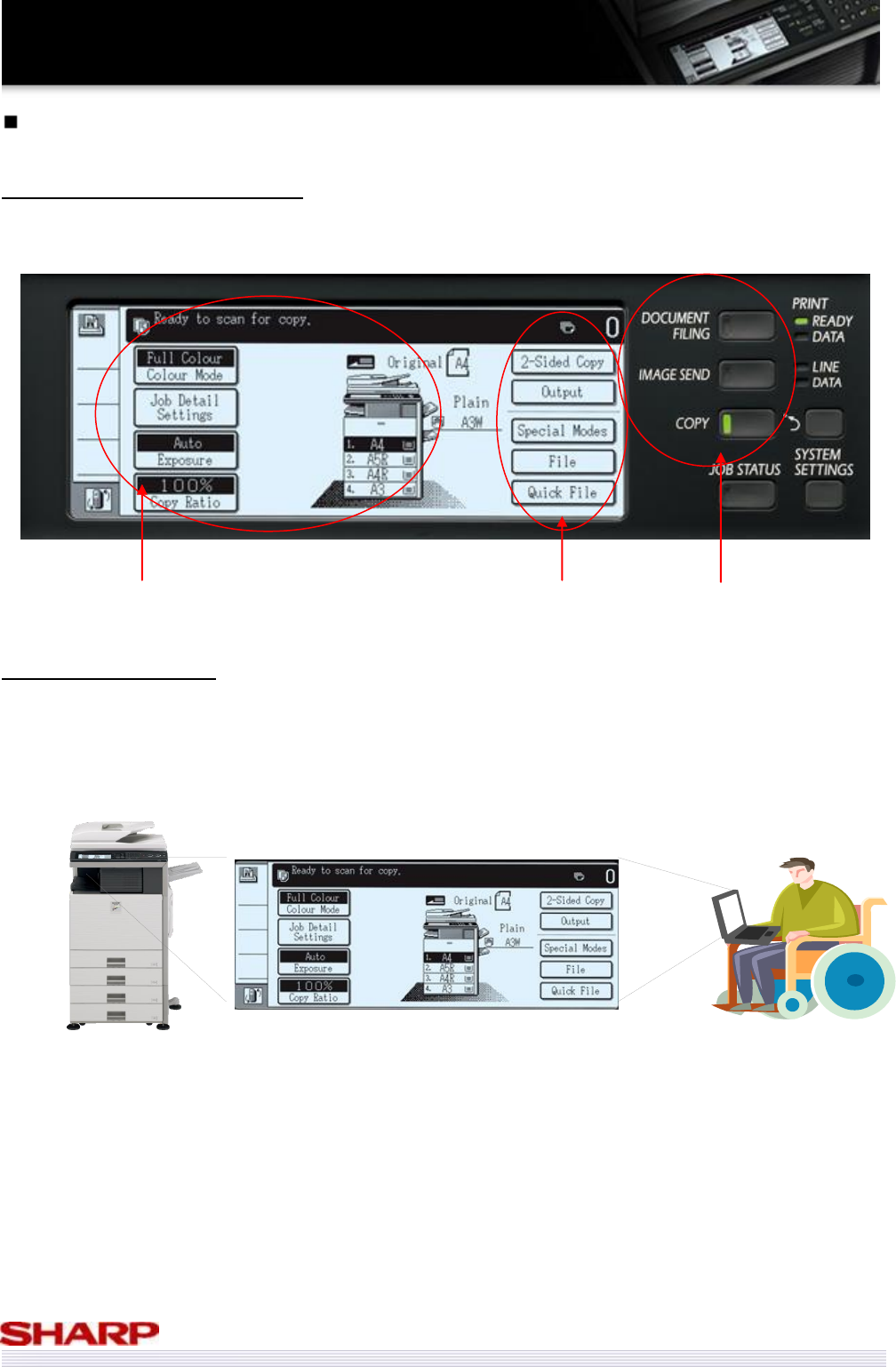
- Ease of Use 14
- Connectivity 15
- Office Integration 17
- Sharp OSA 18
- Environmentally Friendly 19
- Configurations 20
- Outer Dimensions 21
- Functional Combinations 22
- Consumables List 22
- Competitive Comparison 23
Související produkty a manuály pro Multifunkční zařízení Sharp MX-2301N
 (100 stránky)
(12 stránky)
(100 stránky)
(12 stránky)

 (12 stránky) (88 stránky)
(342 stránky)
(52 stránky)
(148 stránky)
(120 stránky)
(170 stránky)
(12 stránky) (88 stránky)
(342 stránky)
(52 stránky)
(148 stránky)
(120 stránky)
(170 stránky)
 (176 stránky)
© 2020, manymanuals.cz. Všechna práva vyhrazena. | 0.018 s |
 Manymanuals.com
 Manymanuals.de
 Manymanuals.fr
 Manymanuals.it
 Manymanuals.pl
 Manymanuals.cz
 Manymanuals.es
 Manymanuals-pt.com
Komentáře k této Příručce