Sharp AR-5120 Specifikace Strana 13
- Strana / 66
- Tabulka s obsahem
- KNIHY

- AR-5015 N 1
- CAUTIONS 2
- CONTENTS Page 3
- INTRODUCTION 4
- MAIN FEATURES 5
- PART NAMES AND FUNCTIONS 6
- COPIER INSTALLATION 10
- CAUTIONS ON HANDLING 11
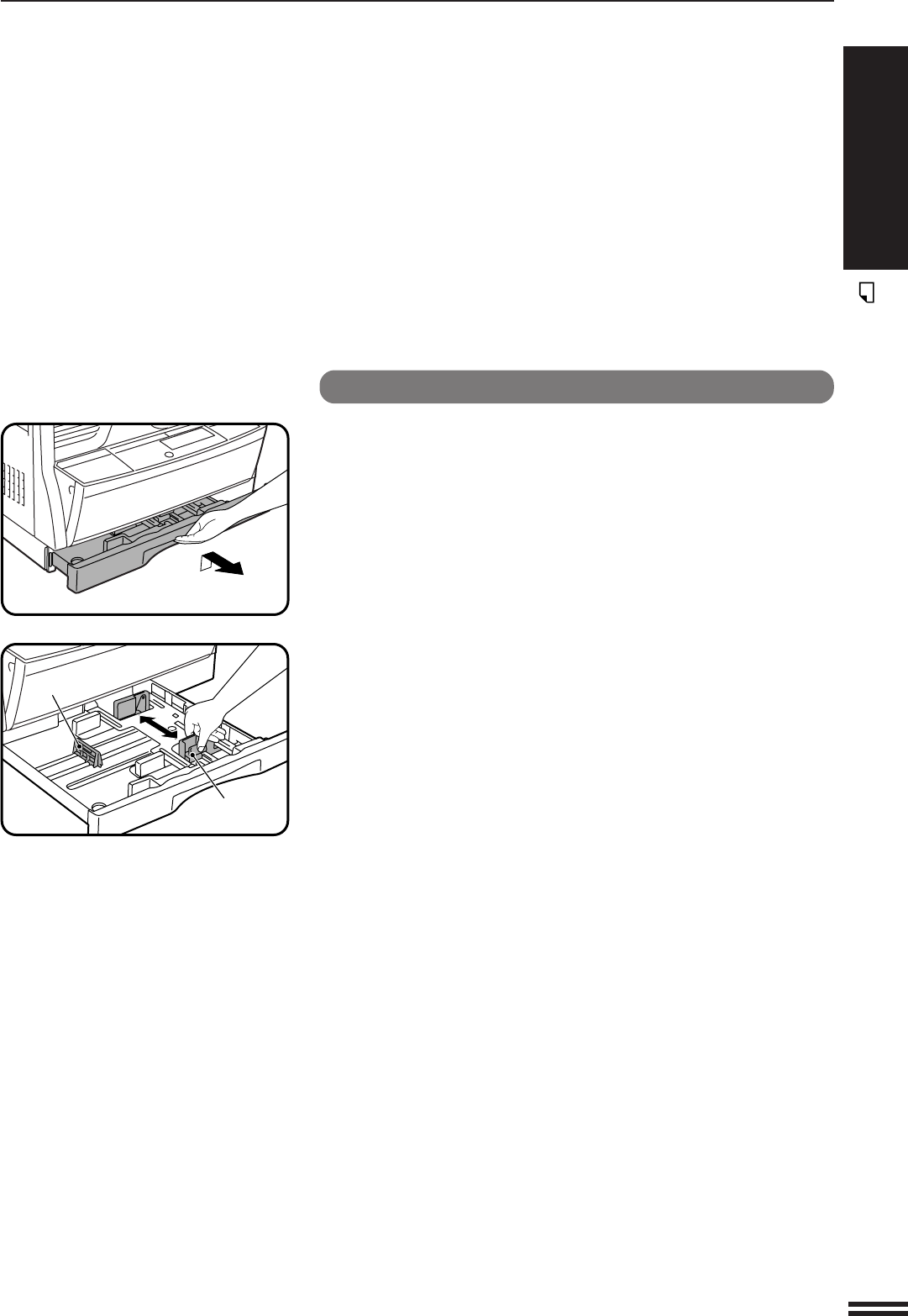
- LOADING COPY PAPER 12
- AUDITING ACCOUNTS 15
- Power on 16
- NORMAL COPYING 17
- Automatic 18
- REDUCTION/ENLARGEMENT/ZOOM 19
- BYPASS FEED (special paper) 20
- MAKING COPIES 22
- Two-sided copying 22
- Original Copy 23
- B/W REVERSE 25
- AUTOMATIC EXPOSURE ADJUSTMENT 28
- TONER SAVE MODE 29
- GENUINE SUPPLIES 30
- TONER CARTRIDGE REPLACEMENT 31
- Toner cartridge life 31
- MISFEED REMOVAL 32
- DEVELOPER REQUIRED 37
- MAINTENANCE REQUIRED 37
- USER PROGRAMS 38
- Setting the user programs 39
- Program No. 10: Auditing mode 41
- POWER SAVE MODES 45
- Setting the power save modes 46
- Copying from the preheat mode 46
- USER MAINTENANCE 47
- Transfer charger cleaning 48
- COPIER TROUBLE? 49
- Self-diagnostic function 51
- SUPPLIES 52
- Genuine supplies statement 53
- Proper storage 53
- SPECIFICATIONS 54
- GENERAL INFORMATION 56
- OPTIONAL 57
- EQUIPMENT 57
- SINGLE PASS FEEDER (AR-SP2) 58
- Using the SPF 59
- Misfeed removal 60
- LASER PRODUCT 64
- LASER KLASSE 1 64
- SHARP CORPORATION 66
- AR-5015 N/AR-5120 66
Související produkty a manuály pro Kopírky Sharp AR-5120
 (84 stránky)
(12 stránky)
(12 stránky)
(12 stránky)
(272 stránky)
(19 stránky)
(132 stránky)
(45 stránky)
(12 stránky)
(48 stránky)
(84 stránky)
(12 stránky)
(12 stránky)
(12 stránky)
(272 stránky)
(19 stránky)
(132 stránky)
(45 stránky)
(12 stránky)
(48 stránky)
 (80 stránky)
(8 stránky)
(92 stránky)
(8 stránky)
(188 stránky)
(12 stránky)
(116 stránky)
(12 stránky)
(8 stránky)
(4 stránky)
(80 stránky)
(8 stránky)
(92 stránky)
(8 stránky)
(188 stránky)
(12 stránky)
(116 stránky)
(12 stránky)
(8 stránky)
(4 stránky)
© 2020, manymanuals.cz. Všechna práva vyhrazena. | 0.035 s |
 Manymanuals.com
 Manymanuals.de
 Manymanuals.fr
 Manymanuals.it
 Manymanuals.pl
 Manymanuals.cz
 Manymanuals.es
 Manymanuals-pt.com
Komentáře k této Příručce