Sharp MX-4500N Uživatelský manuál
Procházejte online nebo si stáhněte Uživatelský manuál pro Kopírky Sharp MX-4500N. MX-4500N/3500N Uživatelská příručka
- Strana / 12
- Tabulka s obsahem
- KNIHY

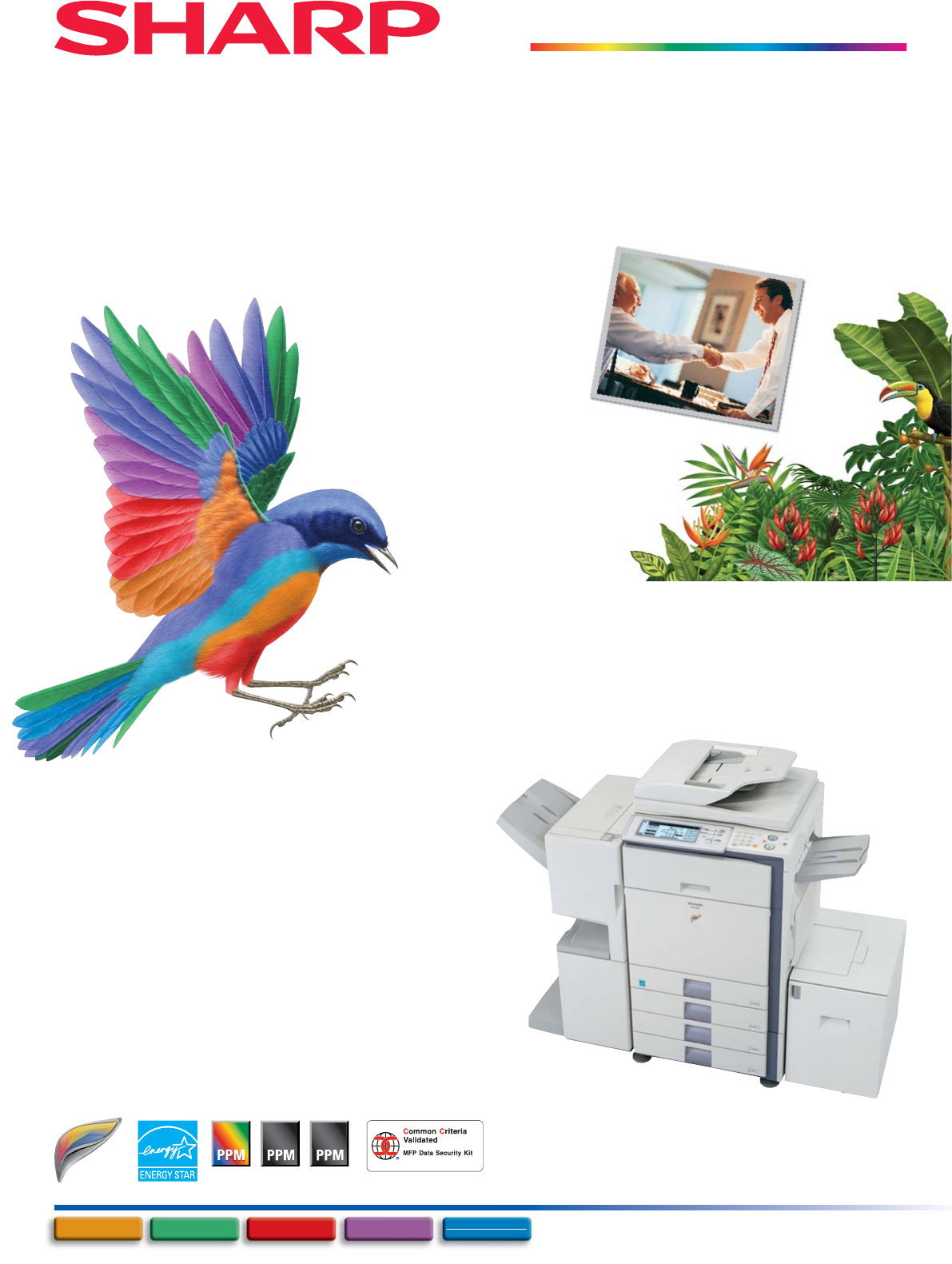
Shrnutí obsahu
MX-FRX2 VERSION M.10The validation obtained by this product concerning information security is the result of an evaluation based on standards and meth
9Environmentally AdvancedEasy OperationWeb-based device managementWeb-based PAU 4.0Printer Status MonitorENVIRONMENT & USER-FRIENDLYEnvironmentall
10BASE UNITSpecifications for OptionsSharpdesk 3.2 System RequirementsMX-FNX1 FinisherPaper size Non offset A3W to A5R* (12" x 18" to 5 1/2&
Shown with options.670 mm1,210 mm1,540 mm555 mm*370 mm615 mm* 665 mm with tray extended.MX-4500N/3500NDigital Full Colour Multifunctional SystemB/W Fa
1Combine the power of colour and multifunction to advance your businessP. 3–4NETWORK PRINTINGIMAGE SENDINGP. 6DOCUMENT MANAGEMENTP. 7COPYINGP. 5SEC
2Department in charge of environmental affairsBusiness groupOverseas siteOverseas siteOverseas siteBusiness groupBusiness groupBusiness groupBusiness
3353545/3545/35Productive & Superb QualityVersatileA Variety of Job Finishing OptionsSaddle stitching Stapling Hole punchingPLAN 3PLAN 2PLAN 1PLAN
4Network-ReadyFiery® Print ControllerMacintoshEthernet(10Base-T/100Base-TX)PrintVariable dataMaster data(non-variable)+Cosmetics 15% offSALEJewelry 5%
5stored on hard disk in proper page order...and stacked offsetMulti-page original is scanned...MX-4500NMX-4500NMX-4500NMX-4500NMX-4500NWith its mix
6ScanScanScanScanScanScanFaxFaxFaxFaxFaxFaxFaxFaxFaxFaxFaxFaxFaxFaxFaxFaxDesktopSuper G3 faxClient PCsInternetNetwork folderUSB memoryE-mailInternet f
7Sharpdesk for Total Document ManagementCopyCopyPrint**Print**ScanScanFax/Internet Fax*Fax/Internet Fax*PC-Fax*PC-Fax*PC-Internet Fax*PC-Internet Fax*
8CopyCopyPrint**Print**ScanScanFax/Internet Fax*Fax/Internet Fax*PC-Fax*PC-Fax*PC-Internet Fax*PC-Internet Fax*Set PIN on your PC. Confidentialprintou
Další dokumenty pro Kopírky Sharp MX-4500N

Související produkty a manuály pro Kopírky Sharp MX-4500N
 (8 stránky)
(4 stránky)
(31 stránky)
(28 stránky)
(50 stránky)
(12 stránky)
(10 stránky)
(78 stránky)
(12 stránky)
(152 stránky)
(12 stránky)
(48 stránky)
(20 stránky)
(8 stránky)
(4 stránky)
(31 stránky)
(28 stránky)
(50 stránky)
(12 stránky)
(10 stránky)
(78 stránky)
(12 stránky)
(152 stránky)
(12 stránky)
(48 stránky)
(20 stránky)
 (125 stránky)
(10 stránky)
(125 stránky)
(10 stránky)
 (56 stránky)
(12 stránky)
(25 stránky)
(56 stránky)
(12 stránky)
(25 stránky)
© 2020, manymanuals.cz. Všechna práva vyhrazena. | 0.044 s |
 Manymanuals.com
 Manymanuals.de
 Manymanuals.fr
 Manymanuals.it
 Manymanuals.pl
 Manymanuals.cz
 Manymanuals.es
 Manymanuals-pt.com
Komentáře k této Příručce