Sharp Imaging and Information Company of America
# 12113
4 OF 7
Sharp Electronics Corporation
One Sharp Plaza • Mahwah, New Jersey 07495-1163 • e-
mail: [email protected] • www.sharp-pc.com Belt fusing system consumes less
power and shortens warm-up time
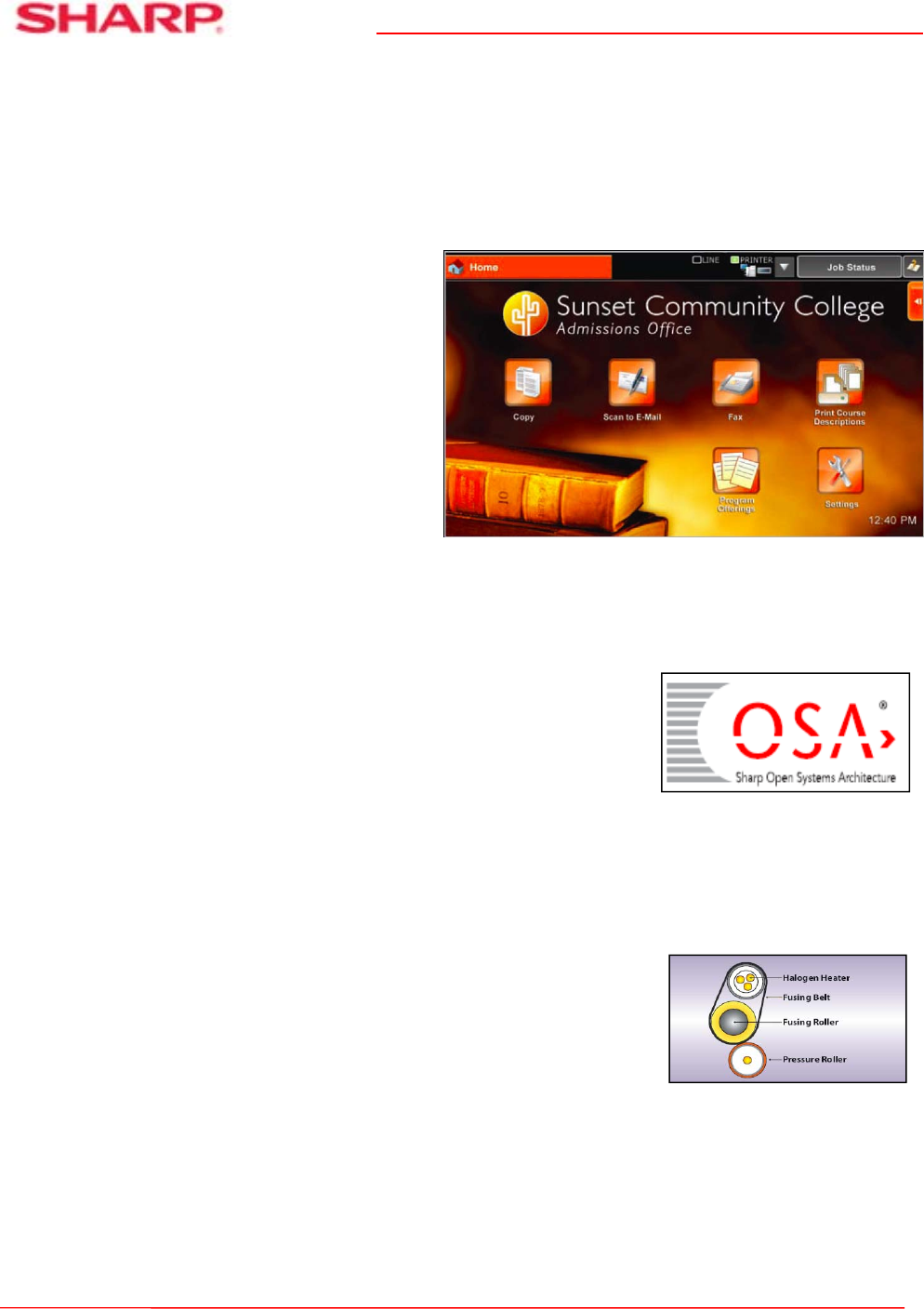
Sharp’s new high-resolution touch-screen display offers the customization and ease-of-use
businesses need to maximize their office productivity
With the ability to change background screens, layout and naming of function keys, language display
setting and more, your customer can set up a custom user interface that meets their specific needs.
Whether your customer’s MFP requirements are simple or complex, the MX-6240N/7040N color
series document systems can help them get the job done fast.
Help Your Customers Streamline Their Document Workflow and Enhance Productivity with the
Latest Sharp OSA
®
Technology
Integrating with network applications and cloud services has never
been so easy! The MX-6240N and MX-7040N high-speed color series
support the latest Sharp OSA Technology to help businesses leverage
their network infrastructure, cloud-enabled services and more – right
from the touch-screen panel (MX-AMX2 Application Communication
Module is standard).
Advanced Energy Saving Features
Sharp’s new latest color document systems utilize several energy efficient technologies to help
minimize power consumption and maximize energy savings. An LED exposure lamp reduces power
consumption significantly when compared to conventional exposure lamps. A customizable seven-day
power management scheduler allows businesses to define the days
and times when power will be turned on and turned off. Also, with
Sharp’s Auto Power Management function the MFP can be set to shut
off automatically based on usage trends. Sharp’s Eco-Scan mode can
shut off the fuser when scanning documents, previewing images, faxing
and other operations. A state-of-the-art Belt Fusing System consumes
less power, shortens warm-up time and helps eliminate roller marks
sometimes caused by conventional fusing.
Change the Theme: Easily change the menu
colors and icon layout to suit the preferences
of users in the office
Change the Language: Walk-up users can
choose from up to 24 different display
languages with just a few key strokes
For a College Campus: Set up a simple
screen for walk-up users to retrieve
applications and course offerings

 (12 stránky)
 Manymanuals.com
 Manymanuals.de
 Manymanuals.fr
 Manymanuals.it
 Manymanuals.pl
 Manymanuals.cz
 Manymanuals.es
 Manymanuals-pt.com
Komentáře k této Příručce