Sharp FO-K01 Specifikace Strana 204
- Strana / 272
- Tabulka s obsahem
- ŘEŠENÍ PROBLÉMŮ
- KNIHY

- Operating Manual 1
- For Using Your Camera Safely 3
- Caution 4
- Warning 4
- Small Children 5
- About the Battery and Charger 6
- Cleaning Your Camera 7
- Storing Your Camera 7
- Other Precautions 7
- Before Using Your Camera 15 9
- Getting Started 37 9
- Contents 9
- Basic Operations 55 10
- Shooting Functions 67 10
- Shooting Settings 125 11
- Connecting to a Computer 207 13
- Using the Flash 215 13
- Appendix 225 14
- Indicates useful information 16
- 1 Before Using Your 17
- Checking the Contents of the 18
- Before Using Your Camera 19
- Capture Mode 20
- Playback Mode 22
- Monitor Display 24
- Control panel 26
- Still picture capture mode 26
- Using the Histogram 31
- Guide Indicators 32
- Using the Direct Keys 33
- Using the Control Panel 34
- Using the Menus 35
- Press the 3 button 37
- 2 Getting Started 39
- Attaching the Strap 40
- Inserting the Battery 41
- The battery cover opens (2) 42
- Battery Level Indicator 43
- Battery) 44
- Getting Started 45
- Open the card cover in the 47
- Close both covers properly 48
- Attaching a Lens 49
- Remove the front lens cap 50
- Turning the Camera On and Off 51
- Initial Settings 52
- Setting the Date and Time 54
- 3 Basic Operations 57
- Basic Shooting Operation 58
- Basic Operations 59
- Turn the e-dial 63
- Compensating Flash Output 63
- Shooting with Auto Flash 64
- Shooting with Manual Flash 65
- Reviewing Images 66
- Deleting a Single Image 67
- 4 Shooting Functions 69
- How to Operate the Shooting 70
- Rec. Mode Menu Items 71
- Movie Menu Items 73
- Custom Setting Menu Items 74
- Dial indicator 76
- Auto Picture Modes 77
- Scene Modes 78
- Exposure Modes 80
- Setting the Exposure 81
- Changing the Exposure Mode 83
- When set to a or L mode 84
- Set the mode dial to p 85
- Bulb Shooting 85
- Adjusting the Exposure 86
- (Exposure Bracketing) 87
- (AE Lock) 89
- Selecting the Metering Method 90
- Focusing 94
- Setting the Autofocus Method 95
- Checking the Focus 97
- Focusing Using the =/L Button 98
- Manually adjust the focus 100
- Press the d (G/R) button 101
- Function 102
- 4 button 103
- Shooting with the Self-timer 104
- Shooting Functions 105
- Taking Pictures Continuously 108
- Interval Shooting 110
- Multi-exposure 113
- Take the picture 114
- Recording Movies 115
- Connecting a Microphone 117
- Movie recording starts 120
- Movie recording stops 120
- Interval Movie 121
- Playing Back Movies 123
- Editing Movies 125
- 5 Shooting Settings 127
- Setting a File Format 128
- File Format 129
- JPEG Recorded Pixels 130
- JPEG Quality 131
- Color Space 131
- Setting the White Balance 132
- Shooting Settings 134
- Correcting Images 135
- The control panel appears 136
- HDR Capture 137
- Lens Correction 140
- Custom Image 142
- Press the 4 button 144
- Digital Filter 146
- Automatic Exposure 149
- Playback Functions and 155
- Image Editing 155
- Functions 156
- Playback Menu Items 157
- (default setting) 158
- Magnifying Images 159
- Displaying Multiple Images 160
- Starting the Slideshow 163
- Rotating Images 164
- Deleting Multiple Images 165
- Deleting All Images 166
- Processing Images 167
- → Four-way controller (2345) 168
- Developing RAW Images 176
- 7 Changing Additional 185
- Set-up Menu Items 186
- Camera Settings 188
- Changing Additional Settings 189
- List of World Time Cities 191
- Bright/Dark Area 192
- (Memory) 197
- Resetting the Camera Settings 198
- File Management Settings 201
- Creating New Folders 203
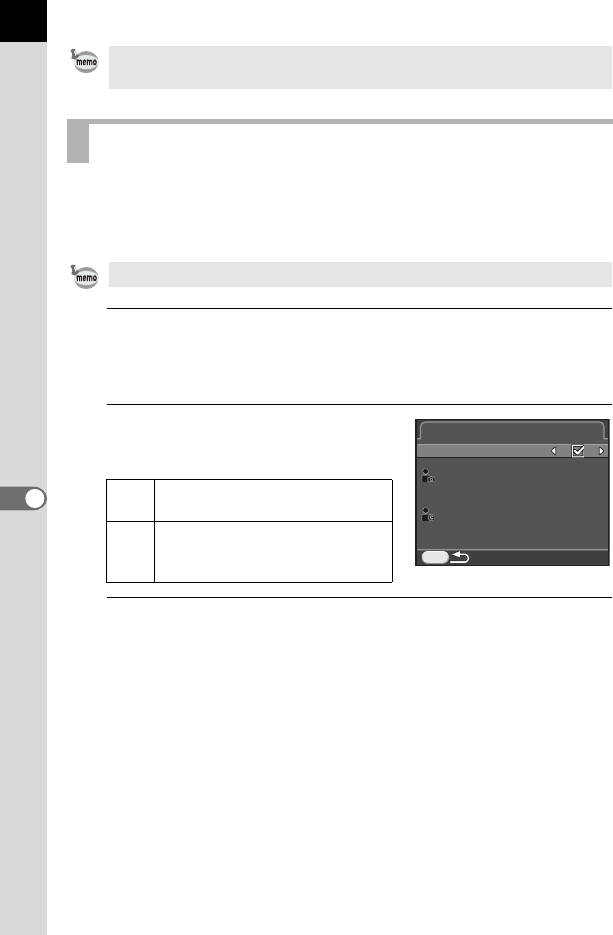
- Does not embed copyright 204
- Setting the DPOF Settings 206
- 8 Connecting to a 209
- Computer 210
- Saving Images on a Computer 211
- Connecting to a Computer 212
- Using the Provided Software 213
- 9 Using the Flash 217
- Using the Built-in Flash 218
- Using the Flash 219
- Lens Name 221
- Lens Name Restrictions 221
- Using the P-TTL Auto Flash 223
- Extension Cord 225
- 10 Appendix 227
- Default Settings 228
- O (On) Yes 230
- P (Off) Yes 230
- [A Custom Setting] Menu 233
- Lens Combinations 234
- Lens names and mount names 235
- Lens and Built-in Flash 235
- Setting the Focal Length 236
- Using the Aperture Ring 237
- Appendix 238
- Cleaning the CMOS Sensor 239
- Removing Dust with a Blower 240
- Optional Accessories 242
- Flash Accessories 243
- Remote Control 244
- GPS Unit O-GPS1 245
- Camera Case/Strap 245
- Using the GPS Unit 246
- Error Messages 247
- Troubleshooting 249
- Main Specifications 252
- WARRANTY POLICY 265
- Declaration of Conformity 268
Související produkty a manuály pro Bezpečnostní kamery Sharp FO-K01
 (41 stránky)
Prodotti e manuali riguardandi TV a cristalli liquidi LG 32LD462C
 (32 pagine)
 (206 pagine)
(87 pagine)
(206 pagine)
(87 pagine)
 (189 pagine)
(180 pagine)
(154 pagine)
(191 pagine)
(93 pagine)
(189 pagine)
(180 pagine)
(154 pagine)
(191 pagine)
(93 pagine)
© 2020, manymanuals.cz. Všechna práva vyhrazena. | 0.019 s |
 Manymanuals.com
 Manymanuals.de
 Manymanuals.fr
 Manymanuals.it
 Manymanuals.pl
 Manymanuals.cz
 Manymanuals.es
 Manymanuals-pt.com
Komentáře k této Příručce