Sharp MX-PNX1D Uživatelský manuál Strana 8

  • Stažení
  • Přidat do mých příruček
  • Tisk
  • Strana
    / 12
  • Tabulka s obsahem
  • KNIHY
  • Hodnocené. / 5. Na základě hodnocení zákazníků
Zobrazit stránku 7
QUICK FILE
FOLDER
MAIN
FOLDER
CUSTOM
FOLDER
COPY PRINT SCAN FAX PC-FAX RESEND REPRINT
Processed Job Data Save to HDD Reuse
Sharp OSA
®
Sharpdesk
Powerful document management
Document management can now be more efficient than ever,
THANKSTOANINTERNAL'"HARDDISKFORSTORINGDOCUMENTSAND
previous jobs. Documents can be retrieved in moments and
entire print runs can be repeated without recreating the job.
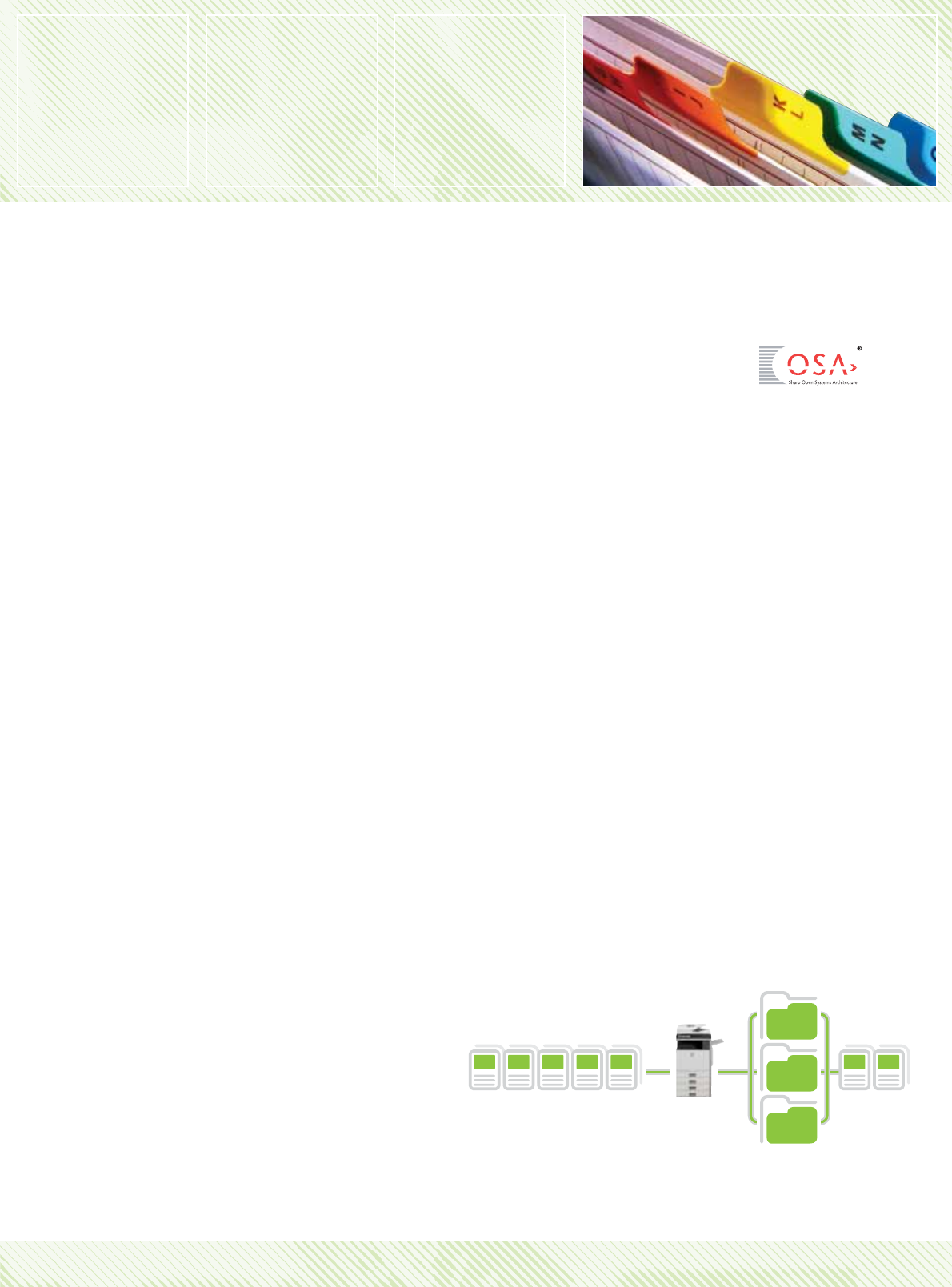
Up to 3,000 files or 5,500 pages
*1
of copy, print, scan and fax
data can be filed in up to 1,000 shared, long-term storage
in folders, and up to 1,000 files or 1,700 pages
*1
placed in
temporary storage for repeating jobs without having to
recreate them.
Easy document management with Sharpdesk
The MX-2301N is supplied with the latest, new-look version of
Sharpdesk, our powerful yet easy to use document management
software. Now including a central management utility for remote,
single-point installation on multiple network clients, Sharpdesk lets
users manage and manipulate documents in over 200 file formats
in a single application on the PC desktop, integrating digital and
paper documents.
s Contemporary desktop display with thumbnail viewing
s Convenient and time-saving remote ‘push’ installation
s Sharpdesk Imaging provides annotation tools for
paper-free proofreading
s Composer combines different types of files into a
single document
s Optical character recognition converts documents into
editable text files
s Output zone distributes files to e-mail, printers, and
other applications
s File search by file name, keyword, or thumbnail
Sharp OSA
®
(Open Systems Architecture)
You can enhance the productivity of the MX-2301N still further
thanks to Sharp OSA (Open Systems Architecture), which lets 3rd
party developers directly integrate the MFP with your business
applications. There are three Sharp OSA modules:
s Application Integration Module (MX-AMX1) - lets users add
data to scanned documents before sending them directly to
applications for processing and archiving.
s Application Communication Module (MX-AMX2) - lets
remote applications create, configure, and execute scanning and
printing jobs on the MFP.
s External Account Module (MX-AMX3) - tracks usage by
individuals and workgroups and restricts usage according to
individual access right.
*1
Measured using Sharp’s standard chart (A4 with 6% coverage, black and white).
The Quick File Folder shares the HDD with the Job Build function; up to 12GB of
data storage is available when using both functions. The storage capacity is less for
colour pages.
*2
For fax and internet fax jobs, only transmitted data (not received faxes) can be
saved in the Document Filing function.
MX-2301N - Full-Colour MFP:
Zobrazit stránku 7
1 2 3 4 5 6 7 8 9 10 11 12

Komentáře k této Příručce

Žádné komentáře