Sharp MX-PNX1D Uživatelský manuál
Procházejte online nebo si stáhněte Uživatelský manuál pro Kopírky Sharp MX-PNX1D. MX-2301N - CopyText [en] Uživatelská příručka
- Strana / 12
- Tabulka s obsahem
- KNIHY

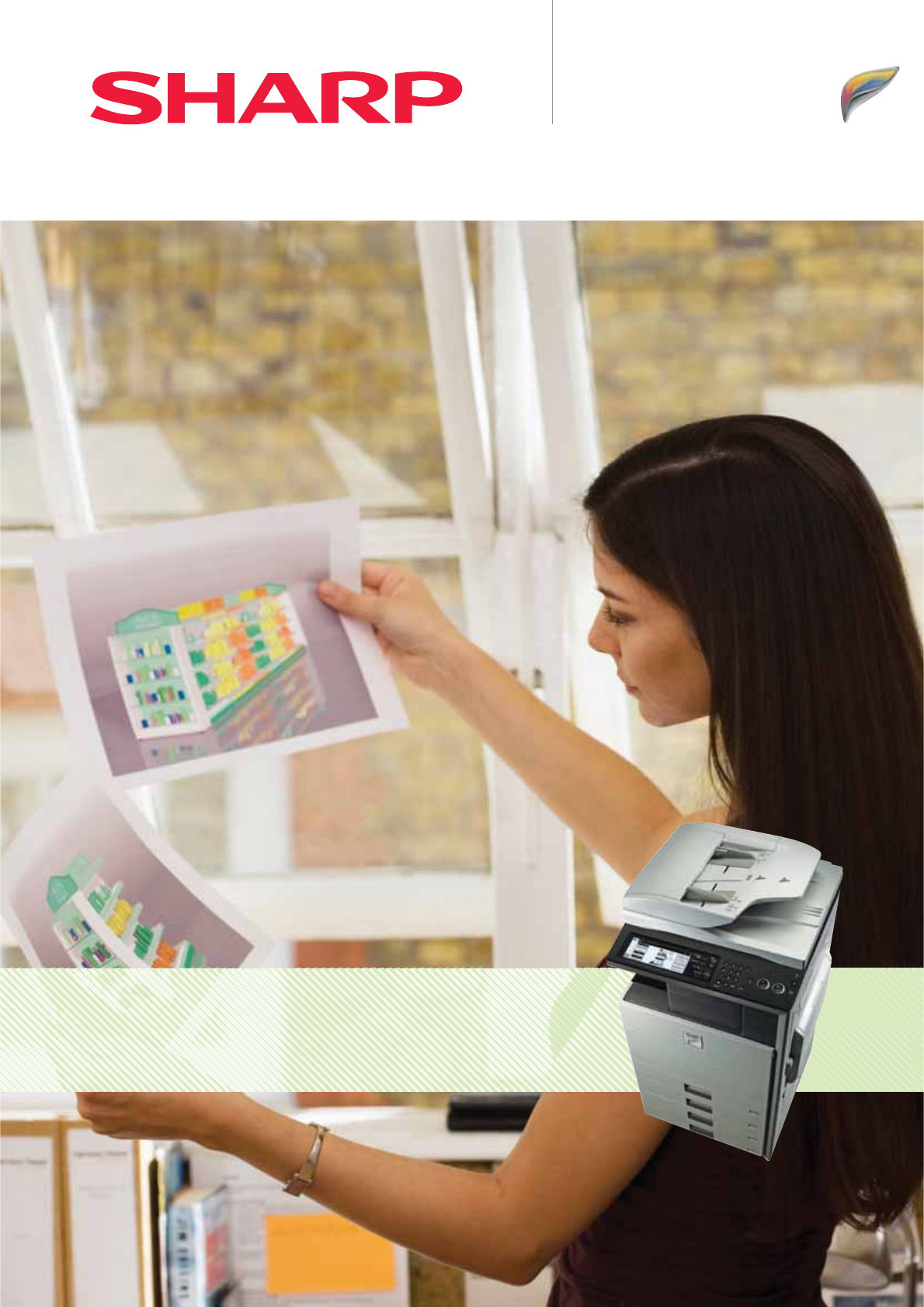
- Full-Colour MFP: 1
- 23 PPM in 2
- Colour & B/W 2
- Touch-Screen 2
- LCD Display 2
- MX-2301N - Key Features 3
- Reliable everyday printing 4
- Fast, high quality copying 5
- Scan Scan to EmailScan to FTP 6
- Scan to Network 6
- Folder (SMB) 6
- Scan to USBScan to PC 6
- G3 14.4 Kbps 7
- Super G3 33.6 Kbps 7
- Powerful document management 8
- Integrated device management 9
- Robust multi-layer security 10
- MX-2301N - Options 11
- Specifications 12
Shrnutí obsahu
Full-Colour MFP:Efficient, Productive and ElegantMX-2301NDigital Multifunctional System
Unknown IP or Mac addresses will be denied accessMacintoshWindows® 98/MeWindows® 2000/XP/Vista(10Base-T/100Base-TX/1000Base-T)UserAuthenticationTotal
3. MX-DEX7 5. MX-DEX61. MX-FNX94. MX-DK1216. MX-FXX22. MX-TRX1MX-2301N - OptionsShown with options.670 mm1,210 mm620 mmFinishing1. MX-FNX9 Finisher!
SpecificationsDesign and specifications are subject to change without prior notice. All information was correct at time of print. The ENERGY STAR logo i
23 PPM in Colour & B/WTouch-ScreenLCD DisplayMX-2301N - Full-Colour MFP:Quality you can depend on every dayIf you’re looking for a reliable office
HighPerformanceFull ColourMFPUp to 2,100Sheet Paper CapacityEfficient, Productive and ElegantMX-2301N - Key FeaturesFull-colour MFPs 3UPPORTS'IG
600 x 600 dpi0RINT2ESOLUTIONSpace SavingInner FinisherReliable everyday printingThe MX-2301N comes with everything you need for fast, reliable everyd
23 CPMin Colour & B/WAuto ColourSelectionFast, high quality copyingWith speeds of up to 23 copies per minute you’ll find copying - in black &
50 OPMScan SpeedScan to Email, Network, PC,FTP or USBEffortless colour network scanningScanning is not only easier and more versatile with the new-8
Versatile fax with choice of transmissionThere’s no need to take up space with a separate fax machine;with an optional fax expansion kit installed on
QUICK FILEFOLDERMAINFOLDERCUSTOMFOLDERCOPY PRINT SCAN FAX PC-FAX RESEND REPRINTProcessed Job Data Save to HDD ReuseSharp OSA®SharpdeskPowerful documen
RemoteFront PanelIntegrated device managementLike all Sharp MFPs, the MX-2301N is easy to configure and support, and multiple devices can be managed fr
Další dokumenty pro Kopírky Sharp MX-PNX1D


Související produkty a manuály pro Kopírky Sharp MX-PNX1D
 (80 stránky)
(188 stránky)
(311 stránky)
(148 stránky)
(40 stránky)
(4 stránky)
(18 stránky)
(100 stránky)
(76 stránky)
(220 stránky)
(148 stránky)
(80 stránky)
(8 stránky)
(59 stránky)
(196 stránky)
(32 stránky)
(2 stránky)
(80 stránky)
(188 stránky)
(311 stránky)
(148 stránky)
(40 stránky)
(4 stránky)
(18 stránky)
(100 stránky)
(76 stránky)
(220 stránky)
(148 stránky)
(80 stránky)
(8 stránky)
(59 stránky)
(196 stránky)
(32 stránky)
(2 stránky)
© 2020, manymanuals.cz. Všechna práva vyhrazena. | 0.030 s |
 Manymanuals.com
 Manymanuals.de
 Manymanuals.fr
 Manymanuals.it
 Manymanuals.pl
 Manymanuals.cz
 Manymanuals.es
 Manymanuals-pt.com
Komentáře k této Příručce