Sharp MX-C380 Průvodce nastavením Strana 3: ABOUT OPERATION MANUAL
 1
 2
 3
 4
 5
 6
 7
 8
 9
 10
 11
 12
 13
 14
 15
 16
 17
 18
 19
 20
 21
 22
 23
 24
 25
 26
 27
 28
 29
 30
 31
 32
 33
 34
 35
 36
 37
 38
 39
 40
 41
 42
 43
 44
 45
 46
 47
 48
 49
 50
 51
 52
 53
 54
 55
 56
 57
 58
 59
 60
 61
 62
 63
 64
 65
 66
 67
 68
 69
 70
 71
 72
 73
 74
 75
 76
 77
 78
 79
 80
 81
 82
 83
 84
 85
 86
 87
 88
 89
 90
 91
 92
 93
 94
 95
 96
 97
 98
 99
 100
 101
 102
 103
 104
 105
 106
 107
 108
 109
 110
 111
 112
 113
 114
 115
 116
 117
 118
 119
 120
 121
 122
 123
 124
 125
 126
 127
 128
 129
 130
 131
 132
 133
 134
 135
 136
 137
 138
 139
 140
 141
 142
 143
 144
 145
 146
 147
 148
 149
 150
 151
 152
 153
 154
 155
 156
 157
 158
 159
 160
 161
 162
 163
 164
 165
 166
 167
 168
 169
 170
 171
 172
 173
 174
 175
 176
 177
 178
 179
 180
 181
 182
 183
 184
 185
 186
 187
 188
 189
 190
 191
 192
 193
 194
 195
 196
 197
 198
 199
 200
 201
 202
 203
 204
 205
 206
 207
 208
 209
 210
 211
 212
 213
 214
 215
 216
 217
 218
 219
 220
 221
 222
 223
 224
 225
 226
 227
 228
 229
 230
 231
 232
 233
 234
 235
 236
 237
 238
 239
 240
 241
 242
 243
 244
 245
 246
 247
 248
 249
 250
 251
 252
 253
 254
 255
 256
ii
ABOUT OPERATION MANUAL
This manual explains how to use the MX-C380P digital full colour printer.
Please note
• For information on installing the drivers and software cited in this manual, please refer to the Software Setup Guide.
• For information on your operating system, please refer to your operating system manual or the online Help function.
• The explanations of screens and procedures in a Windows environment are primarily for Windows Vista
®
. The screens may
vary depending on the version of the operating system or the software application.
• The explanations of screens and procedures in a Macintosh environment are based on Mac OS X v10.4 in the case of Mac OS
X. The screens may vary depending on the version of the operating system or the software application.
• Wherever "MX-xxxx" appears in this manual, please substitute your model name for "xxxx".
• Considerable care has been taken in preparing this manual. If you have any comments or concerns about the manual, please
contact your dealer or nearest SHARP Service Department.
• This product has undergone strict quality control and inspection procedures. In the unlikely event that a defect or other problem
is discovered, please contact your dealer or nearest SHARP Service Department.
• Aside from instances provided for by law, SHARP is not responsible for failures occurring during the use of the product or its
options, or failures due to incorrect operation of the product and its options, or other failures, or for any damage that occurs due
to use of the product.
Warning
• Reproduction, adaptation or translation of the contents of the manual without prior written permission is prohibited, except as
allowed under copyright laws.
• All information in this manual is subject to change without notice.
Illustrations and the operation panel and display shown in this manual
The peripheral devices are generally optional, however, some models include certain peripheral devices as standard equipment.
The explanations in this manual assume that 500-sheet paper feed units (total of four trays) are installed on the machine.
For some functions and procedures, the explanations assume that devices other than the above are installed.
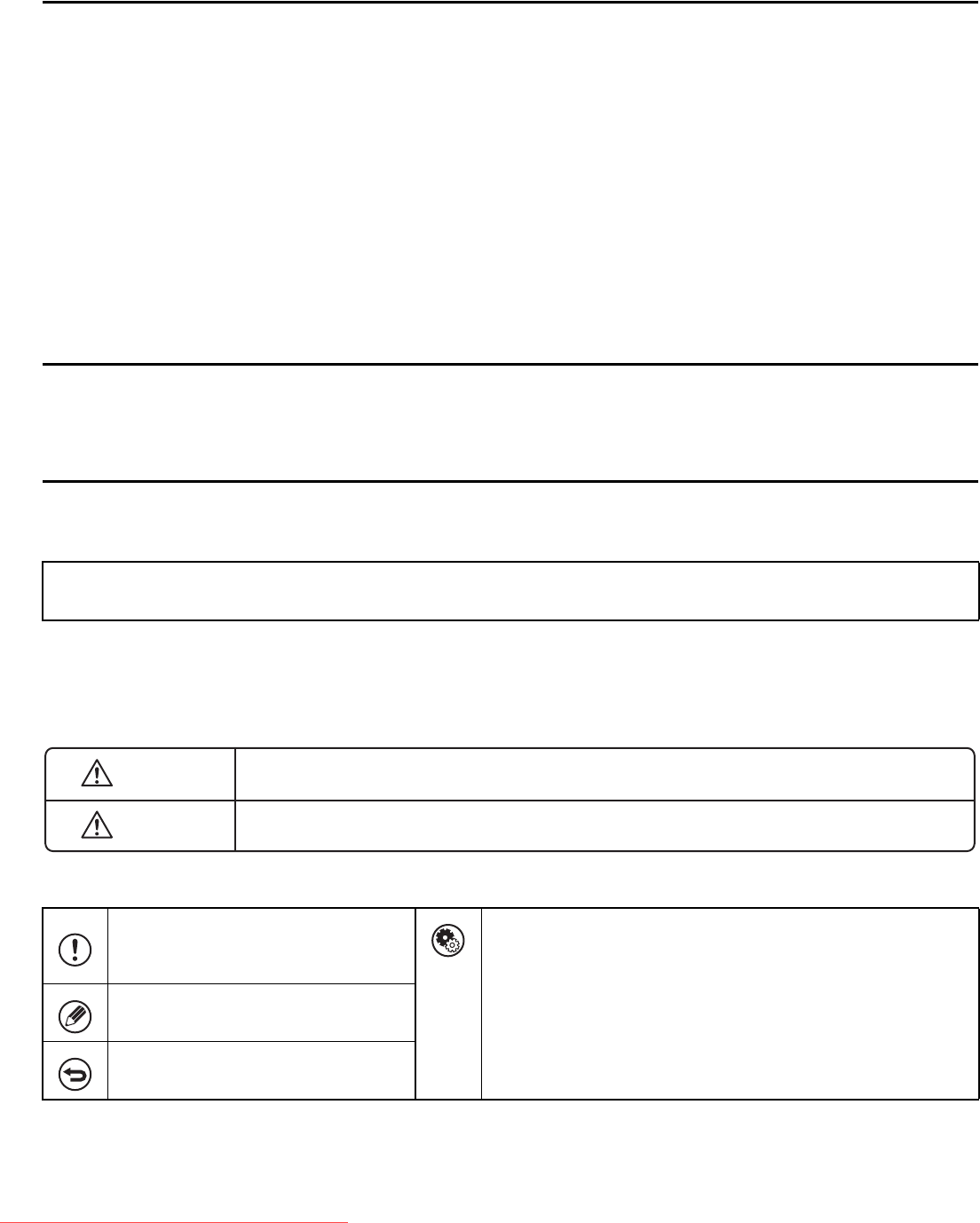
Icons used in the manuals
The icons in the manuals indicate the following types of information:
The display screens, messages, and key names shown in the manual may differ from those on the actual machine
due to product improvements and modifications.
This alerts you to a situation where
there is a risk of machine damage or
failure.
This indicates the name of a system setting and provides a brief
explanation of the setting.
When "System Settings:" appears:
A general setting is explained.
When "System Settings (Administrator):" appears:
A setting that can only be configured by an administrator is
explained.
This provides a supplemental
explanation of a function or procedure.
This explains how to cancel or correct
an operation.
Warning
This alerts you to a situation where there is a risk of human death or injury.
Caution
This alerts you to a situation where there is a risk of human injury or property damage.
Downloaded From ManualsPrinter.com Manuals
Soubor PDF · ·
Otázky k Sharp MX-C380
K tomuto návodu zatím nejsou žádné otázky. Položte první.
Související produkty a manuály pro Kopírky Sharp MX-C380
- Kopírky Sharp AR-150E Specifikace
 (40 stránek)
- Kopírky Sharp AR-M316 Specifikace
(48 stránek)
- Kopírky Sharp FO-781 Specifikace
(107 stránek)
- Kopírky Sharp MX-4100N Specifikace
(120 stránek)
- Kopírky Sharp AR-5316E Uživatelský manuál
 (80 stránek)
- Kopírky Sharp SF-7400 Uživatelský manuál
(8 stránek)
- Kopírky Sharp AL-2040 Specifikace
(92 stránek)
- Kopírky Sharp Multi Access Uživatelský manuál
(8 stránek)
- Kopírky Sharp MX-850 Uživatelský manuál
(12 stránek)
- Kopírky Sharp AX-600X(R) Uživatelský manuál
(12 stránek)
- Kopírky Sharp AR-FX7 Manuál s instrukcemi
(116 stránek)
- Kopírky Sharp MX-4500N Uživatelský manuál
(12 stránek)
- Kopírky Sharp Multi Access Uživatelský manuál
(8 stránek)
- Kopírky Sharp AR-161 Uživatelský manuál
(4 stránky)
- Kopírky Sharp AR-C150 Uživatelský manuál
(31 stránek)
- Kopírky Sharp AR-M700U Uživatelský manuál
(28 stránek)
- Kopírky Sharp DX-C400 - Color - All-in-One Uživatelský manuál
(8 stránek)
- Kopírky Sharp MX-1100 Uživatelský manuál
(12 stránek)
- Kopírky Sharp SF-7400 Uživatelský manuál
(10 stránek)
- Kopírky Sharp MX-C380 Specifikace
(78 stránek)