Sharp MX-M363U Uživatelský manuál
Procházejte online nebo si stáhněte Uživatelský manuál pro Kopírky Sharp MX-M363U. MX-M503U/MX-M453U MX Uživatelská příručka
- Strana / 12
- Tabulka s obsahem
- KNIHY

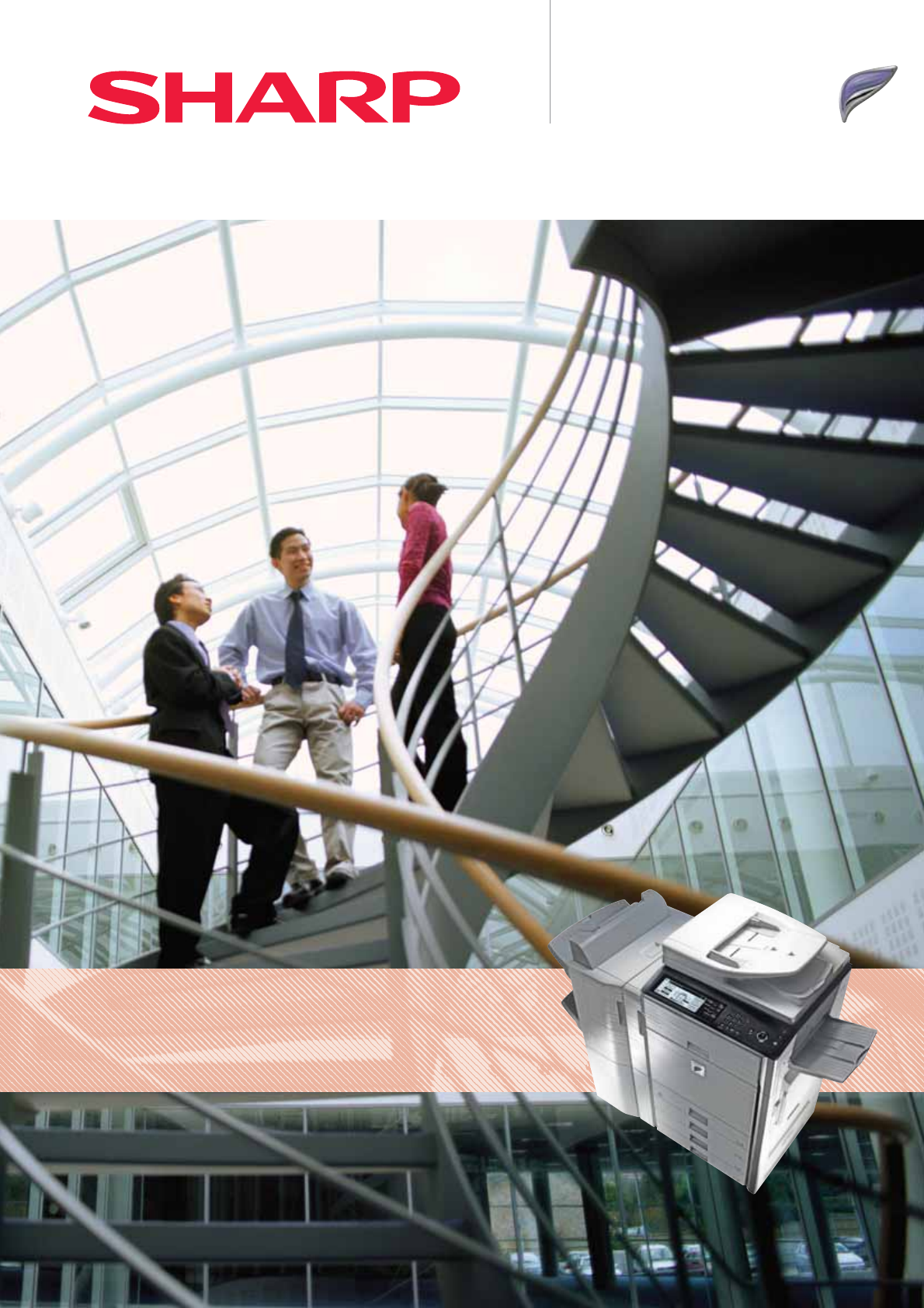
- Multifunction Systems for 1
- Every Busy Office 1
- LCD Display 2
- 50/45/36 2
- PPM in B/W 2
- Touch-Screen 2
- Up to 5600 3
- Sheet Paper 3
- Capacity 3
- Superior printing 4
- Easy, efficient copying 5
- Scan to Network 6
- Folder (SMB) 6
- Scan to USB 6
- Scan to PC 6
- Versatile faxing 7
- Powerful document management 8
- Integrated device management 9
- Security Kit 10
- Finishing 11
- Connectivity 11
- Specifications 12
Shrnutí obsahu
High Performance Black & White Multifunction Systems for Every Busy OfficeMX-M503U/MX-M453UMX-M363UDigital Multifunctional System
DataSecurity KitSecureNetworkAccessIndustry-leading multi-layer securityThe MX-M503U, MX-M453U and MX-M363U safeguard sensitive data with powerful enc
Finishing OptionsConnectivity Options6. MX-TRX211. MX-FXX210. MX-LCX17. MX-DEX9 8. MX-DEX8 9. MX-DK1315. MX-RBX31. MX-FNX9 + MX-PNX1A/C/Dor2. MX-FN10
SpecificationsGeneral Engine speed (max.) A4 A3MX-M503U 50 ppm/cpm 22 ppm/cpm MX-M453U 45 ppm/cpm 20 ppm/cpm MX-M363U 36 ppm/cpm 17 ppm/cpmPape
50/45/36PPM in B/W Touch-Screen LCD DisplayMX-M503U/MX-M453U/MX-M363U High Performance Black & White Multifunction SystemsVersatile, powerful and
Up to 5600 Sheet Paper Capacityfor Every Busy OfficeMX-M503U/MX-M453U/MX-M363U - Key FeaturesHighly productive operations Speedy output of max. 50/45/
Space-saving Inner FinisherHigh Capacity FinisherSuperior printingWith three print speeds to choose from, 36 pages per minute (ppm), 45 ppm or an impr
100-Sheet RSPFFast First Copy3.9 SecondsEasy, efficient copyingEverything about these latest MFPs has been optimised for speed, efficiency and ease of u
Scan to Email, Network, PC, FTP or USBPowerful network scanning option Choose the optional network scanning function and race through large jobs with
Automated FinishingPaperless FaxingVersatile faxingYou can extend the functionality of the new MFPs even further by specifying the optional fax expan
DocumentManagementSharpdeskTM Powerful document managementYour new Sharp MFP can give you everything you need to manage your document workflow. An opti
Printer Administration UtilityRemote Front PanelIntegrated device managementLike all Sharp MFPs, the MX-M503U, MX-M453U and MX-M363U are easy to config
Související produkty a manuály pro Kopírky Sharp MX-M363U
 (12 stránky)
(272 stránky)
(19 stránky)
(132 stránky)
(45 stránky)
(12 stránky)
(48 stránky)
(12 stránky)
(12 stránky)
(272 stránky)
(19 stránky)
(132 stránky)
(45 stránky)
(12 stránky)
(48 stránky)
 (80 stránky)
(8 stránky)
(92 stránky)
(8 stránky)
(188 stránky)
(12 stránky)
(116 stránky)
(12 stránky)
(8 stránky)
(4 stránky)
(31 stránky)
(28 stránky)
(80 stránky)
(8 stránky)
(92 stránky)
(8 stránky)
(188 stránky)
(12 stránky)
(116 stránky)
(12 stránky)
(8 stránky)
(4 stránky)
(31 stránky)
(28 stránky)
© 2020, manymanuals.cz. Všechna práva vyhrazena. | 0.027 s |
 Manymanuals.com
 Manymanuals.de
 Manymanuals.fr
 Manymanuals.it
 Manymanuals.pl
 Manymanuals.cz
 Manymanuals.es
 Manymanuals-pt.com
Komentáře k této Příručce