Sharp SX68NF8 Specifikace Strana 13
- Strana / 36
- Tabulka s obsahem
- ŘEŠENÍ PROBLÉMŮ
- KNIHY

- OPERATION MANUAL 1
- COLOUR TELEVISION 1
- Contents 2
- Accessories 3
- Easy setup 4
- Safety precautions 5
- Part names 6
- Behind the door 7
- TV Set (Bottom) 7
- TV Set (Top) 7
- Watching TV 8
- Operating the TV buttons 9
- Useful features 10
- TV/Video selection 11
- Channel recall 11
- Selecting menu items 12
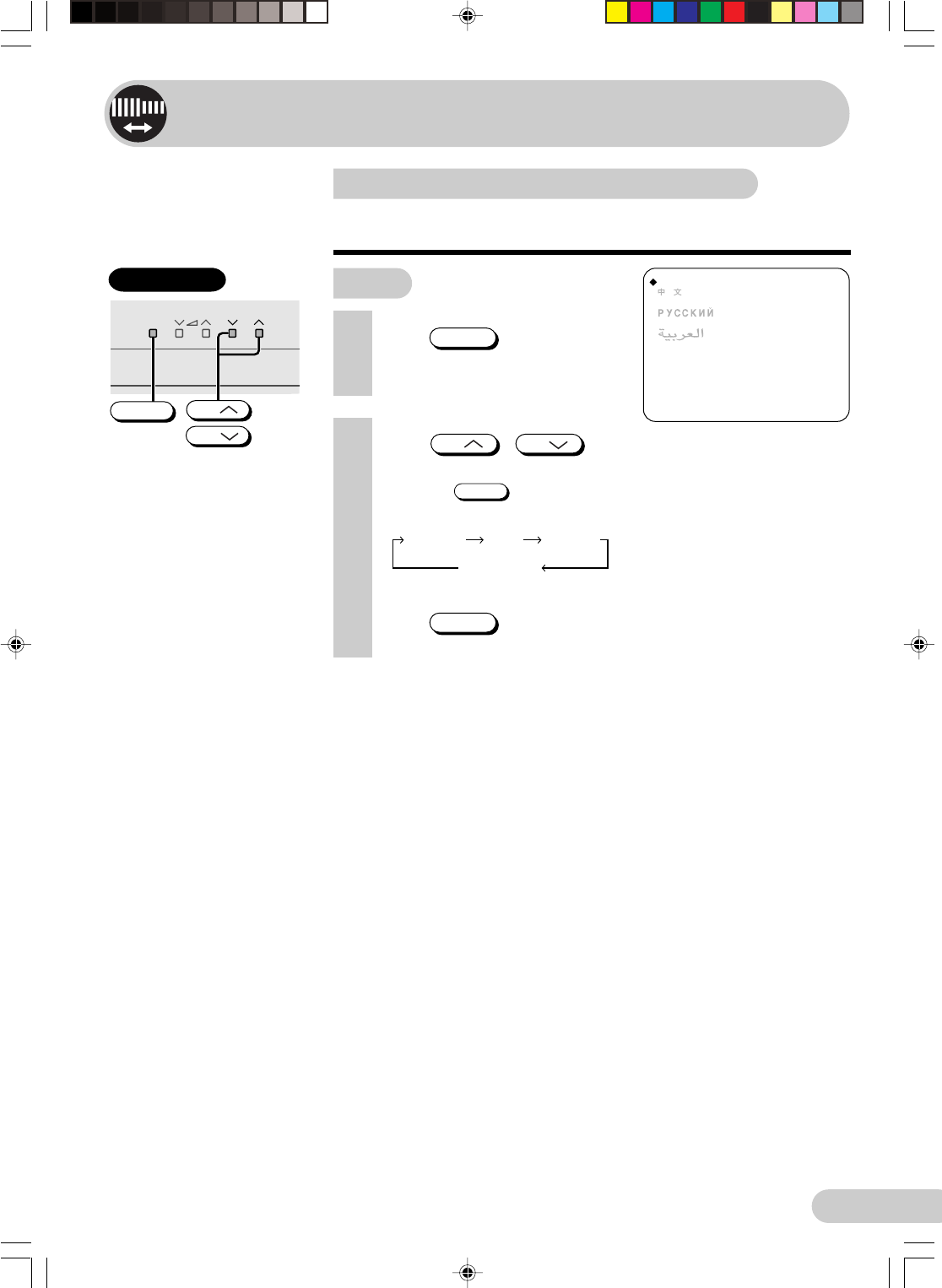
- Settings and adjustments 13
- Manual channel tuning 14
- 2 Press 15
- 3 Press / on TV 15
- 1 Press 15
- Channel setting 16
- Picture adjustment 17
- Sound adjustment 18
- Surround sound 19
- Blue screen 20
- POWER SAVE 21
- VM (Velocity Modulation) 22
- * Thai language not support 23
- Favourite channels 24
- AI (Artificial Intelligence) 24
- Off timer 25
- On timer 26
- Reminder on-screen timer 27
- NICAM broadcasts 28
- A2 stereo system broadcasts 29
- Teletext broadcasts 30
- Connections 31
- Antenna in 32
- Connecting to video equipment 33
- Troubleshooting 34
- Specifications 35
- WARRANTY 36
Související produkty a manuály pro Televizory a monitory Sharp SX68NF8
 (73 stránky)
(32 stránky)
(74 stránky)
(201 stránky)
(73 stránky)
(32 stránky)
(74 stránky)
(201 stránky)

 (44 stránky) (44 stránky)
(24 stránky)
(60 stránky)
(44 stránky) (44 stránky)
(24 stránky)
(60 stránky)
 (48 stránky)
© 2020, manymanuals.cz. Všechna práva vyhrazena. | 0.016 s |
 Manymanuals.com
 Manymanuals.de
 Manymanuals.fr
 Manymanuals.it
 Manymanuals.pl
 Manymanuals.cz
 Manymanuals.es
 Manymanuals-pt.com
Komentáře k této Příručce