Sharp ZQ-590 Specifikace Strana 21

  • Stažení
  • Přidat do mých příruček
  • Tisk
  • Strana
    / 32
  • Tabulka s obsahem
  • KNIHY
  • Hodnocené. / 5. Na základě hodnocení zákazníků
Zobrazit stránku 20
19
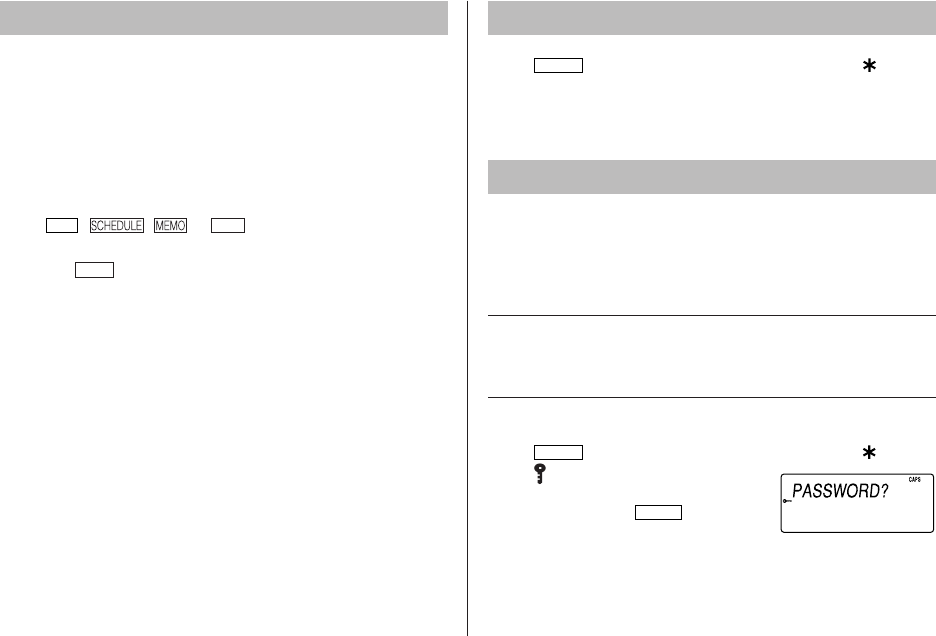
Use the memory management function to utilize the Organizer's
memory more efficiently.
Note:
Before performing memory management, back up your data.
While the memory management is in progress, do not press the
RESET switch. Doing so may result in losing all the data stored in
the Organizer.
1. Tap
TEL
, , or
TO
DO
to display NAME?,
SCHEDULE?, TO DO? or MEMO?.
2. Tap f
MENU
, select MANAGE MEM. using k or m.
3. When x is pressed, a message PERFORM... appears to
indicate that the memory management is in progress.
When done, the display will return to the initial screen.
Note:
By performing memory management, the amount of reusable
memory (indicated in MEMORY CHECK under [MENU]) will be
utilized.
Managing the Organizer’s Memory Adjusting the LCD contrast
1. Tap
CLOCK
once or twice to display Home clock (with ).
2. Press > or < to adjust the LCD contrast.
Secret Function
1. Registering a password
A Secret function is valid for Telephone, Schedule, To Do, and Memo
modes.
Up to 6 characters can be registered as the password.
If the password is forgotten, you cannot delete the password only. You
have to delete all the memory contents. (Perform steps 2 and 3 as
described in the section, Using the Organizer for the First Time.) As a
safeguard, make a written record of the password.
Registering a password
1. Tap
CLOCK
once or twice to display Home clock (with ).
2. Tap .
3. Enter a password (case sensitive), e.g.
f ABC and press
ENTER
.
•“RECONFIRM ! is displayed.
If ERROR ! appears briefly, the password has already been
registered.
ZQ-P20A(En).pm65 08.1.24, 1:44 PM19
Zobrazit stránku 20
1 2 ... 16 17 18 19 20 21 22 23 24 25 26 ... 31 32

Komentáře k této Příručce

Žádné komentáře

Scosche TA2073B manuály

Uživatelské manuály a uživatelské příručky pro Sady do auta Scosche TA2073B.
Poskytujeme 1 manuály pdf Scosche TA2073B ke stažení zdarma podle typů dokumentů: Uživatelský manuál


Scosche TA2073B Uživatelský manuál (1 strany)


Značka: Scosche | Kategorie: Car kits | Velikost: 0.53 MB |


Tabulka s obsahem


Další produkty a příručky pro Sady do auta Scosche

Modely Typ Dokumentu
TA2087B Uživatelský manuál   Scosche TA2087B car kit, 1 stránky
VO3135B Uživatelský manuál   Scosche VO3135B car kit, 1 stránky
NN1670B Uživatelský manuál   Scosche NN1670B car kit, 1 stránky
TA2076B Uživatelský manuál   Scosche TA2076B car kit, 1 stránky
TA2078B Uživatelský manuál   Scosche TA2078B car kit, 1 stránky
TA2043B Manuál   Scosche TA2043B car kit, 1 stránky
S-31 Manuál s instrukcemi   Scosche S31 car kit, 12 stránky
backSTAGE pro Uživatelský manuál   Scosche backSTAGE pro, 1 stránky
KA2072B Manuál   Scosche KA2072B car kit, 1 stránky
AUXMIC Uživatelský manuál   Scosche auxMIC, 2 stránky
VO4149B Uživatelský manuál   Scosche VO4149B car kit, 1 stránky
BFCL2 Uživatelský manuál   Scosche BFCL2 car kit, 12 stránky
solVUE Uživatelský manuál   Scosche solVUE, 12 stránky
BFTA Uživatelský manuál   Scosche BFTA car kit, 12 stránky
CBHV2 Uživatelský manuál   Scosche CBHV2 car kit, 2 stránky
CBHV5 Uživatelský manuál   Scosche CBHV5 car kit, 8 stránky