Sharp PG-LW3500 Specifikace Strana 12
- Strana / 26
- Tabulka s obsahem
- ŘEŠENÍ PROBLÉMŮ
- KNIHY

- PG-LW3500 1
- PG-LW3000 1
- PG-LX3500 1
- PG-LX3000 1
- SETUP MANUAL 1
- Connecting Pin Assignments 2
- Computer control 4
- Communication conditions 4
- Basic format 4
- Commands 5
- Protocol 10
- Page 12 11
- Pages 13, 14 11
- Pages 15, 16 11
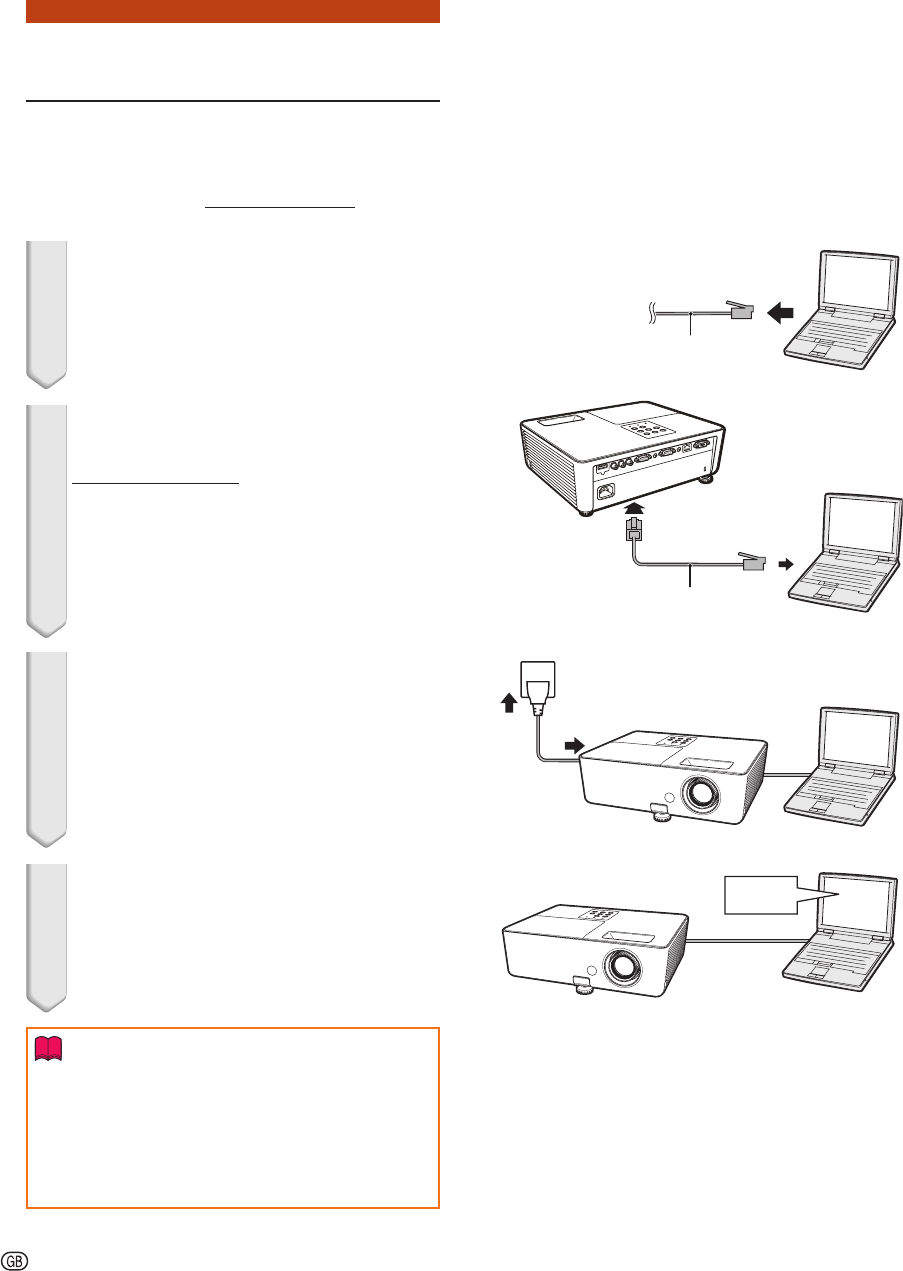
- 1. Connecting the Projector 12
- 2. Setting an IP Address for 13
- Setting up a Network Con 15
- Controlling the Projector 17
- Using Internet Explorer 17
- (Status) 18
- (Control) 18
- Setting and Adjusting the 19
- Projector 19
- Setting the Security 19
- (Network - General) 20
- (Mail – Originator Settings) 20
- (Mail – Recipient Settings) 21
- (Service & Support – 21
- Access URL) 21
- Troubleshooting 24
Související produkty a manuály pro Projektory Sharp PG-LW3500
 (2 stránky)
 (136 stránky)
(159 stránky)
(174 stránky)
(156 stránky)
(136 stránky)
(159 stránky)
(174 stránky)
(156 stránky)
 (33 stránky)
(5 stránky)
(112 stránky)
(82 stránky)
(142 stránky)
(2 stránky)
(2 stránky)
(33 stránky)
(5 stránky)
(112 stránky)
(82 stránky)
(142 stránky)
(2 stránky)
(2 stránky)
 (8 stránky)
(13 stránky)
(149 stránky)
(2 stránky)
(8 stránky)
(13 stránky)
(149 stránky)
(2 stránky)
© 2020, manymanuals.cz. Všechna práva vyhrazena. | 0.023 s |
 Manymanuals.com
 Manymanuals.de
 Manymanuals.fr
 Manymanuals.it
 Manymanuals.pl
 Manymanuals.cz
 Manymanuals.es
 Manymanuals-pt.com
Komentáře k této Příručce