/ This is Why our MFPs offer
superior convenience,
flexibility and security
Unlocking information across the enterprise
Now you can really put paper-based information to full use,
digitising documents and distributing them as needed. Even
high volume scanning is effortless thanks to thoughtful
innovations that automatically stamp originals as they’re
scanned and skip blank pages entirely.
To distribute your scans, simply browse and select email
destinations from a list which is synchronised with your
corporate email address book. And if you send a copy to your
PC, you can use Sharpdesk document management software,
which lets you store and manage files of virtually any format,
and even combine them into new multipage documents.
Convenient filing
The MX-2310U comes with a 160GB hard drive on which
you can store jobs (neatly indexed with thumbnail views) for
later reuse. Choose from Quick Filing for temporary storage,
Advanced Filing for long-term archiving, or a Main Folder for
convenient workgroup sharing. You can also store your
documents in private, password protected folders.
4
Industry Leading
Security
Hard Disk
Data Storage
As Standard
Ready for the future
Choose the configuration you need today and add extra
options as and when you need them. Expand the paper
supply up to 2,100 sheets, add Super G3 and internet fax,
invest in extra security, install a space-saving inner finisher
and hole punch: It’s your choice.
The MX-2310U can also run the latest Sharp OSA
®
(Open
Systems Architecture) applications, transforming it into an
integrated gateway to your networked business applications.
Different applications can be used for automating manual
office tasks, such as capturing and distributing documents,
or to let you access network applications and data directly
from the MFP’s front panel.
Security you can trust
The multi-layered security of the MX-2310U works 24/7
to keep your network and data safe from all unauthorised
access, intentional or innocent. Standard security measures
include user authentication, Confidential PIN Printing, SSL
data encryption, a secure network interface, IEEE 802.1X
compliance, IPsec compatibility and password-protected
encrypted PDFs. But that’s not all.
The MX-2310U has a hard disk as standard which stores
documents and data. To safeguard this information and for
even greater security, choose the optional Data Security Kit,
which encrypts and securely erases data from the hard disk
and internal memory, at specified intervals or on demand.
The kit also has a Document Control facility to prevent
unauthorised copying, scanning, faxing and filing. In addition,
the standard Data Initialisation function safely wipes all data
from the MX-2310U when it’s time to replace it.
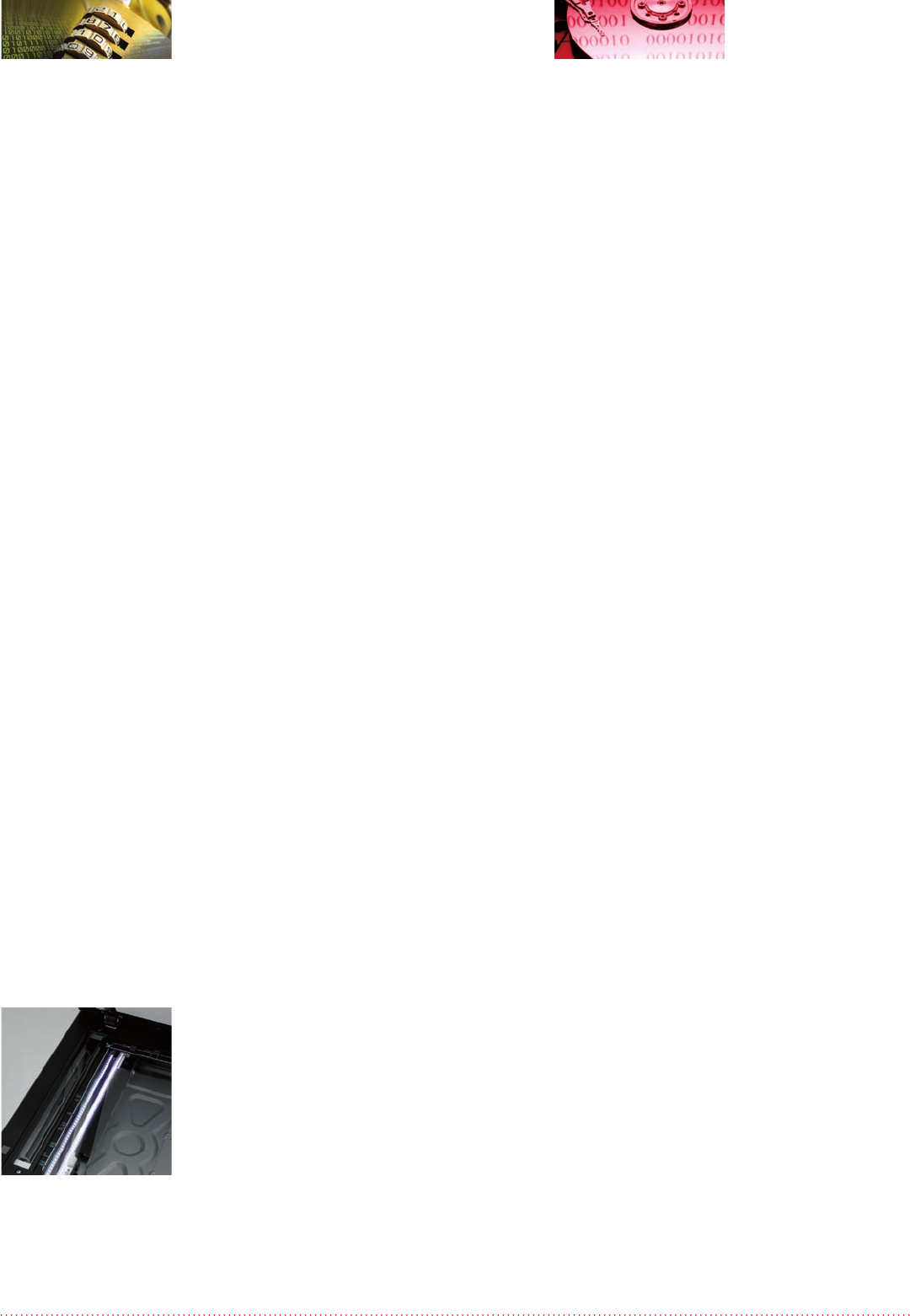
LED scanner uses
less energy than
conventional lamps.
Komentáře k této Příručce