Sharp R-64ST Uživatelský manuál
Procházejte online nebo si stáhněte Uživatelský manuál pro Mikrovlnné trouby Sharp R-64ST. Sharp R-64ST Owner`s manual Uživatelská příručka
- Strana / 18
- Tabulka s obsahem
- ŘEŠENÍ PROBLÉMŮ
- KNIHY

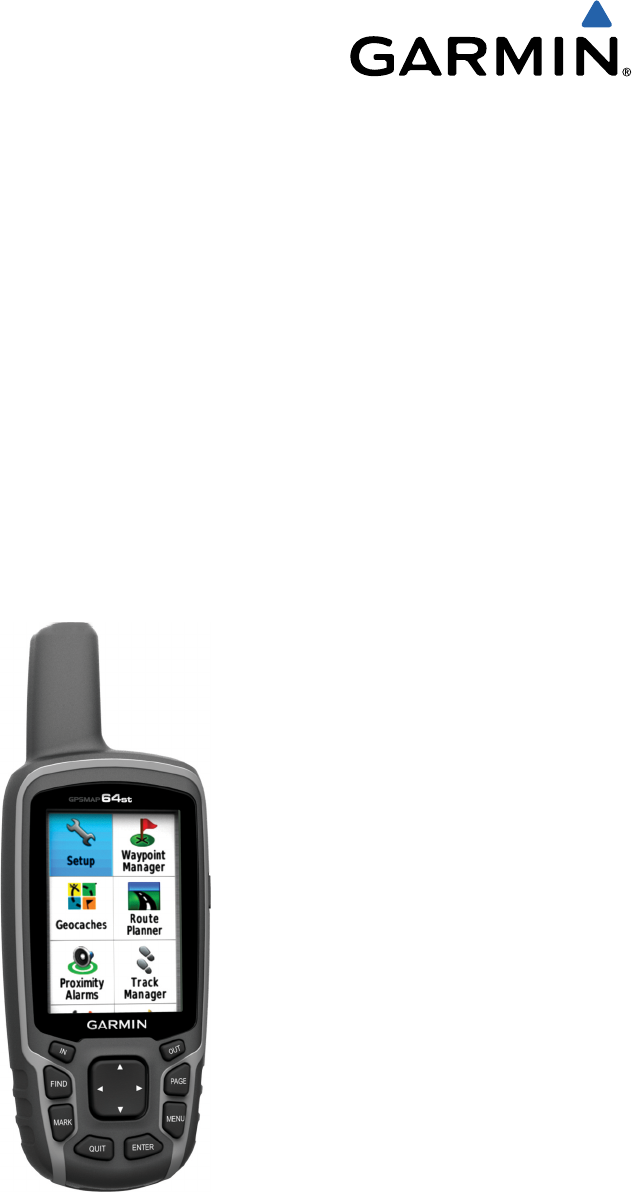
- Owner’s Manual 1
- Table of Contents 3
- Introduction 5
- Waypoints, Routes, and Tracks 6
- Using the Main Pages 7
- Trip Computer 8
- Elevation Plot 8
- Garmin Adventures 10
- VIRB™ Remote 10
- Waypoint Averaging 10
- Bluetooth Connected Features 10
- Customizing Your Device 11
- System Settings 12
- Display Settings 12
- Setting the Device Tones 12
- Customizing Your Device 9 13
- Device Information 14
- Appendix 14
- Long-Term Storage 15
- Optional Accessories 15
- Garmin Device 15
- Data Management 15
- Attaching the Wrist Strap 16
- Attaching the Carabiner Clip 16
- Device Care 16
- Troubleshooting 16
Shrnutí obsahu
GPSMAP® 64Owner’s ManualFebruary 2014 190-01702-00_0B Printed in Taiwan
AutoLocate Position: Calculates your GPS position using the Garmin AutoLocate® feature.Set Location On Map: Allows you to mark your current location o
Viewing Phone NotificationsBefore you can view notifications, you must pair your device with your compatible smartphone.1Select > MENU.2Select a
Location of Destination: The position of your final destination. You must be navigating for this data to appear.Odometer: A running tally of distance
Marine SettingsSelect Setup > Marine.Marine Chart Mode: Sets the type of chart the device uses when displaying marine data. Nautical displays vario
views are different when you use the device for hunting than when geocaching.When you are using a profile and you change settings, such as data fields
NOTICEAlkaline batteries lose a significant amount of their capacity as the temperature decreases. Use lithium batteries when operating the device in
Deleting FilesNOTICEIf you do not know the purpose of a file, do not delete it. Your device memory contains important system files that should not be
IndexAaccessories 11addresses, finding 3adventures 6alarmsclock 7marine 9proximity 5altimeter 9calibrating 5ANT+ sensors, pairing 11applications 6area
www.garmin.com/support913-397-82001-800-800-10200808 238 0000+44 (0) 870 85012421-866-429-9296 +43 (0) 820 220230+ 32 2 672 52 54+385 1 5508 272+385 1
All rights reserved. Under the copyright laws, this manual may not be copied, in whole or in part, without the written consent of Garmin. Garmin reser
Table of ContentsIntroduction... 1Device Overview...
Cleaning the Device... 12Troubleshooting...
Introduction WARNINGSee the Important Safety and Product Information guide in the product box for product warnings and other important information.Dev
3Replace the battery cover, and turn the D-ring clockwise.4Hold .5Select Setup > System > AA Battery Type.6Select Alkaline, Lithium, Traditiona
3Select View Map.Deleting a Route1Select Route Planner.2Select a route.3Select Delete Route.Navigating a Saved RouteBefore you can navigate using a sa
top of the page. Automotive Mode shows an 3D automotive view with the direction of travel at the top.Guidance Text: Sets when the guidance text appear
Ambient Pressure: Records ambient pressure changes over a period of time.Barometric Pressure: Records barometric pressure changes over a period of tim
Související produkty a manuály pro Mikrovlnné trouby Sharp R-64ST
 (12 stránky)
(108 stránky)
(24 stránky)
(16 stránky)
(15 stránky)
(13 stránky)
(24 stránky)
(12 stránky)
(108 stránky)
(24 stránky)
(16 stránky)
(15 stránky)
(13 stránky)
(24 stránky)
 (53 stránky)
(47 stránky)
(43 stránky)
(28 stránky)
(20 stránky)
(36 stránky)
(32 stránky)
(56 stránky)
(32 stránky)
(42 stránky)
(36 stránky)
(53 stránky)
(47 stránky)
(43 stránky)
(28 stránky)
(20 stránky)
(36 stránky)
(32 stránky)
(56 stránky)
(32 stránky)
(42 stránky)
(36 stránky)
 (87 stránky)
© 2020, manymanuals.cz. Všechna práva vyhrazena. | 0.096 s |
 Manymanuals.com
 Manymanuals.de
 Manymanuals.fr
 Manymanuals.it
 Manymanuals.pl
 Manymanuals.cz
 Manymanuals.es
 Manymanuals-pt.com
Komentáře k této Příručce