Sharp DV-740H Specifikace
Procházejte online nebo si stáhněte Specifikace pro DVD přehrávače Sharp DV-740H. Sharp DV-740H Specifications Uživatelská příručka
- Strana / 36
- Tabulka s obsahem
- KNIHY

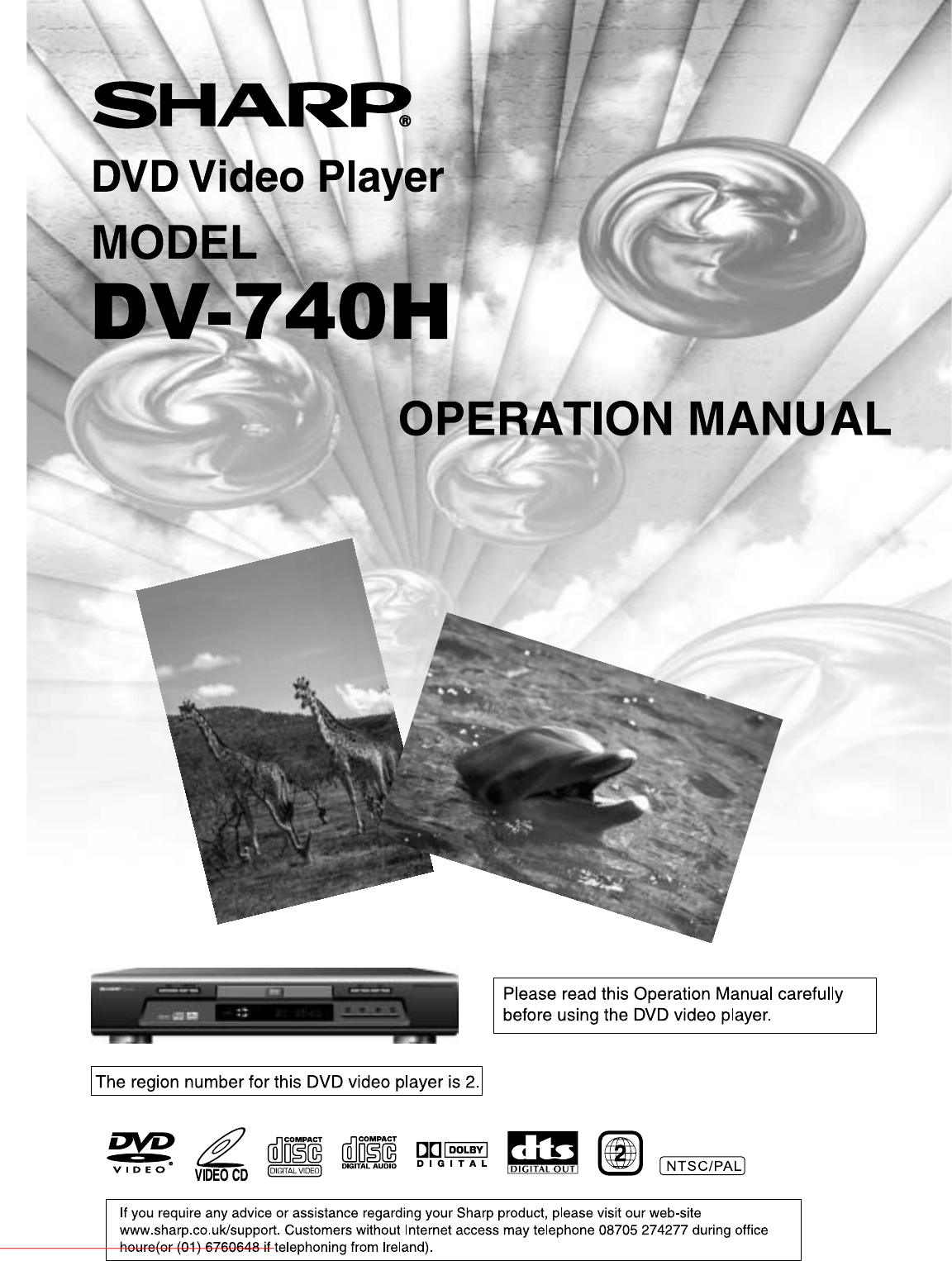
Shrnutí obsahu
Downloaded from www.Manualslib.com manuals search engine Downloaded From Disc-Player.com Sharp Manuals
- 8 - DISC CARE < Disc Usage ? Please hold all discs by their edges or the centre opening as shown below. Do not touch the shiny surface of th
- 9 - DISC COMPATIBILITY CHART This DVD player can play the following types of discs: Disc Type Dimension/Side/Layer Max. Playback Time (Storag
- 10 - REMOTE CONTROL UNIT To use the remote control unit to operate the DVD player, insert two batteries (size AAA) making sure that the + and –
- 11 - REMOTE CONTROL UNIT 1. OPEN/CLOSE Opens or closes disc tray. 2. SETUP Customizes DVD player settings. Refer to p.16. 3. AUDIO During
- 12 - FRONT & REAR PANEL/DISPLAY WINDOW< Front Panel 1. OPERATE Switch Button Turns the unit’s power on and off. 2. OPEN/CLOS
- 13 - < Display Window 1. Disc inside indicator 2. DTS® Digital Audio Indicator (See Fig. 1 below) Indicates the disc played c
- 14 - CONNECTIONS < Video Output Terminals and Connections l Composite Video Output Terminal Composite video output is the most commonly us
- 15 - < Audio Output Terminals and Connections l Down-Mixed Audio Output Terminals (L/R) Use down-mixed (stereo) audio output terminals for
- 16 - INITIAL SETTING Press the SETUP button on the remote controller to set up the initial setting. The On-Screen Display (OSD) will display b
- 17 - < AUDIO SETUP There are two available items: They are AUDIO OUT and DOWN MIX. l AUDIO OUT You can choose to send the player’s audio si
Downloaded from www.Manualslib.com manuals search engine Downloaded From Disc-Player.com Sharp Manuals
- 18 - l DYNAMIC “Dynamic Range” is the difference between the maximum level and the minimum level of sounds. Sounds on a movie originally desig
- 19 - < GENERAL SETUP There are four available selections: ANGLE MARK, OSD LANG, CAPTIONS, and SCR SAVER. l ANGLE MARK During playback of a
- 20 - < PREFERENCES Preferences allow you to set the default AUDIO, SUBTITLE, DISC MENU, PARENTAL, PASSWORD, and factory DEFAULTS of this pla
- 21 - l PASSWORD The password is a 4-digit number. When you want to change the password, select “CHANGE” as shown below. You will b
- 22 - ON-SCREEN DISPLAY (OSD) < DVD OSD Modes There are two OSD display modes available when playing a DVD disc. l Mode 1 Shows the status
- 23 - BASIC OPERATION OF PLAYBACK Preparation: ? If a television set is used, turn on its power and select the appropriate input AV, S-Video or
- 24 - < FAST FORWARD/REVERSE SCAN Using the FWD8 and 7REV buttons to fast forward and reverse scan. l DVD Playback ? When the FWD8 or 7REV
- 25 - < STOP Playback l DVD Playback Pressing the STOP button once pre-stops (pauses) playback. You must press the STOP button twice to to
- 26 - ADVANCED OPERATION OF PLAYBACK< REPEATED Playback l TITLE/CHAPTER Repeat When the REPEAT button is pressed, the repeated playback i
- 27 - < TITLE MENU (DVD Only) Some DVD discs have a title menu recorded within them to use for selecting titles for play. This feature will o
- 1 - SPECIAL NOTE FOR USERS IN THE U.K. The mains lead of this product is fitted with a non-rewireable (moulded) plug i
- 28 - < Changing SUBTITLE During Playback During playback of a DVD disc with more than two subtitle languages, you can change the subtitle or
- 29 - ? To search by chapter, use the 3 4 5 6 buttons to highlight the first two digits of the “CHAPTER nn/nn” section. Once highlighted, use
- 30 - MP3 PLAYBACK < MP3 Compatible Format ? During MP3 playback, please select PAL TV system in the setup menu. ? This unit supports 32~320
- 31 - l Skip Playback ? Under the status of playback, you can use the SKIP: and 9SKIP buttons to skip forward and reverse playback. l
- 32 - ADDITIONAL INFORMATION < GLOSSARY l DTS® DTS® stands for Digital Theater System. DTS® Digital Surround is an encoded/decoded system, w
- 33 - < TROUBLE SHOOTING Before requesting service for this unit, please check the following chart for possible causes and remedies. If the
- 34 - < SPECIFICATION Power requirement AC 220-240 V, 50 Hz Power consumption <20 W (approx. 5W at standby mode) Weight 3.5Kg Dimension
- 2 - SAFETY INFORMATION Power Lead Protection To avoid any malfunctions of the unit, and to protect against electri
- 3 - SAFETY INFORMATION Location and Handling l Do not place your Player in enclosed space or do not cover it to prevent excessive temperatures ins
- 4 - INDEX SAFETY INFORMATION ...2 INDEX...
- 5 - FEATURES< Compatible With DVD, VCD, Audio CD, and MP3 Media Format. This DVD player can play a variety of disc media including DVD Video, Vi
- 6 - PACKAGE CONTENTS Please verify that the following items are included within the DVD carton. If items are missing, please contact your reta
- 7 - PRECAUTIONSPlease read the following carefully to get the best and safest performance from this DVD player < Power Supply Make sure to u
Další dokumenty pro DVD přehrávače Sharp DV-740H

Související produkty a manuály pro DVD přehrávače Sharp DV-740H
 (10 stránky)
(28 stránky)
(49 stránky)
(56 stránky)
(56 stránky)
(71 stránky)
(52 stránky)
(10 stránky)
(28 stránky)
(49 stránky)
(56 stránky)
(56 stránky)
(71 stránky)
(52 stránky)


 (36 stránky)
(40 stránky)
(36 stránky)
(40 stránky)
 (74 stránky)
(45 stránky)
(72 stránky)
(216 stránky)
(74 stránky)
(45 stránky)
(72 stránky)
(216 stránky)
 (78 stránky)
(24 stránky)
(40 stránky)
(65 stránky)
(78 stránky)
(24 stránky)
(40 stránky)
(65 stránky)
© 2020, manymanuals.cz. Všechna práva vyhrazena. | 0.056 s |
 Manymanuals.com
 Manymanuals.de
 Manymanuals.fr
 Manymanuals.it
 Manymanuals.pl
 Manymanuals.cz
 Manymanuals.es
 Manymanuals-pt.com
Komentáře k této Příručce