Sharp DV-720S Specifikace Strana 60
- Strana / 74
- Tabulka s obsahem
- ŘEŠENÍ PROBLÉMŮ
- KNIHY

- manuals search engine 1
- OPERATION MANUAL 3
- About This Manual 4
- Contents 5
- SAFETY INFORMATION 6
- The region number for 8
- Discs that Cannot be Played 8
- Icons Used on DVDs 9
- Title, Chapter and Tracks 9
- Features 10
- Accessories 10
- Major Components 11
- Main Unit (Rear) 13
- Remote Control Unit 14
- 1 Open the battery cover 16
- 2 Load the batteries 16
- 3 Close the battery cover 16
- Connection 17
- Connecting to Audio Equipment 20
- Playing 2 channel audio 20
- Power Control Operation 23
- About the SETUP Screen 24
- TV MODE SETUP 26
- TV MODE: 26
- NTSC: 26
- PARENTAL SETUP 28
- PASSWORD: ???? 28
- LEVEL 8 FOR ADULTS 28
- Changing the parental level 30
- PASSWORD: 31
- AUDIO SETUP Setting 32
- Setting the COMPRESSION 32
- (Dolby Digital output level) 32
- Setting the DIGITAL OUT 33
- Setting the DOLBY DIGITAL 33
- Setting the MPEG 34
- DISC LANGUAGE Setting 35
- OSD LANGUAGE SETUP Setting 37
- Display Information 38
- Playback 39
- DVD Playback 40
- Zooming an Image 42
- 1 Press FWD 43
- 4 Press ENTER 46
- Subtitle/angle/audio setting 47
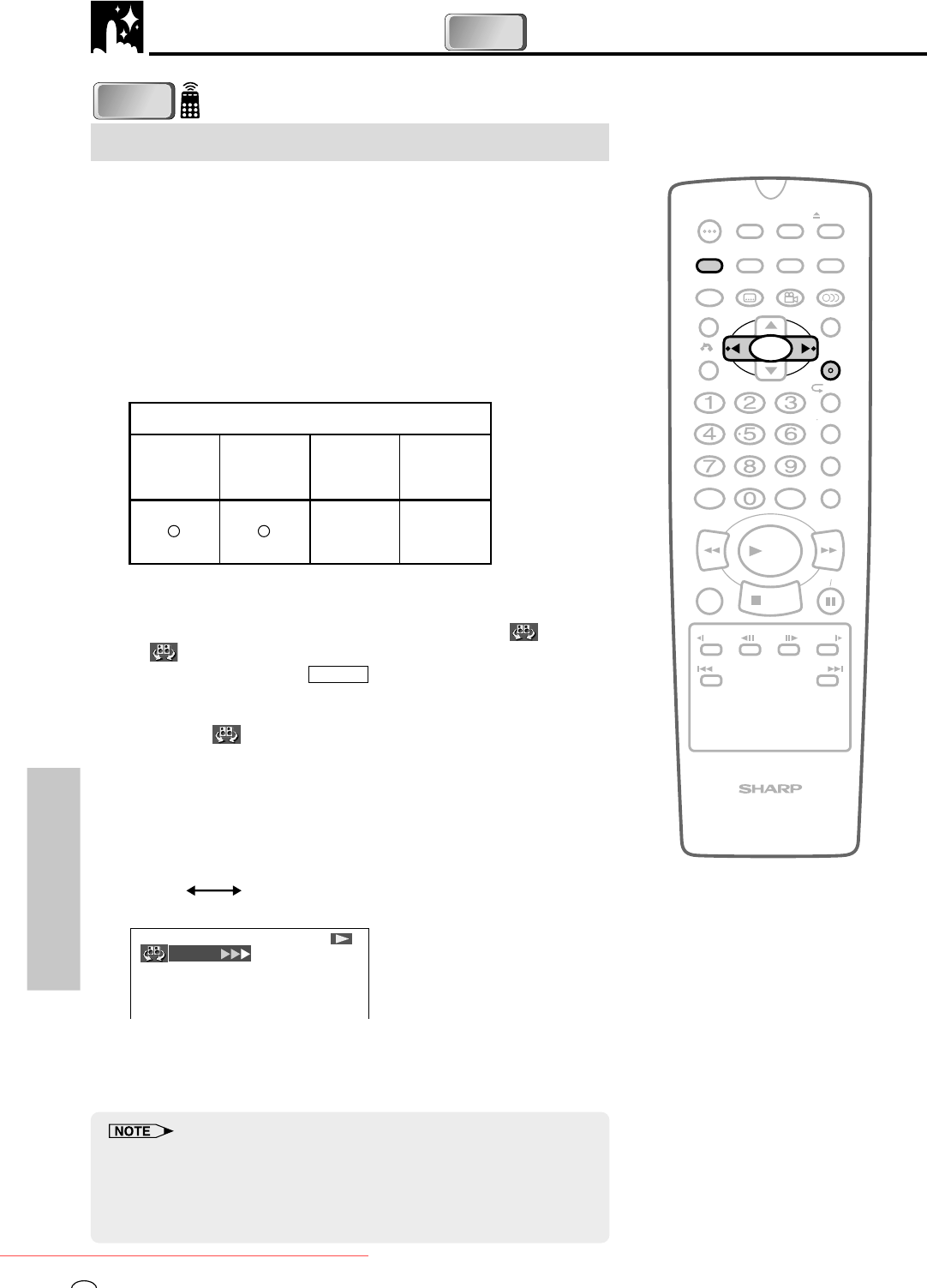
- VIRTUAL DOLBY setting 48
- 5 Press 52
- A-B Repeat 55
- 2 Press 56
- 3 Press RESUME 56
- Angle Selection 57
- Subtitle Selection 58
- Audio Selection 59
- Disc Repeat / Track Repeat 64
- Definition of Terms 67
- Troubleshooting 70
- Specifications 71
- Disc Handling and Maintenance 72
- SHARP CORPORATION 73
- Osaka, Japan 73
Související produkty a manuály pro DVD přehrávače Sharp DV-720S

 (45 stránky)
(72 stránky)
(216 stránky)
(45 stránky)
(72 stránky)
(216 stránky)
 (78 stránky)
(24 stránky)
(40 stránky)
(65 stránky)
(78 stránky)
(24 stránky)
(40 stránky)
(65 stránky)
 (24 stránky)
(109 stránky)
(100 stránky)
(44 stránky)
(47 stránky)
(16 stránky)
(41 stránky)
(41 stránky)
(58 stránky)
(55 stránky)
(24 stránky)
(109 stránky)
(100 stránky)
(44 stránky)
(47 stránky)
(16 stránky)
(41 stránky)
(41 stránky)
(58 stránky)
(55 stránky)
© 2020, manymanuals.cz. Všechna práva vyhrazena. | 0.035 s |
 Manymanuals.com
 Manymanuals.de
 Manymanuals.fr
 Manymanuals.it
 Manymanuals.pl
 Manymanuals.cz
 Manymanuals.es
 Manymanuals-pt.com
Komentáře k této Příručce