Sharp MX-4500N Uživatelský manuál Strana 9
- Strana / 12
- Tabulka s obsahem
- KNIHY

- ADVANCE YOUR BUSINESS WITH 1
- SECURE, MULTIFUNCTION COLOUR 1
- SCAN FAX FILE 3
- USB memory 4
- Jewellery 5% off 5
- Sportswear 10% off 5
- Cosmetics 15% off 5
- CONFIDENTIAL 6
- DO NOT COPY 6
- TOP SECRET 6
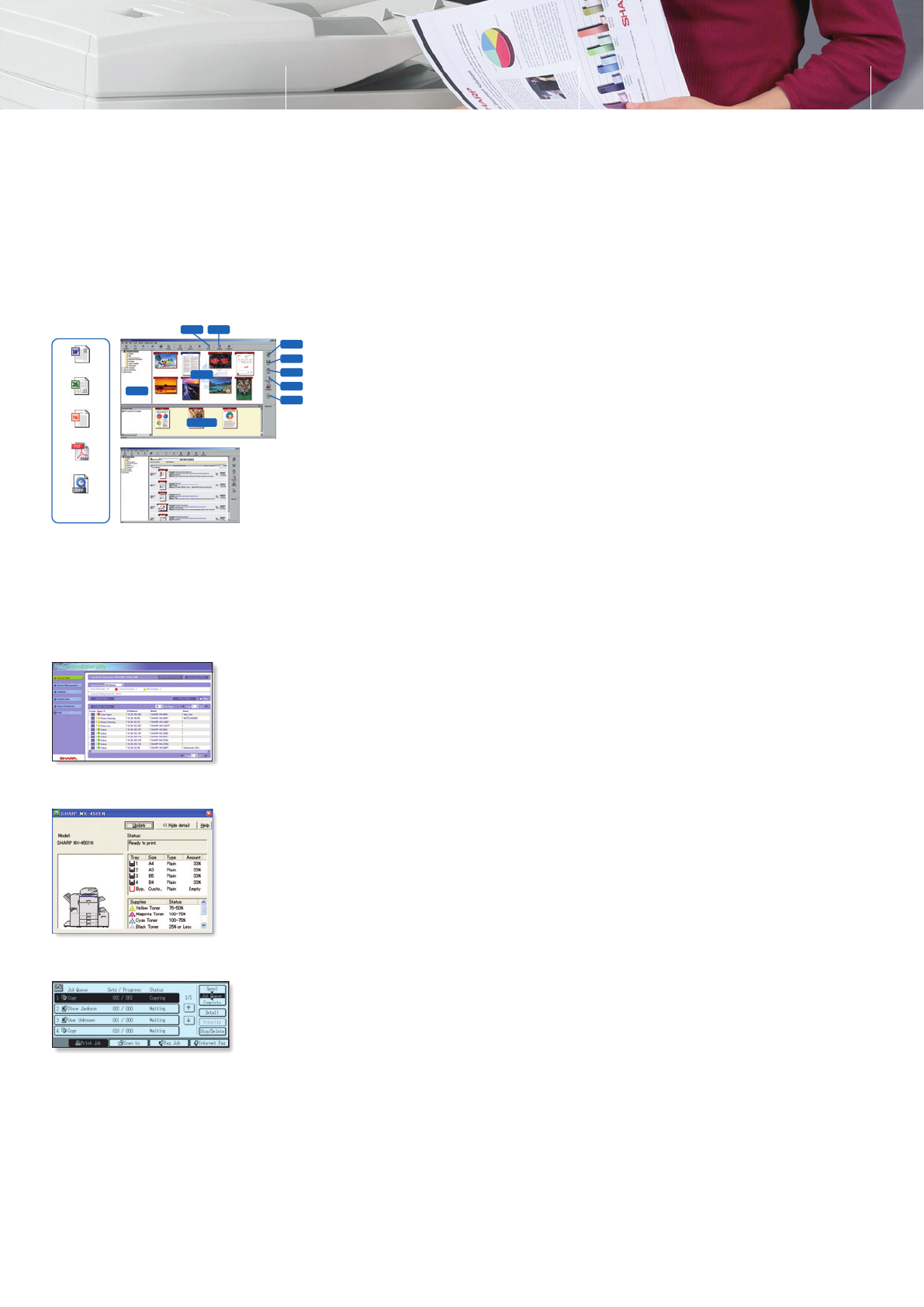
- Printer Status Monitor 9
- Job Status screen 9
- Web-based PAU 4.0 9
- PRINT COPY 10
- SCAN FAX 11
- MX-4501N/MX-3501N 12
- MX-4500N/MX-3500N 12
Související produkty a manuály pro Kopírky Sharp MX-4500N
 (88 stránky)
(117 stránky)
(12 stránky)
(56 stránky)
(44 stránky)
(88 stránky)
(117 stránky)
(12 stránky)
(56 stránky)
(44 stránky)

 (47 stránky)
(160 stránky)
(79 stránky)
(36 stránky)
(8 stránky)
(16 stránky)
(104 stránky)
(6 stránky)
(183 stránky)
(28 stránky)
(90 stránky)
(108 stránky)
(16 stránky)
(102 stránky)
(116 stránky)
(47 stránky)
(160 stránky)
(79 stránky)
(36 stránky)
(8 stránky)
(16 stránky)
(104 stránky)
(6 stránky)
(183 stránky)
(28 stránky)
(90 stránky)
(108 stránky)
(16 stránky)
(102 stránky)
(116 stránky)
© 2020, manymanuals.cz. Všechna práva vyhrazena. | 0.052 s |
 Manymanuals.com
 Manymanuals.de
 Manymanuals.fr
 Manymanuals.it
 Manymanuals.pl
 Manymanuals.cz
 Manymanuals.es
 Manymanuals-pt.com
Komentáře k této Příručce