Sharp MX-3114N Operation Specifikace
Procházejte online nebo si stáhněte Specifikace pro Kopírky Sharp MX-3114N Operation. Sharp MX-3114N Operation Specifications Uživatelská příručka
- Strana / 16
- Tabulka s obsahem
- KNIHY

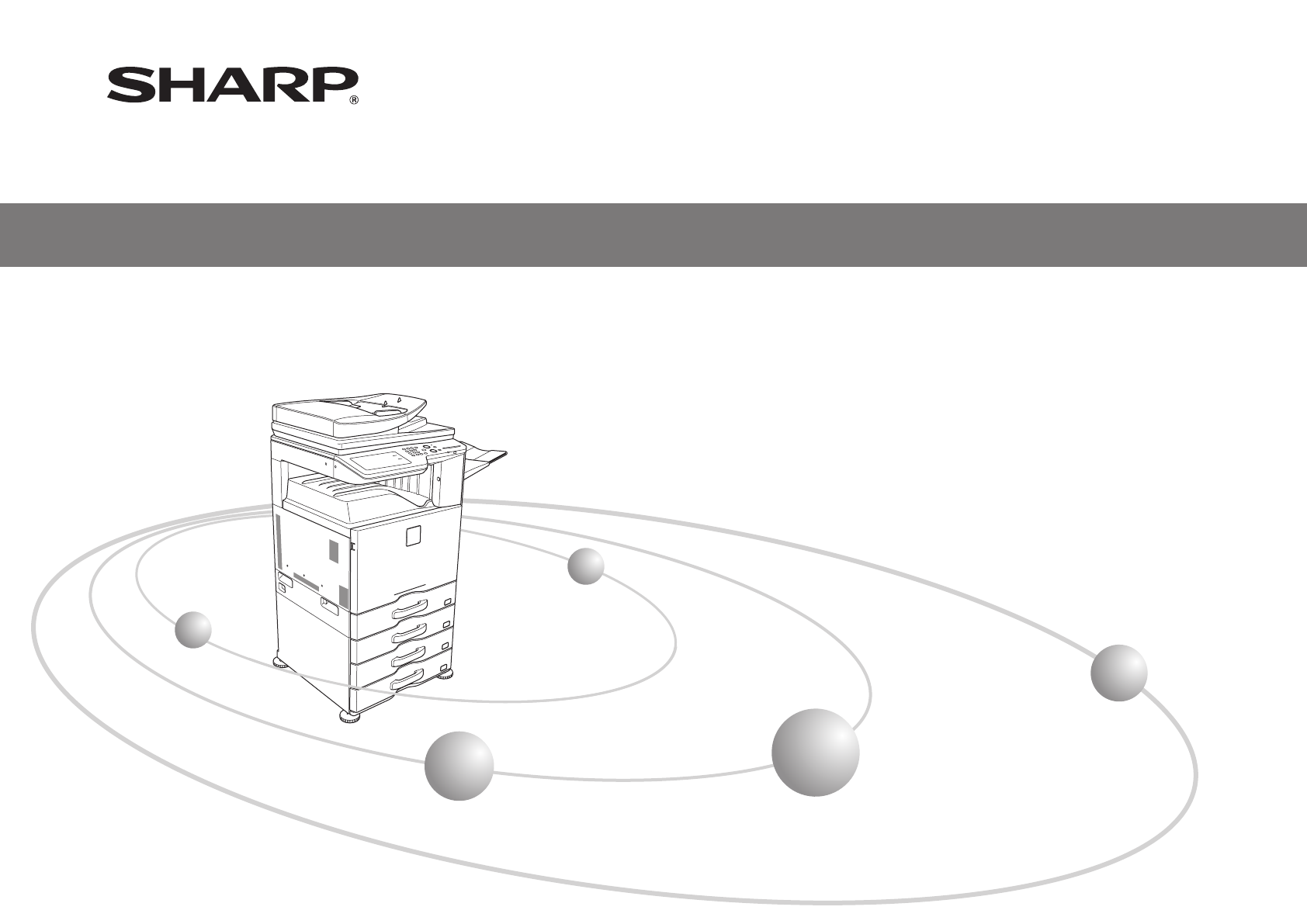
- START GUIDE 1
- � Warning: 2
- � Warranty 2
- CAUTIONS 3
- CAUTION 4
- WARNING CAUTION 5
- SUPPLIES 6
- PART NAMES 7
- TURNING THE POWER ON AND OFF 8
- Before using the machine 9
- Directions for use 9
- SPECIFICATIONS 10
- Automatic document feeder 11
- Punch module 11
- Fax Specications 11
- Finisher 11
- Network Printer Specications 12
- Network Scanner Specications 12
- INFORMATION ON DISPOSAL 13
- System settings password 14
- TRADEMARK ACKNOWLEDGMENTS 15
- PRINTED IN FRANCE 16
Shrnutí obsahu
CONTENTSKeep this manual close at hand for reference whenever needed.START GUIDEDIGITAL FULL COLOUR MULTIFUNCTIONAL SYSTEMMX-2314N/MX-2614N/MX-3114NCA
10SPECIFICATIONSBasic Specications / Copier specicationsNameMX-2314N/MX-2614N/MX-3114NTypeDesktopColourFull colourCopier systemLaser electrostatic c
11NameReversing Single Pass Feeder (RSPF)Document feeder typesReversing Single Pass Feeder (RSPF)Original paper sizesA3 (11" × 17") to A5 (5
12Registered paper sizeA3 (11" × 17") to A5 (5-1/2" × 8-1/2")Transmission timeApprox. 2 seconds * (A4 (8-1/2" × 11") Sha
13INFORMATION ON DISPOSALInformation on Disposal for Users (private households)� In the European UnionAttention: If you want to dispose of this equip
14TO THE ADMINISTRATOR OF THE MACHINESystem settings passwordA password is necessary to change the machine’s system settings using administrator autho
15The following trademarks and registered trademarks are used in conjunction with the machine and its peripheral devices and accessories.• Microsoft®
PRINTED IN FRANCETINSE5144GHZZMX-2314N/MX-2614N/MX-3114N START GUIDE
2Caution!For complete electrical disconnection, pull out the main plug.The socket-outlet shall be installed near the equipment and shall be easily acc
3CAUTIONSTo ensure safe use of the machine, this manual uses various safety symbols. The safety symbols are classified as explained below. Be sure you
4Do not install the machine on an unstable or slanted surface. Install the machine on a surface that can withstand the weight of the machine.Risk of i
5Do not place a container of water or other liquid, or a metal object that might fall inside, on the machine.If the liquid spills or the object falls
6SUPPLIESStandard supplies for this product that can replaced by the user include paper, toner cartridges, and staple cartridges for the finisher.Be su
7PART NAMESMain power switchTray 1Tray 2 (when paper feed tray is installed)*Tray 3 (when paper feed tray is installed)*Tray 4 (when paper feed tray i
8TURNING THE POWER ON AND OFFThis machine has two power switches. The main power switch is at the bottom left after the front cover is opened. The oth
9OPERATION MANUALS AND HOW TO USE THEMThe instructions for this manual are separated in the following three sections.Before using the machine Start Gu
Další dokumenty pro Kopírky Sharp MX-3114N Operation

Související produkty a manuály pro Kopírky Sharp MX-3114N Operation
 (8 stránky)
(4 stránky)
(8 stránky)
(8 stránky)
(4 stránky)


 (20 stránky)
(57 stránky)
(72 stránky)
(69 stránky)
(12 stránky)
(91 stránky)
(12 stránky)
(12 stránky)
(12 stránky)
(81 stránky)
(84 stránky)
(118 stránky)
(48 stránky)
(16 stránky)
(72 stránky)
(125 stránky)
(8 stránky)
(20 stránky)
(57 stránky)
(72 stránky)
(69 stránky)
(12 stránky)
(91 stránky)
(12 stránky)
(12 stránky)
(12 stránky)
(81 stránky)
(84 stránky)
(118 stránky)
(48 stránky)
(16 stránky)
(72 stránky)
(125 stránky)
(8 stránky)
© 2020, manymanuals.cz. Všechna práva vyhrazena. | 0.026 s |
 Manymanuals.com
 Manymanuals.de
 Manymanuals.fr
 Manymanuals.it
 Manymanuals.pl
 Manymanuals.cz
 Manymanuals.es
 Manymanuals-pt.com
Komentáře k této Příručce