Sharp XLUH4H Specifikace Strana 1
Procházejte online nebo si stáhněte Specifikace pro CD přehrávače Sharp XLUH4H. Sharp XLUH4H Uživatelská příručka
- Strana / 44
- Tabulka s obsahem
- ŘEŠENÍ PROBLÉMŮ
- KNIHY

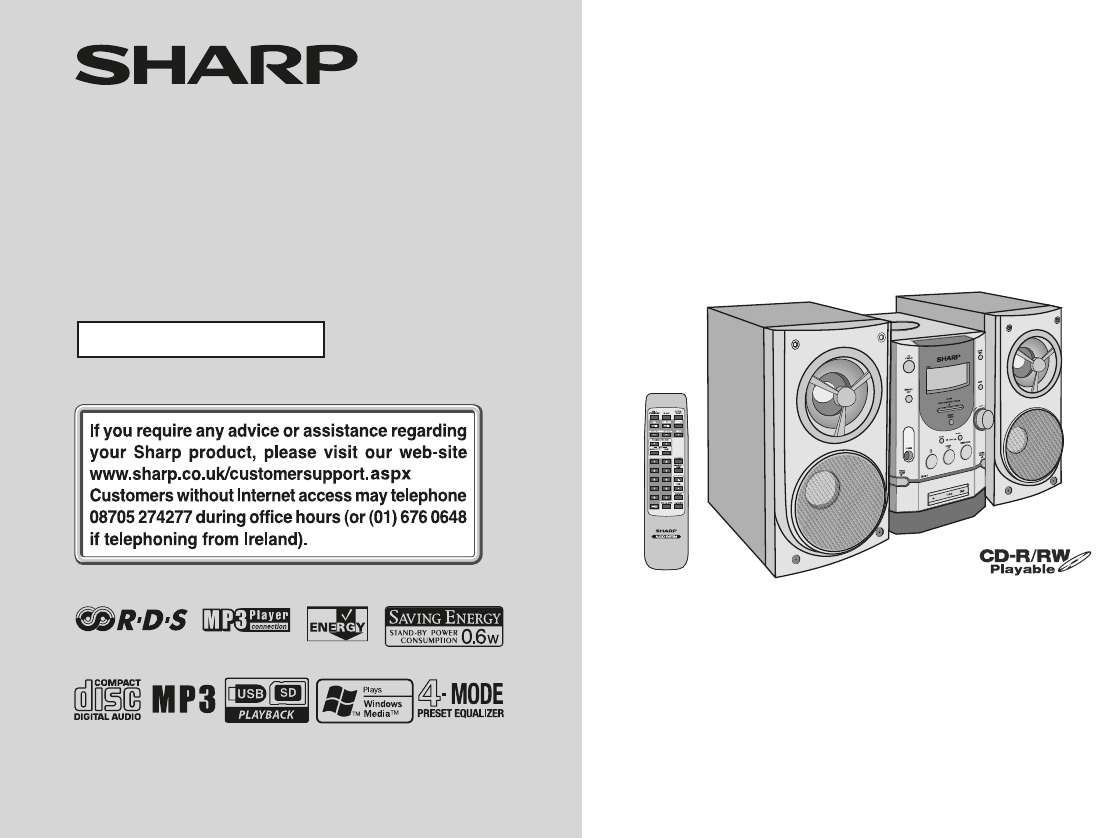
- MICRO COMPONENT SYSTEM 1
- Special notes 2
- Important Instruction 3
- General Information 4
- Precautions 5
- Controls and indicators 6
- System connections 9
- Preparation for Use 10
- Remote control 12
- General control 13
- Setting the clock 14
- CD or MP3/WMA disc Playback 15
- FOLDER 1 18
- FOLDER RANDOM 18
- USB Memory Playback 23
- To remove USB memory device 24
- Listening to SD mass storage 24
- To remove SD memory device 25
- Advanced USB/SD playback 26
- SD Memory Playback 27
- Listening to the radio 29
- Advanced Features 31
- Timer and sleep operation 35
- Enhancing your system 38
- Troubleshooting chart 38
- References 39
- Maintenance 40
- Specifications 41
- MEMO 11/16/05, 4:41 PM1 42
- MEMO 11/16/05, 4:41 PM2 43
- TERMS OF GUARANTEE 44
Shrnutí obsahu
04/12/15 XL-UH4HE_FRONT uk.fmThank you for purchasing this SHARP product. To obtain the best performance from this product, please read thismanual car
10 XL-UH4H Preparation for Use System connections (continued) Aerial connection Supplied FM aerial: Connect the FM aerial wire to the FM 75 OHMS s
11 XL-UH4H Preparation for Use AC power connection After checking all the connections have been made correctly, plugthe AC power lead of this unit
12 XL-UH4H Preparation for Use Remote control Battery installation Precautions for battery use: Replace all old batteries with new ones at the sam
13XL-UH4HBasic OperationGeneral control To turn the power onPress the ON/STAND-BY button to turn the power on. Auto power off functionIn the stop
14XL-UH4HBasic OperationSetting the clockIn this example, the clock is set for the 24-hour (0:00) display.To confirm the time display:Press the CLOCK/
15XL-UH4HCD or MP3/WMA disc PlaybackListening to a CD or MP3/WMA disc This system can play back a standard CD, CD-R/RW in the CD formatand CD-R/RW wit
16XL-UH4HCD or MP3/WMA disc PlaybackListening to a CD or MP3/WMA disc (continued)To interrupt playback: Press the CD / button during playback.
17XL-UH4HCD or MP3/WMA disc PlaybackAdvanced CD or MP3/WMA disc playback Direct track searchBy using the direct search buttons, the desired tracks
18XL-UH4HCD or MP3/WMA disc PlaybackAdvanced CD or MP3/WMA disc playback (continued) Repeat play (REMOTE CONTROL ONLY)Repeat play can play single tr
19XL-UH4HCD or MP3/WMA disc Playback Programmed playTo cancel the programmed play mode:Press the button or STOP button on the remote control. Th
2XL-UH4HImportant InstructionSpecial notesNOTES FOR USERS IN THE U.K. AND IRELANDThe mains lead of this product is fitted with a non-rewireable(moulde
20XL-UH4HCD or MP3/WMA disc PlaybackAdvanced CD or MP3/WMA disc playback (continued) Programmed play (Folder mode)To cancel the programmed play mode:
21XL-UH4HCD or MP3/WMA disc PlaybackMP3/WMA folder mode (only for MP3/WMA files) To playback MP3/WMA (Windows Media Audio) fileThere are many music sit
22XL-UH4HCD or MP3/WMA disc PlaybackMP3/WMA folder mode (only for MP3/WMA files) (continued) Procedure to playback MP3/WMA discTo playback CD-R/RW.No
23XL-UH4HUSB Memory PlaybackListening to USB mass storage device / MP3 player Note:This product is not compatible with MTP and AAC file systems.Note:T
24XL-UH4HUSB Memory PlaybackTo remove USB memory device Notes: SHARP will not be held liable for the loss of data whilst the USBmemory device is con
25XL-UH4HSD Memory PlaybackNote:To pause playback:Press the USB/SD / button.To remove SD memory device Notes: SHARP will not be held liable for
26XL-UH4HSD Memory PlaybackAdvanced USB/SD playback Programmed play 1 Whilst in the stop mode, press the MEMORY/DISP buttonto enter the programming
27XL-UH4HSD Memory PlaybackTo cancel the programmed play mode:Press the button or STOP button on the remote control. The"MEMORY" indica
28XL-UH4HSD Memory PlaybackAdvanced USB/SD playback (continued) Repeat play (REMOTE CONTROL ONLY)Repeat play can play single track and all track sequ
29XL-UH4HRadioListening to the radio TuningNotes: When radio interference occurs, auto scan tuning may stopautomatically at that point. Auto scan
3XL-UH4HImportant Instruction WARNINGS When the ON/STAND-BY button is set at STAND-BY position,mains voltage is still present inside the unit. When
30XL-UH4HRadioListening to the radio (continued)Note:The backup function protects the memorised stations for a fewhours should there be a power failur
31XL-UH4HAdvanced FeaturesTo stop the ASPM operation before it is complete:Press and hold the RDS (ASPM/PTY) button for more than 3seconds whilst it i
32XL-UH4HAdvanced FeaturesUsing the Radio Data System (RDS) (continued) To show Radio Data System signals on displaySelect an FM station with Radio D
33XL-UH4HAdvanced FeaturesNotes: If the display has stopped flashing, start again from step 2. If theunit finds a desired programme type, the corresp
34XL-UH4HAdvanced FeaturesUsing the Radio Data System (RDS) (continued)LIGHT M Classical music for general, rather than specialistappreciation. Exampl
35XL-UH4HAdvanced FeaturesTimer and sleep operation Timer playbackBefore setting timer:Continued to the next page1 Check that the clock is set to the
36XL-UH4HAdvanced FeaturesTimer and sleep operation (continued)To cancel Timer function:Press the SLEEP button for 2 seconds. The "TIMER" in
37XL-UH4HAdvanced Features Sleep operationThe radio, compact disc and USB/SD can all be turned off automat-ically.To confirm the remaining sleep time
38XL-UH4HAdvanced FeaturesEnhancing your system Headphones Before plugging in or unplugging the headphones, reduce thevolume. Be sure your headpho
39XL-UH4HReferences Remote control Tuner CondensationSudden temperature changes, storage or operation in an extremelyhumid environment may cause co
4 XL-UH4H General Information Special Note Supply of this product does not convey a license nor imply any rightto distribute content created with thi
40XL-UH4HReferencesTroubleshooting chart (continued) Before transporting the unitRemove the CD from the unit. Make sure there is no CD in the disctra
41XL-UH4HReferencesSpecificationsAs part of our policy of continuous improvement, SHARP reservesthe right to make design and specification changes for
MEMOMEMO 11/16/05, 4:41 PM1
MEMOMEMO 11/16/05, 4:41 PM2
04/12/15 XL-UH4HE_BACK.fm92L01LUH400040 06G R MW 1SHARP ELECTRONICS (U.K) LTD.4 Furzeground Way, Stockley Park, Uxbridge, Middlesex, UB11 1EZSHARP CO
5 XL-UH4H General Information Precautions General Please ensure that the equipment is positioned in a well-ventilatedarea and ensure that there i
6 XL-UH4H General Information Controls and indicators Front panel Reference page1. CD Compartment . . . . . . . . . . . . . . . . . . . . . . . .
7 XL-UH4H General Information Display Reference page1. Memory Indicator . . . . . . . . . . . . . . . . . . . . . . . . . . . . . . 19, 302. MP3/
8 XL-UH4H General Information Controls and indicators (continued) Remote control Reference page1. Remote Control Transmitter . . . . . . . . . . .
9 XL-UH4H Preparation for Use System connections Left speakerRight speaker Speaker connection (see page 10)AM loop aerialFM aerialMake sure to unpl
Související produkty a manuály pro CD přehrávače Sharp XLUH4H

 (53 stránky)
(16 stránky)
(53 stránky)
(16 stránky)
 (66 stránky)
 (42 stránky)
(54 stránky)
(42 stránky)
(54 stránky)
 (22 stránky)
(51 stránky)
(22 stránky)
(51 stránky)
 (62 stránky)
 (22 stránky) (22 stránky)
(52 stránky)
(51 stránky)
(22 stránky)
(101 stránky)
(62 stránky)
(38 stránky)
(22 stránky)
(44 stránky)
(22 stránky) (22 stránky)
(52 stránky)
(51 stránky)
(22 stránky)
(101 stránky)
(62 stránky)
(38 stránky)
(22 stránky)
(44 stránky)
© 2020, manymanuals.cz. Všechna práva vyhrazena. | 0.041 s |
 Manymanuals.com
 Manymanuals.de
 Manymanuals.fr
 Manymanuals.it
 Manymanuals.pl
 Manymanuals.cz
 Manymanuals.es
 Manymanuals-pt.com
Komentáře k této Příručce