Sharp CD-MPX870H Specifikace Strana 38
- Strana / 57
- Tabulka s obsahem
- KNIHY

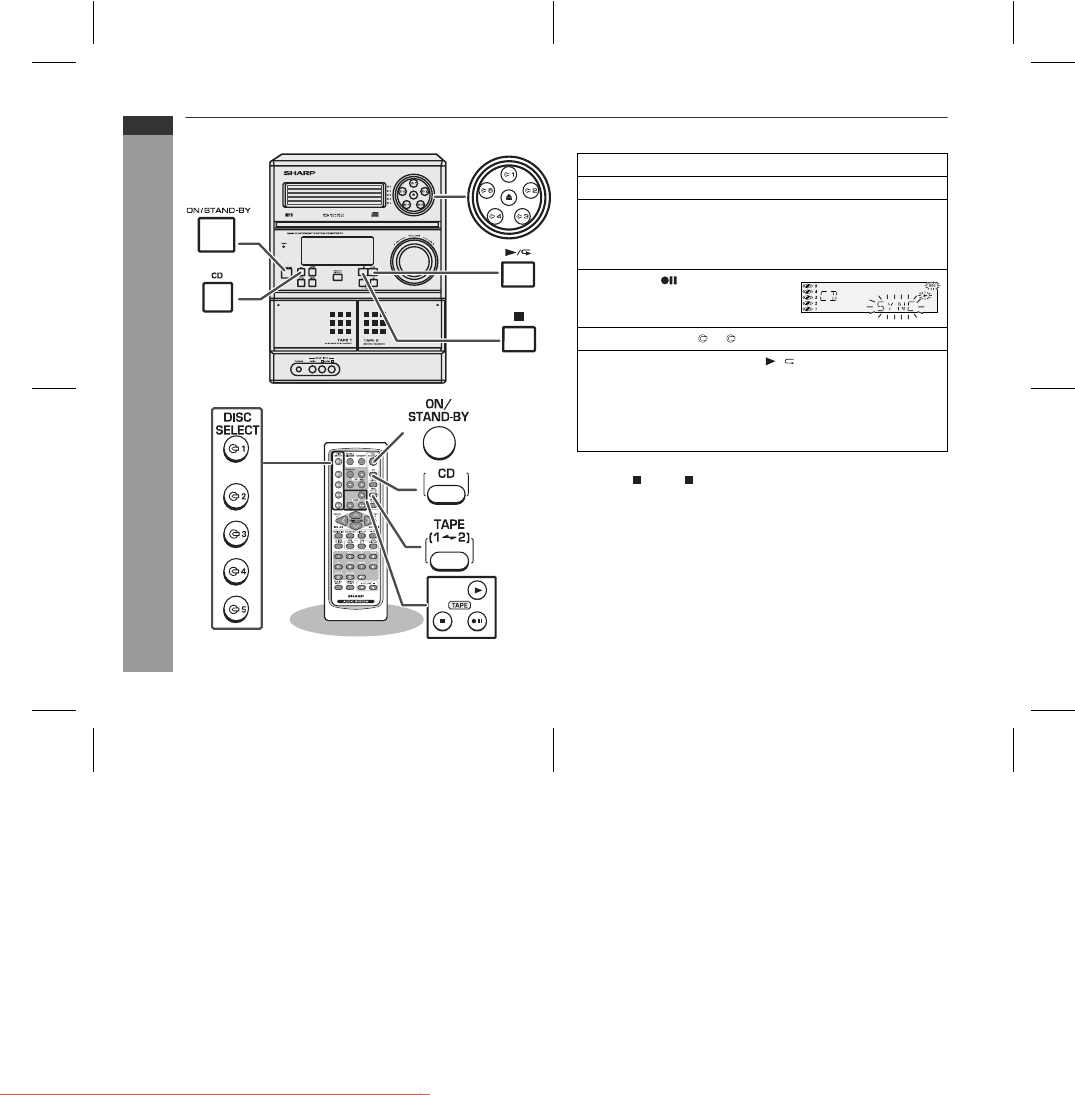
- CD-MPX870H 1
- manuals search engine 10
- Folder Title 1 30
- Title 2 Title 3 30
- TAPE 1 TAPE 2 39
- NO PS NO PTY 40
- FM 98.80 MHz 40
Související produkty a manuály pro CD přehrávače Sharp CD-MPX870H
 (40 stránky)


 (35 stránky)
 (12 stránky)
(40 stránky)
(28 stránky)
(12 stránky)
(40 stránky)
(28 stránky)
 (28 stránky)
(23 stránky)
(40 stránky)
(48 stránky)
(31 stránky)
(25 stránky)
(19 stránky)
(55 stránky)
(45 stránky)
(37 stránky)
(44 stránky)
(28 stránky)
(23 stránky)
(40 stránky)
(48 stránky)
(31 stránky)
(25 stránky)
(19 stránky)
(55 stránky)
(45 stránky)
(37 stránky)
(44 stránky)
 (61 stránky)
(56 stránky)
(61 stránky)
(56 stránky)
© 2020, manymanuals.cz. Všechna práva vyhrazena. | 0.054 s |
 Manymanuals.com
 Manymanuals.de
 Manymanuals.fr
 Manymanuals.it
 Manymanuals.pl
 Manymanuals.cz
 Manymanuals.es
 Manymanuals-pt.com
Komentáře k této Příručce