Sharp CD-ES66 Uživatelský manuál Strana 21
- Strana / 36
- Tabulka s obsahem
- ŘEŠENÍ PROBLÉMŮ
- KNIHY

- CD-ES600 1
- SPECIAL NOTES 2
- IMPORTANT SAFETY INSTRUCTIONS 3
- Contents 5
- Precautions 6
- Controls and indicators 7
- General Information 8
- System connections 10
- Preparation for Use 11
- Remote control 13
- General control 14
- Setting the clock 15
- Listening to a CD (CDs) 16
- CD Playback 17
- Advanced CD playback 18
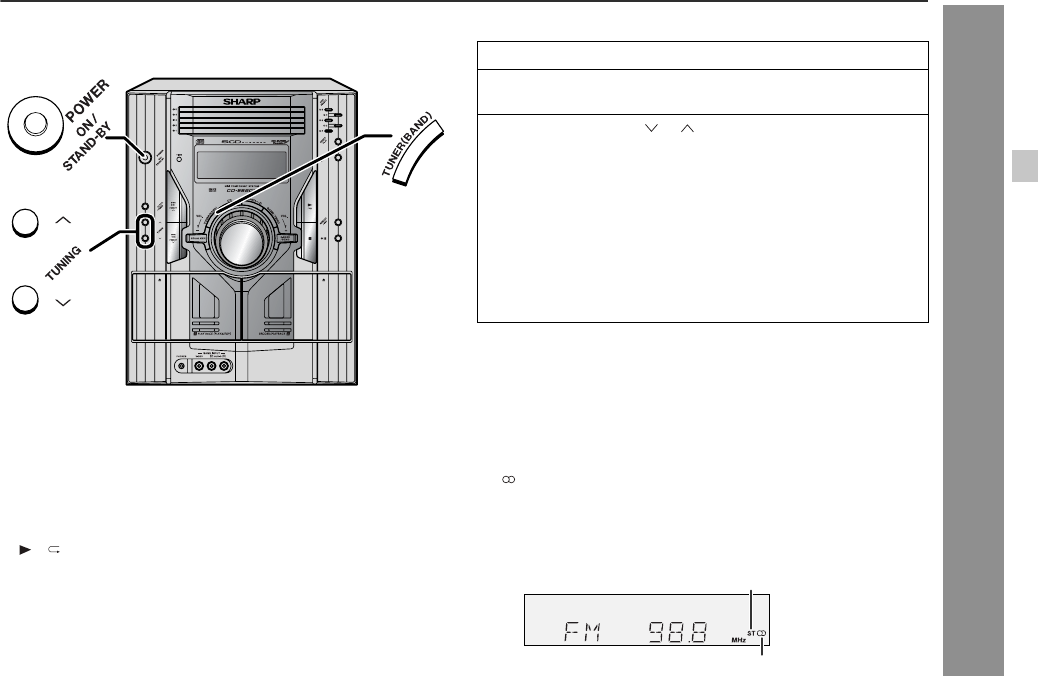
- Listening to the radio 21
- Tape Playback 23
- Recording on a cassette tape 24
- Tape Recording 25
- Timer and sleep operation 27
- Advanced Features 28
- Enhancing your system 31
- Troubleshooting chart 32
- References 33
- Maintenance 34
- Specifications 35
- CONSUMER LIMITED WARRANTY 36
Související produkty a manuály pro CD přehrávače Sharp CD-ES66

 (2 stránky)
(44 stránky)
(2 stránky)
(44 stránky)
 (53 stránky)
(16 stránky)
(53 stránky)
(16 stránky)
 (66 stránky)
(42 stránky)
(54 stránky)
(66 stránky)
(42 stránky)
(54 stránky)
 (22 stránky)
(51 stránky)
(22 stránky)
(51 stránky)
 (62 stránky)
 (22 stránky) (22 stránky)
(52 stránky)
(51 stránky)
(22 stránky)
(101 stránky)
(62 stránky)
(38 stránky)
(22 stránky) (22 stránky)
(52 stránky)
(51 stránky)
(22 stránky)
(101 stránky)
(62 stránky)
(38 stránky)
© 2020, manymanuals.cz. Všechna práva vyhrazena. | 0.068 s |
 Manymanuals.com
 Manymanuals.de
 Manymanuals.fr
 Manymanuals.it
 Manymanuals.pl
 Manymanuals.cz
 Manymanuals.es
 Manymanuals-pt.com
Komentáře k této Příručce