Sharp CD-XP500A Specifikace
Procházejte online nebo si stáhněte Specifikace pro Kazetové přehrávače Sharp CD-XP500A. Sharp CD-XP500A Specifications Uživatelská příručka
- Strana / 32
- Tabulka s obsahem
- ŘEŠENÍ PROBLÉMŮ
- KNIHY

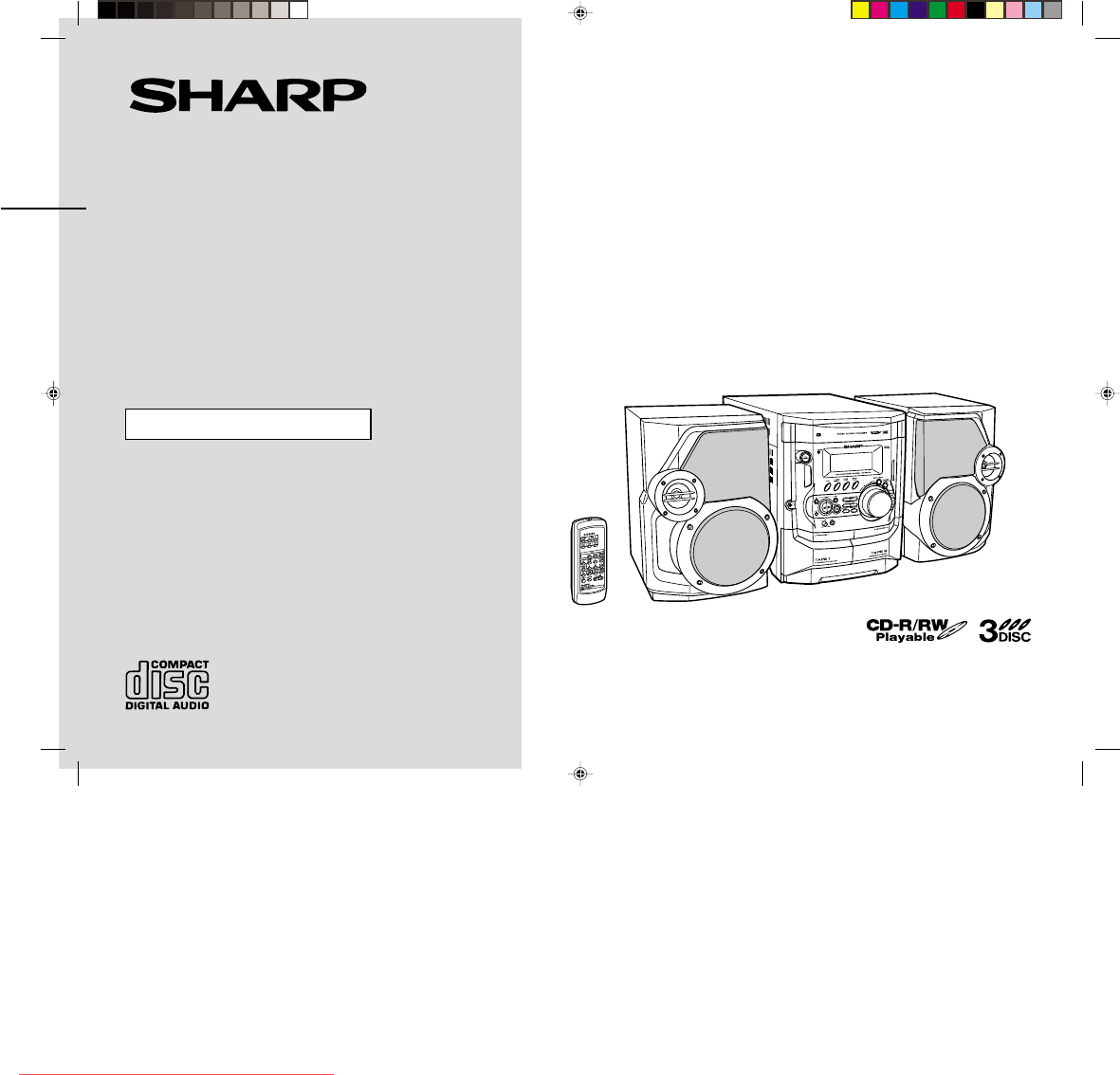
- CD-XP500A 1
- Special notes 2
- Accessories 3
- Contents 3
- Precautions 4
- Controls and indicators 5
- System connections 8
- Remote control 10
- General control 11
- Setting the clock 12
- Listening to a CD (CDs) 13
- manuals search engine 14
- Listening to the radio 16
- Playing karaoke 20
- Recording to a cassette tape 22
- Timer and sleep operation 24
- Enhancing your system 26
- Troubleshooting chart 27
- Maintenance 28
- Specifications 29
Shrnutí obsahu
Thank you for purchasing this SHARP product.To obtain the best performance from this product, please read thismanual carefully. It will guide you in o
E-9CD-XP500A(A)1.fm02/3/11CD-XP500AENGLISHPreparation for Use- System connections / Remote control -System connections (continued)!Setting the FM/AM s
E-10CD-XP500A(A)1.fm02/3/11CD-XP500AENGLISHBasic Operation- General control -General control !Demonstration modeTo cancel the demonstration mode:When
E-11CD-XP500A(A)2.fm02/3/11CD-XP500AENGLISHBasic Operation- Setting the clock -Setting the clockIn this example, the clock is set for the 24-hour (0:0
E-12CD-XP500A(A)2.fm02/3/11CD-XP500AENGLISHCD Playback- Listening to a CD (CDs) -Listening to a CD (CDs)This system can also play audio CD-R and CD-RW
E-13CD-XP500A(A)2.fm02/3/11CD-XP500AENGLISHCD Playback- Listening to a CD (CDs) -Listening to a CD (CDs) (continued)"To locate the beginning of a
E-14CD-XP500A(A)2.fm02/3/11CD-XP500AENGLISHCD Playback- Listening to a CD (CDs) - "Repeat playAll tracks on up to 3 discs, or a programmed sequen
E-15CD-XP500A(A)2.fm02/3/11CD-XP500AENGLISHRadio- Listening to the radio -Listening to the radio"TuningTo receive an FM stereo transmission:Press
E-16CD-XP500A(A)2.fm02/3/11CD-XP500AENGLISHRadio- Listening to the radio - !Memorising a stationYou can store 40 AM and FM stations in memory and reca
E-17CD-XP500A(A)2.fm02/3/11CD-XP500AENGLISHTape Playback- Listening to a cassette tape (TAPE 1) -Listening to a cassette tape (TAPE 1) To stop playbac
E-18CD-XP500A(A)2.fm02/3/11CD-XP500AENGLISHTape Playback- Listening to a cassette tape (TAPE 2) -Listening to a cassette tape (TAPE 2) To stop playba
E-102/3/11 CD-XP500A(A)1.fmCD-XP500AENGLISHImportant Instruction- Special notes -Special notesWarning:!When the ON/STAND-BY button is set at STAND-BY
E-19CD-XP500A(A)2.fm02/3/11CD-XP500AENGLISHKaraoke- Playing karaoke -Playing karaokeYou can enjoy karaoke to CDs, radio, cassettes, and other external
E-20CD-XP500A(A)2.fm02/3/11CD-XP500AENGLISHKaraoke- Playing karaoke - !To change the audio modeSound of the playback source can be switched among the
E-21CD-XP500A(A)3.fm02/3/11CD-XP500AENGLISHTape Recording- Recording to a cassette tape -Recording to a cassette tapeBefore recording:!When recording
E-22CD-XP500A(A)3.fm02/3/11CD-XP500AENGLISHTape Recording- Recording to a cassette tape - "Recording from the radioTo interrupt recording:Press t
E-23CD-XP500A(A)3.fm02/3/11CD-XP500AENGLISHAdvanced Features- Timer and sleep operation -Timer and sleep operationTimer playback:The unit turns on and
E-24CD-XP500A(A)3.fm02/3/11CD-XP500AENGLISHAdvanced Features- Timer and sleep operation - To reset or change the timer setting:Perform "Timer pla
E-25CD-XP500A(A)3.fm02/3/11CD-XP500AENGLISHAdvanced Features- Enhancing your system -Enhancing your systemThe connection lead is not included. Purchas
E-26CD-XP500A(A)3.fm02/3/11CD-XP500AENGLISHReferences- Troubleshooting chart -Troubleshooting chartMany potential problems can be resolved by the owne
E-27CD-XP500A(A)3.fm02/3/11CD-XP500AENGLISHReferences- Troubleshooting chart / Maintenance -Troubleshooting chart (continued)!If trouble occursWhen th
E-28CD-XP500A(A)3.fm02/3/11CD-XP500AENGLISHReferences- Specifications -SpecificationsAs part of our policy of continuous improvement, SHARP reserves t
E-2CD-XP500A(A)1.fm02/3/11CD-XP500AENGLISHGeneral Information- Accessories / Contents -AccessoriesPlease confirm that the following accessories are in
CD-XP500A(A)_MEMO.fm02/3/11MEMODownloaded from www.Manualslib.com manuals search engine Downloaded From Disc-Player.com Sharp Manuals
CD-XP500A(A)_MEMO.fm02/3/11MEMODownloaded from www.Manualslib.com manuals search engine Downloaded From Disc-Player.com Sharp Manuals
CD-XP500A(A)_BACK.fm02/3/11SHARP CORPORATION9906TINSZ0812AWZZ02C R KS Downloaded from www.Manualslib.com manuals search engine Downloaded From Disc-Pl
E-3CD-XP500A(A)1.fm02/3/11CD-XP500AENGLISHGeneral Information- Precautions -Precautions"General!Please ensure that the equipment is positioned in
E-4CD-XP500A(A)1.fm02/3/11CD-XP500AENGLISHGeneral Information- Controls and indicators -Controls and indicators"Front panelReference page1.Disc T
E-5CD-XP500A(A)1.fm02/3/11CD-XP500AENGLISHGeneral Information- Controls and indicators -Controls and indicators (continued)"Display1. CD Pause In
E-6CD-XP500A(A)1.fm02/3/11CD-XP500AENGLISHGeneral Information- Controls and indicators - !Remote controlReference page1. Remote Control Transmitter .
E-7CD-XP500A(A)1.fm02/3/11CD-XP500AENGLISHPreparation for Use- System connections -System connections !Removing the transport screwBefore turning the
E-8CD-XP500A(A)1.fm02/3/11CD-XP500AENGLISHPreparation for Use- System connections - !Speaker connectionConnect the black wire to the minus (-) termina
Další dokumenty pro Kazetové přehrávače Sharp CD-XP500A
Související produkty a manuály pro Kazetové přehrávače Sharp CD-XP500A
 (48 stránky)
 (48 stránky)
(33 stránky)
(48 stránky)
(33 stránky)
 (53 stránky)
(60 stránky)
(53 stránky)
(60 stránky)

 (112 stránky)
(33 stránky)
(56 stránky)
(124 stránky)
(40 stránky)
(48 stránky)
(36 stránky)
(53 stránky)
(45 stránky)
(32 stránky)
(53 stránky)
(41 stránky)
(112 stránky)
(33 stránky)
(56 stránky)
(124 stránky)
(40 stránky)
(48 stránky)
(36 stránky)
(53 stránky)
(45 stránky)
(32 stránky)
(53 stránky)
(41 stránky)
© 2020, manymanuals.cz. Všechna práva vyhrazena. | 0.031 s |
 Manymanuals.com
 Manymanuals.de
 Manymanuals.fr
 Manymanuals.it
 Manymanuals.pl
 Manymanuals.cz
 Manymanuals.es
 Manymanuals-pt.com
Komentáře k této Příručce