Sharp VL-E78E Specifikace
Procházejte online nebo si stáhněte Specifikace pro Videokamery Sharp VL-E78E. Sharp VL-E78E Specifications Uživatelská příručka
- Strana / 29
- Tabulka s obsahem
- KNIHY

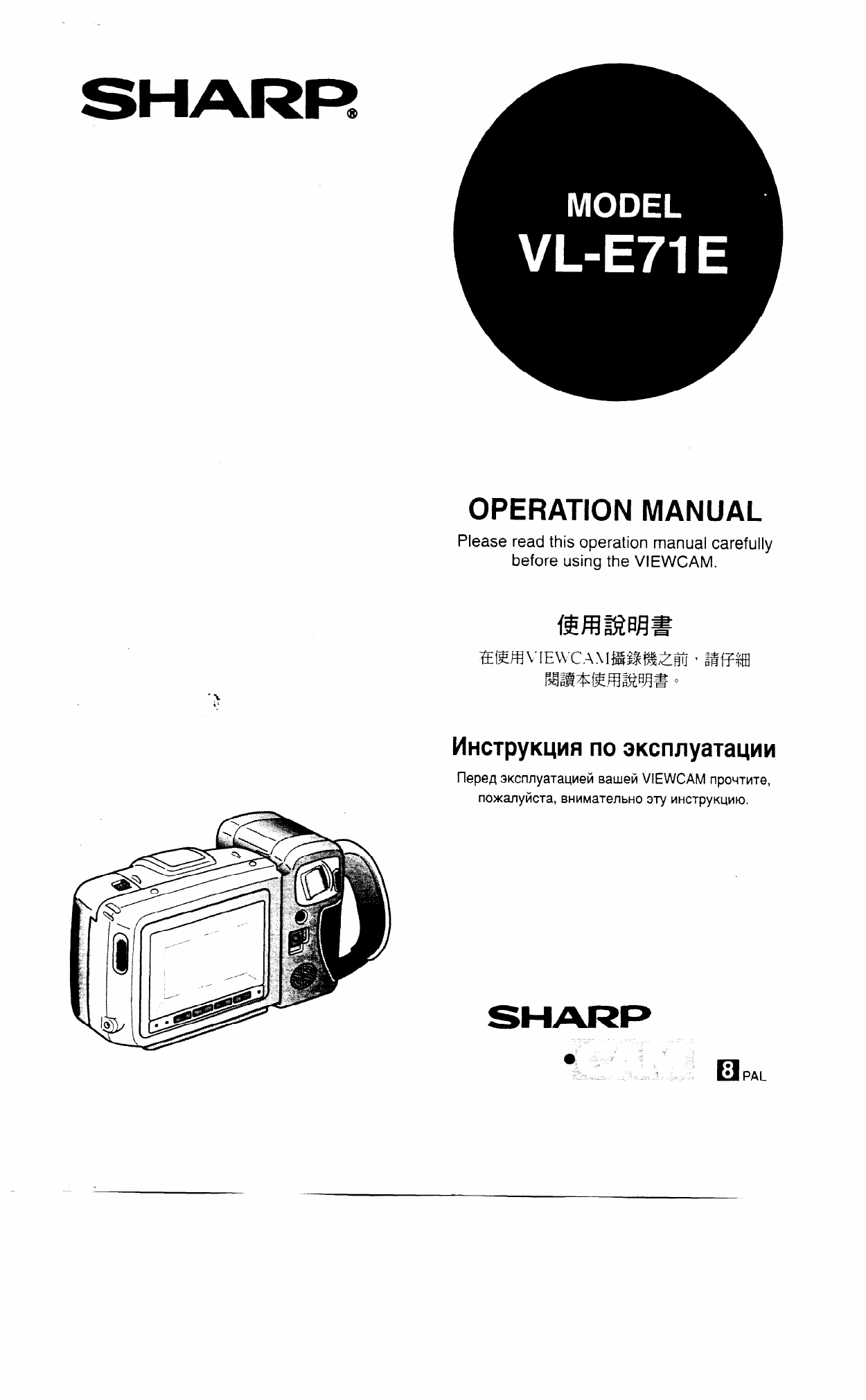
- OPERATION MANUAL 1
- TO PREVENT SHOCK HAZARD, DO 2
- RAIN OR MOISTURE 2
- Contents 3
- 180' RECORDING VR33FA 4
- Precautions 5
- Use MP-type tapes 7
- Cleaning and maintenance 7
- 10°C to 30°C 8
- Part Names 9
- BA\TTERY DEWXLOG 10
- DEWKLOG 10
- BATIEFIY DEWUJG 10
- BAllERY DEW&LOG 10
- Preparation 11
- Removing the Battery Pack 14
- Battery Pack Handling 14
- Removing a Cassette 15
- Inserting a Cassette 15
- Handling the Lens Cap 16
- Basic Operations 17
- Camera Recording 17
- Basic Recording Positions 18
- Basic Operations 20
- Playback 20
- Auto Focus 22
- Using the Manual Focus 22
- To go back to Auto Focus 22
- Using BLC/Gain-up 23
- Lighting 24
- Jack’s Input/Output Mode 25
- Before Requesting Service 28
- Specifications 29
Shrnutí obsahu
SHARR OPERATION MANUAL Please read this operation manual carefully before using the VIEWCAM. IlepeA aKcnnyaTauMei4 saueii VIEWCAM IIpO~TkI
Part Names Shoulder strap loop [p.l4] BLC/GAIN-UP button [p.21] Power Zoom Wide/Telephoto control buttons [p.l5] VOLume control buttons [
Preparation Precautions: l The AC adaptor/battery charger may interfere with reception, if used near a radio. l Prevent flammables, liqu
Preparation 2 3 Slide the battery compartment door release and open the battery compartment door as shown. Battery compartment door releas
Preparation Use the optional VR33CH car battery adaptor/battery charger (or the VR-41 OCA car battery adaptor) when you want to power
Preparation Inserting the Battery Pack 1 Slide the battery compartment door release on the bottom of the VIEWCAM in the direction of ar
Preparation Inserting a Cassette Removing a Cassette 1 2 3 4 H Slide the release and open the cassette compartment door. l The cassette hol
Preparation Attaching the Lens Cap to the Hand Strap and Fitting the Grip Strap to Your Hand 1 2 3 Open the hand strap flap and grip s
Basic Operations Camera Recording You can watch the subject on the large LCD monitor screen for easier, more enjoyable video-shooting.
Camera Recording The rotating LCD monitor screen lets you enjoy easy video recording in relaxed postures. l You can record using more
Camera Recording More hints for shooting better videos 0 l When you are using auto focus, whatever is in the centre of the screen is
WARNING TO PREVENT SHOCK HAZARD, DO NOT EXPOSE THIS APPLIANCE TO RAIN OR MOISTURE. This equipment should be used with DC 3.6 V = only or
Basic Operations Playback The LCD monitor screen makes it possible to play back and see what you have just recorded. Nothing needs t
Useful Features for Camera Recording The LCD monitor screen can be rotated 180” vertically so that the monitor screen faces the subjec
Useful Features for Camera Recording Auto Focus The VIEWCAM’s Auto Focus feature is designed to focus on most types of subjects. In Au
Useful Features for Camera Recording Backlight Compensation (BLC) When the subject is backlit, the image will be darkened if it is r
Lighting 500 to 100,000 lux of light is best for clear, good- quality recordings. Though recording is possible with less light, insu
Connections for Playback on a TV Although you can enjoy playback on the VIEWCAM’s LCD monitor screen, you can also watch tape playback
Recording with Another VCR Your VIEWCAM can be used as the playback source deck for dubbing and editing a tape with another VCR. Conne
Recording from an External Source You can use your VIEWCAM to record or edit video from another source, such as a VCR, TV, or video d
Before Requesting Service Before calling for service, please check the following troubleshooting table. Power No power Battery pack is n
Specifications Signal System: Recording System: Cassette: Recording/Playback Time: Tape Speed: Pickup Device: Lens: Lens Filter Diameter: Monit
Contents f Important Information f Preparation ‘1 Basic Operation Useful Features for Camera Recording 1 r Connection Others Supplied Accessories
Information for Australia/New Zealand only WARNING: This Camcorder must be supplied with D.C. 3.6 volts only from a BT-Nl, BT-N11 or
Precautions l What is “dew formation”? When cold water is poured into a glass, dew drops form on the glass. This clinging of water dro
Precautions After operation, remove the battery pack from the unit. Do not aim the lens at the sun. Do not allow direct sunlight to
Precautions Use only those tapes with q mark. This unit is designed to operate with MP tapes, so playing back ME tapes will result in “n
Precautions Battery power is consumed even when the VIEWCAM’s power is turned off. If the VIEWCAM will not be used, remove the battery
Part Names For details on the use of each control, refer to the page number indicated in the brackets. Zoom lens Cassette cornpar Cassett
Další dokumenty pro Videokamery Sharp VL-E78E


Související produkty a manuály pro Videokamery Sharp VL-E78E
 (87 stránky)
 (96 stránky)
(53 stránky)
(12 stránky)
(97 stránky)
(96 stránky)
(53 stránky)
(12 stránky)
(97 stránky)
 (113 stránky)
(74 stránky)
(91 stránky)
(127 stránky)
(19 stránky)
(129 stránky)
(113 stránky)
(74 stránky)
(91 stránky)
(127 stránky)
(19 stránky)
(129 stránky)
 (83 stránky)
(99 stránky)
(111 stránky)
(3 stránky)
(92 stránky)
(116 stránky)
(112 stránky)
(2 stránky)
(58 stránky)
(83 stránky)
(99 stránky)
(111 stránky)
(3 stránky)
(92 stránky)
(116 stránky)
(112 stránky)
(2 stránky)
(58 stránky)
© 2020, manymanuals.cz. Všechna práva vyhrazena. | 0.037 s |
 Manymanuals.com
 Manymanuals.de
 Manymanuals.fr
 Manymanuals.it
 Manymanuals.pl
 Manymanuals.cz
 Manymanuals.es
 Manymanuals-pt.com
Komentáře k této Příručce