Sharp cx68n5 Specifikace
Procházejte online nebo si stáhněte Specifikace pro Televizory a monitory Sharp cx68n5. Sharp cx68n5 Specifications [en] Uživatelská příručka
- Strana / 32
- Tabulka s obsahem
- ŘEŠENÍ PROBLÉMŮ
- KNIHY

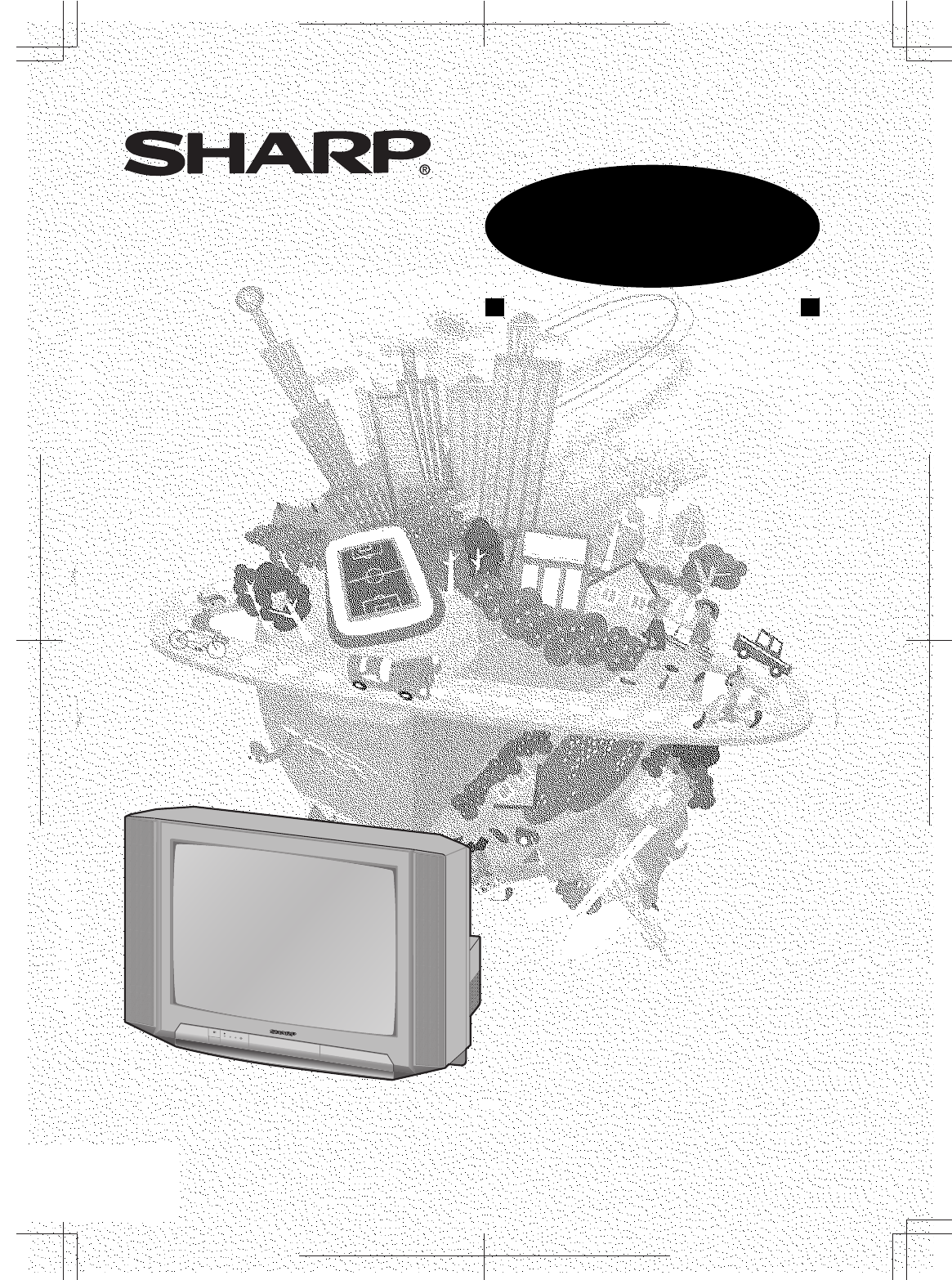
- COLOUR TELEVISION 1
- OPERATION MANUAL 1
- Contents 2
- Accessories 3
- Easy setup 4
- Safety precautions 5
- Part names 6
- TV front 7
- Behind the door 7
- Watching TV 8
- Operating the TV buttons 9
- Useful features 10
- TV/Video selection 11
- Channel recall 11
- Selecting menu items 12
- Settings and adjustments 13
- Manual channel tuning 14
- 2 Press 15
- 3 Press / on TV 15
- 1 Press 15
- Channel setting 16
- Picture adjustment 17
- Sound adjustment 18
- Blue screen 19
- Using Remote Control 20
- Using Menu 20
- VM (Velocity Modulation) 21
- Off timer 22
- On timer 23
- Reminder on-screen timer 24
- Connections 25
- Connecting to an antenna 26
- Connecting to video equipment 27
- Troubleshooting 28
- Specifications 29
- Dimension: 176 x 250 mm 30
- WARRANTY 32
Shrnutí obsahu
CX68N5_FC_EN FLE (Malaysia) Sdn. Bhd.E 1Dimension: 176 x 250 mmCOLOUR TELEVISIONOPERATION MANUALPlease read this operation manualcarefully before usin
CX68N5_06-10_EN FLE (Malaysia) Sdn. Bhd.E 9Dimension: 176 x 250 mmChannel/Timer displayDisplays the current channel number, the timer, and othersettin
CX68N5_06-10_EN FLE (Malaysia) Sdn. Bhd.E 10ENGLISHDimension: 176 x 250 mmTV/Video selectionSwitches between TV broadcasts and AV input programmes.Eac
CX68N5_11-15_EN FLE (Malaysia) Sdn. Bhd.E 11Dimension: 176 x 250 mmSelecting a menu itemMENUPICTURESOUNDFEATURETIMERCH-SETTING1 Press MENU / PRESET/ME
CX68N5_11-15_EN FLE (Malaysia) Sdn. Bhd.E 12ENGLISHDimension: 176 x 250 mmSettings and adjustmentsOn-screen display language selectionThe on-screen di
CX68N5_11-15_EN FLE (Malaysia) Sdn. Bhd.E 13Dimension: 176 x 250 mmManual channel tuningEnables manual channel tuning to a desired TV station. (e.g.tu
CX68N5_11-15_EN FLE (Malaysia) Sdn. Bhd.E 14ENGLISHDimension: 176 x 250 mmAuto channel tuningAutomatically tunes in and presets receivable TV stations
CX68N5_11-15_EN FLE (Malaysia) Sdn. Bhd.E 15Dimension: 176 x 250 mmChannel settingEnables individual channel setting.MENUPICTURESOUNDFEATURETIMERCH-SE
CX68N5_16-22_EN FLE (Malaysia) Sdn. Bhd.E 16ENGLISHDimension: 176 x 250 mmPicture adjustmentMENUPICTURESOUNDFEATURETIMERCH-SETTING1 Press MENU to call
CX68N5_16-22_EN FLE (Malaysia) Sdn. Bhd.E 17Dimension: 176 x 250 mmSound adjustmentMENUPICTURESOUNDFEATURETIMERCH-SETTING1 Press MENU to call MENUscre
CX68N5_16-22_EN FLE (Malaysia) Sdn. Bhd.E 18ENGLISHDimension: 176 x 250 mmAutomatically turns the screen blue if a broadcast signal isnot received.• P
CX68N5_01-05_EN FLE (Malaysia) Sdn. Bhd.E 1Dimension: 176 x 250 mmContentsPreparationAccessories ...
CX68N5_16-22_EN FLE (Malaysia) Sdn. Bhd.E 19Dimension: 176 x 250 mmSaveThis function reduces the picture brightness to create asofter image while savi
CX68N5_16-22_EN FLE (Malaysia) Sdn. Bhd.E 20ENGLISHDimension: 176 x 250 mmThis function emphasizes the picture outline.VM (Velocity Modulation)1 Press
CX68N5_16-22_EN FLE (Malaysia) Sdn. Bhd.E 21Dimension: 176 x 250 mmTVTV/VIDEOPOWERSAVEAV MODEMENUNORMAL1234567809CHCHMENUNORMALCHCHOff timerAutomatica
CX68N5_16-22_EN FLE (Malaysia) Sdn. Bhd.E 22ENGLISHDimension: 176 x 250 mmOn timerAutomatically turns power on after a set length of time haspassed.3
CX68N5_23-26_EN FLE (Malaysia) Sdn. Bhd.E 23Dimension: 176 x 250 mmReminder on-screen timerLets you know when a preset length of time has passed bydis
CX68N5_23-26_EN FLE (Malaysia) Sdn. Bhd.E 24ENGLISHDimension: 176 x 250 mm• When connecting the TV to a DVD player via the Component-in terminals, the
CX68N5_23-26_EN FLE (Malaysia) Sdn. Bhd.E 25Dimension: 176 x 250 mmStandard DIN45325 plug (IEC169-2)75-ohm coaxial cable (round cable) (not supplied)3
CX68N5_23-26_EN FLE (Malaysia) Sdn. Bhd.E 26ENGLISHDimension: 176 x 250 mmConnecting to video equipmentEnjoy playback from a video disc player, VCR or
CX68N5_27-30_EN FLE (Malaysia) Sdn. Bhd.E 27Dimension: 176 x 250 mmTroubleshootingThe following problems do not always indicate a hardware failure. Th
CX68N5_27-30_EN FLE (Malaysia) Sdn. Bhd.E28ENGLISHDimension: 176 x 250 mmSpecifications• Design and specifications are subject to change without notic
CX68N5_01-05_EN FLE (Malaysia) Sdn. Bhd.E 2ENGLISHDimension: 176 x 250 mmDear SHARP CustomerThank you for buying SHARP's ColourTelevision. We hop
CX68N5_27-30_EN FLE (Malaysia) Sdn. Bhd.E 29Dimension: 176 x 250 mmNotes
CX68N5_27-30_EN FLE (Malaysia) Sdn. Bhd.E30ENGLISHDimension: 176 x 250 mmNotes
CX68N5_BC_EN FLE (Malaysia) Sdn. Bhd.E 1Dimension: 176 x 250 mmWARRANTYConsumer Electronic ProductsCongratulations on Your Purchase!This Sharp product
CX68N5_01-05_EN FLE (Malaysia) Sdn. Bhd.E 3Dimension: 176 x 250 mmEasy setupTo use your TV set, perform the easy setup procedure below.The mark indi
CX68N5_01-05_EN FLE (Malaysia) Sdn. Bhd.E 4ENGLISHDimension: 176 x 250 mmSafety precautionsDo not place this TV seton an unstable cart,stand, shelf, o
CX68N5_01-05_EN FLE (Malaysia) Sdn. Bhd.E 5Dimension: 176 x 250 mmPart names• Be sure to match the battery j/k terminals with the j/k marks inside the
CX68N5_06-10_EN FLE (Malaysia) Sdn. Bhd.E 6ENGLISHDimension: 176 x 250 mmON TIMERPOWERSAVEOn timer indicatorPower indicatorPower can be turned on by t
CX68N5_06-10_EN FLE (Malaysia) Sdn. Bhd.E 7Dimension: 176 x 250 mmWatching TV1 Turn on power.• When the power indicator is off, press .• When the pow
CX68N5_06-10_EN FLE (Malaysia) Sdn. Bhd.E 8ENGLISHDimension: 176 x 250 mm• Select an appropriate volume so as not to injure your hearing.• To avoid in
Související produkty a manuály pro Televizory a monitory Sharp cx68n5
 (74 stránky)
(201 stránky)
(74 stránky)
(201 stránky)

 (44 stránky) (44 stránky)
(24 stránky)
(60 stránky)
(44 stránky) (44 stránky)
(24 stránky)
(60 stránky)
 (48 stránky) (80 stránky)
© 2020, manymanuals.cz. Všechna práva vyhrazena. | 0.017 s |
 Manymanuals.com
 Manymanuals.de
 Manymanuals.fr
 Manymanuals.it
 Manymanuals.pl
 Manymanuals.cz
 Manymanuals.es
 Manymanuals-pt.com
Komentáře k této Příručce