Sharp LD-23SH1U Specifikace
Procházejte online nebo si stáhněte Specifikace pro Veřejné displeje Sharp LD-23SH1U. Sharp LD-23SH1U Specifications Uživatelská příručka
- Strana / 63
- Tabulka s obsahem
- ŘEŠENÍ PROBLÉMŮ
- KNIHY

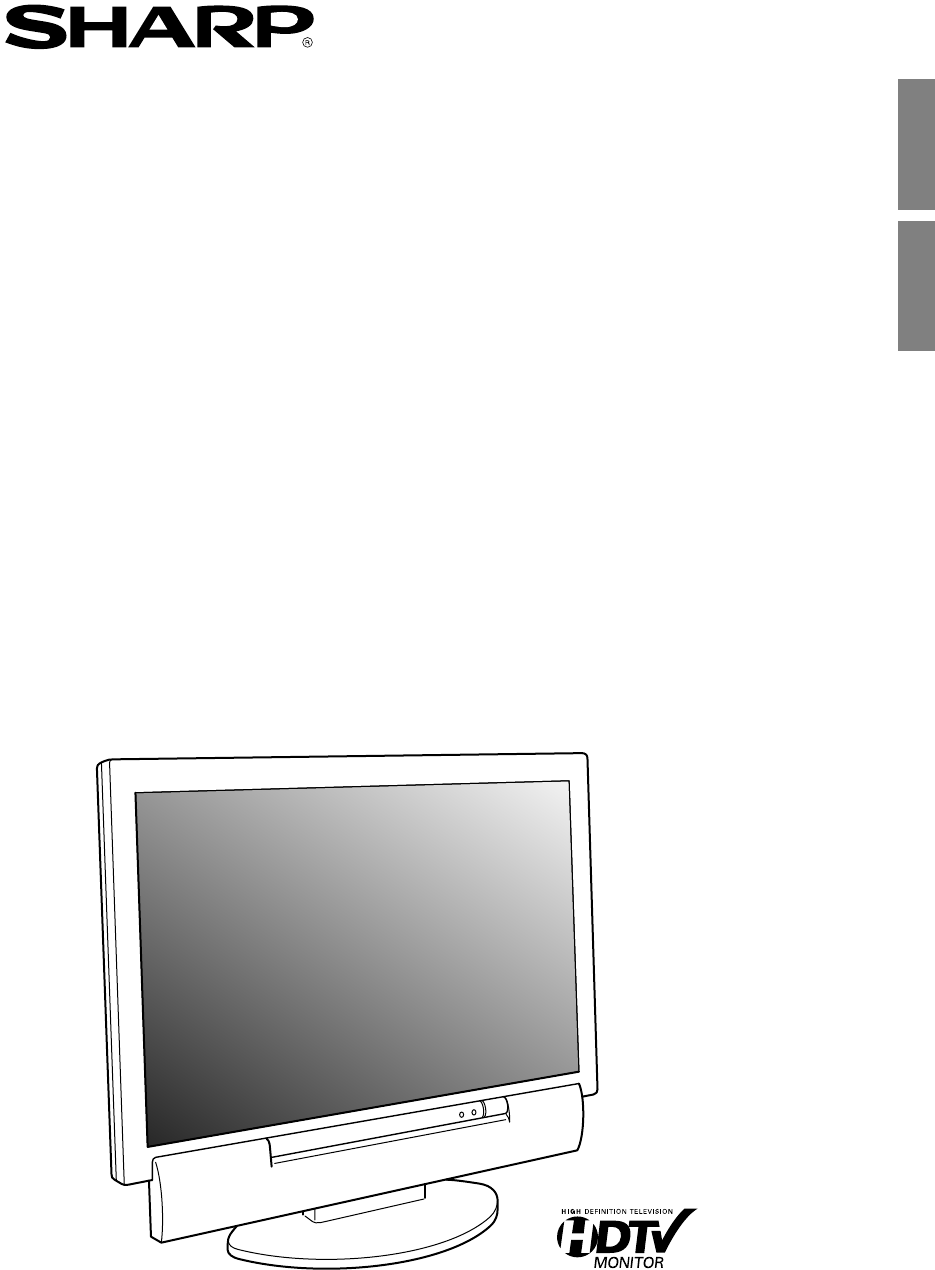
- LD-23SH1U 1
- IMPORTANT INFORMATION 2
- Table of Contents 4
- Tips and safety instructions 6
- Product description 11
- 5 m (16' 4") 14
- TV preparation steps 15
- Outdoor antenna connection 17
- Cable TV (CATV) connection 18
- (Yellow) (Yellow) 19
- (White) (White) 19
- (Red) (Red) 19
- Analog connection 21
- Connecting the audio cable 22
- Digital connection 22
- Setting TV channels 24
- (for analog signals) 27
- Common operations 28
- Watching TV 32
- FLASHBACK 39
- Pausing the screen (FREEZE) 40
- Using the menus in TV/AV mode 41
- (MULTI SCREEN) 44
- PC AV2AV1TV 45
- VIEW MODE 45
- Using the menus in PC mode 46
- Installing the ICC profile 54
- Other features 56
- Troubleshooting 59
- LCD panel section 60
- Specifications 61
Shrnutí obsahu
23" LCD COLOR TVTV LCD A COLOR DE 23"LD-23SH1UOPERATION MANUALMANUAL DE FUNCIONAMIENTOEnglishEspañolEnglish ... E1Español ... S1LD-23SH
E9EnglishDeutschFrançaisItalianoEspañolEnglishProduct and accessory checklistPlease check that the following items are includedin the package.- 23&quo
E10Product descriptionFront view/right viewVOL/BRIGHTCH ENTER/BRIGHT MODEMENUINPUT132645Main unitRemoving/replacing the terminal coverRemovi
E11EnglishDeutschFrançaisItalianoEspañolEnglishProduct descriptionMain unitRear view/left view1 2 3 4 6BAA789101112131451. Power input terminal2. PC d
E12Product descriptionCable clampUse the supplied cable clamp to secure the cablesconnected to the terminals.CAUTION!- When adjusting the viewing angl
E13EnglishDeutschFrançaisItalianoEspañolEnglishRemote controlUsing the remote controlUse the remote control by pointing it towards theremote sensor wi
E14...Required when using the TV as a television...Required when using the TV as an AV monitor...Required when using the TV as a computer monitorPCTVA
E15EnglishDeutschFrançaisItalianoEspañolEnglishBasic adjustment screen operationThe explanations in this manual use primarily the remote control.(Oper
E16Connecting the TV to a home antenna terminalCAUTION!- When connecting, ensure that the TV is switched off.The antenna requirements for good color t
E17EnglishDeutschFrançaisItalianoEspañolEnglishConnecting the TV to a home antenna terminalCable TV (CATV) connection- A 75-ohm coaxial cable connecto
E18Connecting the TV to AV equipmentCAUTION!- Ensure that the TV and all the equipment you are connecting to it are switched off before you begin.See
E1EnglishDeutschFrançaisItalianoEspañolEnglishENGLISH IMPORTANT INFORMATIONIMPORTANT:To aid in reporting in case of loss or theft, pleaserecord the TV
E19EnglishDeutschFrançaisItalianoEspañolEnglishAV equipment with S-video output terminalsNote:- When you are using the S-video input terminal, do not
E20Connecting the TV to a computerAnalog connectionConnect the supplied PC analog signal cable tothe analog RGB output terminal of the computer.See pa
E21EnglishDeutschFrançaisItalianoEspañolEnglishConnecting the TV to a computerConnecting the audio cableConnect the supplied PC audio cable to the aud
E22Connecting the TV to a power sourceCAUTION!- When connecting, ensure that the TV is switched off.- Always use the AC adapter that came with the TV.
E23EnglishDeutschFrançaisItalianoEspañolEnglishSetting TV channelsThe following table shows the channels this TVcan receive.VHF Channels 2 through 13U
E24Setting TV channelsSelecting broadcast (AIR) or cableTV (CABLE) for channel settingIt is necessary to set the receiving mode to "AIR" or&
E25EnglishDeutschFrançaisItalianoEspañolEnglishSetting TV channelsAdding weak or additional channelsor erasing unwanted channels fromTV memory (CHANNE
E26Adjusting the computer display automatically (for analog signals)When using the TV as a computer display for thefirst time or after having changed
E27EnglishDeutschFrançaisItalianoEspañolEnglishCommon operationsTurning power on/offPOWERVirtualPC AV2AV1TVSLEEPENTERMENUBRIGHTFREEZEVIEW MODEMULTIBRI
E28Adjusting the backlightThe brightness of the backlight can be setindividually for PC mode and TV/AV mode. Start byswitching to the display mode for
E2FCC StatementWARNING – FCC Regulations state that any unauthorized changes or modifications to thisequipment not expressly approved by the manufactu
E29EnglishDeutschFrançaisItalianoEspañolEnglishCommon operationsAdjusting the volumeThe volume can be set individually for PC modeand TV/AV mode. Star
E30Common operationsSelecting the language on thescreenYou can select the language (English/Spanish/French) using the MODE SELECT menu while inany mod
E31EnglishDeutschFrançaisItalianoEspañolEnglishWatching TVWatching TVTV memory for channels is empty at shipment.The first time you use the TV or when
E32Watching TVSelecting MTS (Multi ch TV Sound)You can select MTS (Multi ch TV Sound) using theMTS button.STEREO stereo audioSAP second audio programM
E33EnglishDeutschFrançaisItalianoEspañolEnglishSetting the Closed Caption (CLOSED CAPTION)This TV is equipped with an internal Closed Caption decoder.
E34Watching TVAdjusting the V-chip settings (V-CHIP)Important:- Please refer to the end of this manual for "Clearing the secret number".This
E35EnglishDeutschFrançaisItalianoEspañolEnglishWatching TVTV Parental GuidelinesFV(Fantasyviolence)RatingAgebaseTV-Y (All children)TV-Y7 (Direct to ol
E36Watching TVSetting V-chip for MPAA ratingPOWER PC AV2AV1TVFREEZEVIEW MODESLEEPENTERMENUBRIGHTMODEBRIGHTDISPLAYCC MTS MUTEVOLCHFLASHBACKVirtualMULTI
E37EnglishDeutschFrançaisItalianoEspañolEnglishWatching TVSetting V-chip for Block Content (BLOCK CONTENT)1.Repeat steps 1 to 4 of "Setting V-chi
E38Enjoying DVDs, games, and other equipmentYou can enjoy two additional pieces of AVequipment connected to your TV such as VCRs,DVD players, and game
E3EnglishDeutschFrançaisItalianoEspañolEnglishTable of ContentsGetting startedTips and safety instructions . . . . . . . . . . . . . . . . . . . . . .
E39EnglishDeutschFrançaisItalianoEspañolEnglishHandy features (for TV/AV mode)Pausing the screen (FREEZE)This feature pauses the image from the TV or
E40Menu setting items* TV mode only**You can also set this item directly using theremote control, instead of the adjustment screen.VIDEO ADJUST menuCO
E41EnglishDeutschFrançaisItalianoEspañolEnglishUsing the menus in TV/AV modeVIDEO ADJUST menu (See page E40 for information on using the menus.)ItemCO
E42Using the menus in TV/AV modeSCREEN ADJUST menu (See page E40 for information on using the menus.)The SCREEN ADJUST menu cannot be adjusted while a
E43EnglishDeutschFrançaisItalianoEspañolEnglishWatching TV or video on the computer screen(MULTI SCREEN)Selecting the video and audio sourcesSelect ei
E44You can listen to the TV or another audio sourcewhile the TV is displaying the computer screen.POWERVirtualPC AV2AV1TVSLEEPENTERMENUBRIGHTFREEZEVIE
E45EnglishDeutschFrançaisItalianoEspañolEnglishUsing the menus in PC modeYou can adjust the color of the computer screenimage and make MULTI SCREEN se
E46Using the menus in PC modeAdjustment patternIf you are using Windows, use the adjustmentpattern on the supplied CD-ROM.1.Load the supplied CD-ROM i
E47EnglishDeutschFrançaisItalianoEspañolEnglishItemAUTOCLOCKPHASEH-POS, V-POSRESETNote:- To exit the adjustment program, press the computer's [Es
E48Using the menus in PC modeItemAUTOBLACK LEVELCONTRASTRESETNotes about auto adjustment:- If you are not using the adjustment pattern, it is necessar
E4PC modeWatching TV or video on the computer screen (MULTI SCREEN) . . . . . . . . . . . . . . . . . . . . . . . . . . . . . E43Selecting the video
E49EnglishDeutschFrançaisItalianoEspañolEnglishUsing the menus in PC modeCOLOR CONTROL menu (See page E45 for information on using the menus.)ItemCOLO
E50Using the menus in PC modeMULTI SCREEN menu (See page E45 for information on using the menus.)ItemMULTI SCREEN DISPLAYPIP SIZEPIP POSITIONPC POSITI
E51EnglishDeutschFrançaisItalianoEspañolEnglishInstalling set-up information and the ICC profile (For Windows)Depending on the type of computer or OS,
E52 For Windows 2000Installing monitor set-up information intoWindows 2000, and setting the monitor's ICCprofile as a predetermined value.This ex
E53EnglishDeutschFrançaisItalianoEspañolEnglish For Windows XPInstalling monitor set-up information into WindowsXP, and setting the monitor's ICC
E54Information about the ColorSync profile (For MacOS)About the ColorSync profileColorSync is Apple Computer's color managementsystem and enables
E55EnglishDeutschFrançaisItalianoEspañolEnglishOther featuresChanging the screen size(VIEW MODE)You can change the screen size to match the videoon vi
E56Other featuresMuting the sound (MUTE)This feature is handy when you want to mute thesound such as when the phone rings or someonecomes to the door.
E57EnglishDeutschFrançaisItalianoEspañolEnglishInstructions for attaching a VESA-compliant mountAn arm or stand based on the VESA standard(commerciall
E58TV careTroubleshootingIf you think the TV may be faulty, please check the following points before taking it to be repaired.If afterwards it still d
E5EnglishDeutschFrançaisItalianoEspañolEnglishTips and safety instructionsThank you for your purchase of the Sharp 23" LCD color TV. To ensure sa
E59EnglishDeutschFrançaisItalianoEspañolEnglishTV careAlways remove the plug from the AC outlet when cleaning the TV.Cabinet and control panel section
E60Dimensions (W x D x H)Approx. 170 mm x 85 mm x 40 mm(Approx. 645/64" x 323/64" x 137/64")SpecificationsProduct specificationsModel n
E61EnglishDeutschFrançaisItalianoEspañolEnglishNote:- As a part of our policy of continuous improvement, SHARP reserves the right to make design andsp
E62Power managementThe monitor is based on the VESA DPMS and theDVI DMPM standards. To activate the powermanagement function, the video card and theco
E6Tips and safety instructions- Water and Moisture – Do not use this product near water – for example, near a bath tub, washbowl, kitchen sink, or lau
E7EnglishDeutschFrançaisItalianoEspañolEnglish- If an outside antenna is connected to the equipment, be sure the antenna system is grounded soas to pr
E8Tips and safety instructionsPower cord- Do not damage the power cord, place heavyobjects on it, stretch it, or over bend it. Also, donot add extensi
© 2020, manymanuals.cz. Všechna práva vyhrazena. | 0.042 s |
 Manymanuals.com
 Manymanuals.de
 Manymanuals.fr
 Manymanuals.it
 Manymanuals.pl
 Manymanuals.cz
 Manymanuals.es
 Manymanuals-pt.com
Komentáře k této Příručce