Sharp MX-C382SC Uživatelský manuál
Procházejte online nebo si stáhněte Uživatelský manuál pro Kopírky Sharp MX-C382SC. 11896 Sharp ScanPro MX Uživatelská příručka
- Strana / 12
- Tabulka s obsahem
- KNIHY

Shrnutí obsahu
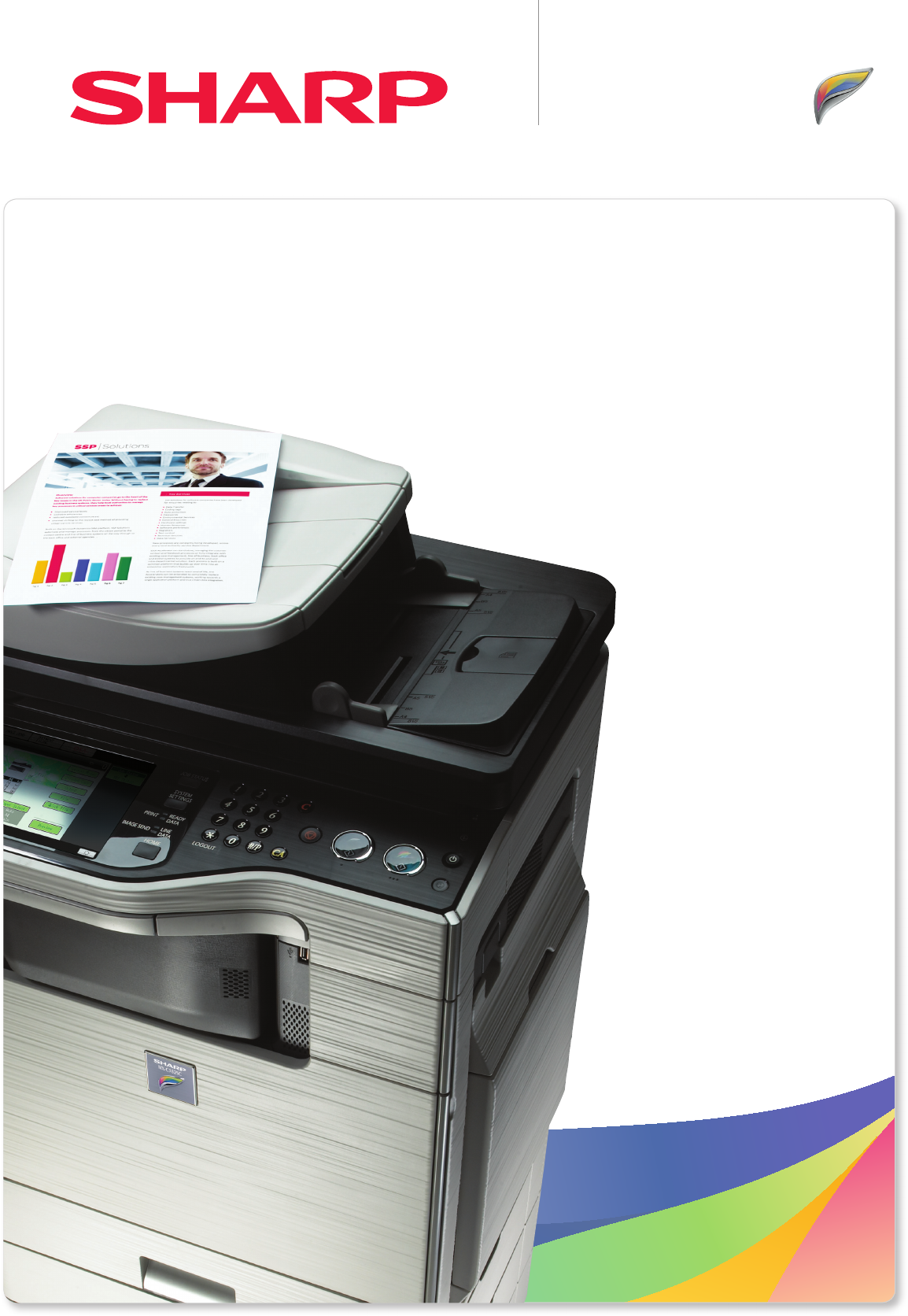
MX-C382SCDigital Full Colour Multifunctional SystemA Compact A4 MFP.With professional colour scanningprint l copy I scan I fax I fi le
OptionsNo two workgroups are exactly alike and everyone has different needs. Choose from these options to confi gure an MFP that’s perfect for your bus
print l copy I scan I fax I fi leFinishing 1. MX-FN12 Inner Finisher A4 - A5 (offset/staple)Paper capacity: 280 sheets (A4, 80 g/m2) Stapli
Specifi cationsMX-C382SCDigital Full Colour Multifunctional SystemDesign and specifi cations are subject to change without prior notice. All information
As a colour network scanner the MX-C382SC really is in a class of its own. It’s capable of handling up to 50 originals per minute (both single- and do
print l copy I scan I fax I fi leProduct highlightsIntegrated Rectractable Keyboard optionCompact desktop design 8.5” colour LCD Panel 100-shee
Sharp I MX-2310U I Full Colour MFPSharp I MX-C382SC I Full Colour A4 MFP
print l copy I scan I fax I fi lePurpose-built for busy workgroupsEverything about the MX-C382SC has been designed to help your team to manage
Impressive image qualityTo get the most out of scanning you need reliably superior image quality.And that’s another area where theMX-C382SC is a top p
print l copy I scan I fax I fi leA versatile performerWhether you choose the desktop version or the fl oor-standing confi guration, the MX-C382SC
The MX-C382SC will help you keep sensitive information safe, thanks to robust multi-layered security that works 24/7 to protect your data, documents a
print l copy I scan I fax I fi leThe MX-C382SC comes with a wide range of tools and utilities that make life easy for users and administrators
Další dokumenty pro Kopírky Sharp MX-C382SC

Související produkty a manuály pro Kopírky Sharp MX-C382SC
 (43 stránky)
(90 stránky)
(140 stránky)
(100 stránky)
(14 stránky)
(92 stránky)
(104 stránky)
(12 stránky)
(4 stránky)
(40 stránky)
(12 stránky)
(12 stránky)
(88 stránky)
(117 stránky)
(12 stránky)
(56 stránky)
(44 stránky)
(43 stránky)
(90 stránky)
(140 stránky)
(100 stránky)
(14 stránky)
(92 stránky)
(104 stránky)
(12 stránky)
(4 stránky)
(40 stránky)
(12 stránky)
(12 stránky)
(88 stránky)
(117 stránky)
(12 stránky)
(56 stránky)
(44 stránky)

 (47 stránky)
(160 stránky)
(79 stránky)
(47 stránky)
(160 stránky)
(79 stránky)
© 2020, manymanuals.cz. Všechna práva vyhrazena. | 0.016 s |
 Manymanuals.com
 Manymanuals.de
 Manymanuals.fr
 Manymanuals.it
 Manymanuals.pl
 Manymanuals.cz
 Manymanuals.es
 Manymanuals-pt.com
Komentáře k této Příručce